Meta Ads Conversion Campaign Guide (2026): Complete Beginner-to-Advanced Tutorial
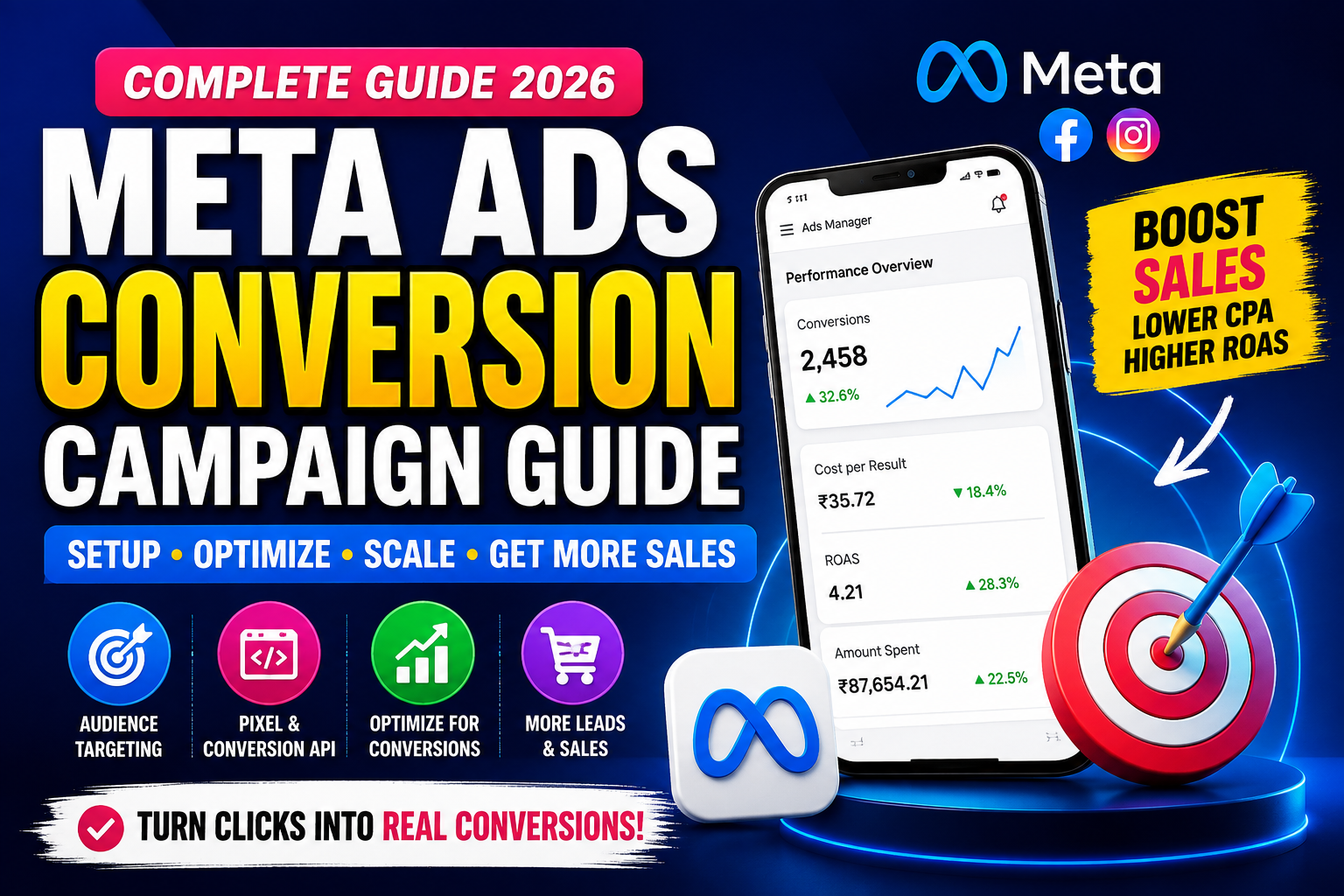
Meta Ads Conversion Campaign Guide (2026): Increase Sales with High-Converting Facebook & Instagram Ads
Imagine spending ₹50,000 on Meta Ads and getting hundreds of clicks—but only a handful of sales. The problem often isn't your ad creative or budget. It's choosing the wrong campaign objective or failing to optimize for conversions.
A Meta Ads Conversion Campaign is designed to help businesses achieve meaningful results, such as purchases, leads, registrations, bookings, or subscriptions. Instead of simply driving traffic, Meta's AI finds users who are most likely to complete your desired action.
Whether you're running an ecommerce store, promoting a service, generating leads, or growing a SaaS product, understanding Conversion Campaigns is essential in 2026.
In this guide, you'll learn how to create, optimize, and scale Meta Ads Conversion Campaigns from scratch.
What is a Meta Ads Conversion Campaign?
A Conversion Campaign is a Meta Ads campaign optimized to encourage users to complete a valuable action on your website or app.
Common conversion goals include:
- Product Purchase
- Lead Form Submission
- Newsletter Signup
- Appointment Booking
- Contact Form Submission
- Add to Cart
- Checkout
- App Install
- Subscription
Unlike Traffic campaigns, Conversion campaigns prioritize quality over quantity by showing ads to people most likely to convert.
Why Use Conversion Campaigns?
Conversion campaigns help businesses:
- Increase online sales
- Generate qualified leads
- Reduce Cost Per Acquisition (CPA)
- Improve Return on Ad Spend (ROAS)
- Build remarketing audiences
- Optimize using real customer behavior
- Scale profitable campaigns
How Meta Conversion Campaigns Work
The process is simple:
- User sees your Facebook or Instagram ad.
- User clicks the advertisement.
- User visits your website or landing page.
- Meta Pixel and Conversion API record the event.
- Meta learns from conversion data.
- AI delivers ads to users more likely to convert.
- Campaign performance improves over time.
Requirements Before Running a Conversion Campaign
Before creating your campaign, ensure you have:
- Meta Business Account
- Meta Ads Manager
- Verified Business (recommended)
- Website or Landing Page
- Meta Pixel installed
- Conversion API (recommended)
- Conversion events configured
- Privacy policy on your website
Step 1: Set Up Meta Pixel
Before optimizing for conversions, install Meta Pixel on your website.
Track events like:
- PageView
- ViewContent
- AddToCart
- InitiateCheckout
- Purchase
- Lead
- CompleteRegistration
- Contact
Without Pixel data, Meta cannot optimize effectively.
Step 2: Configure Conversion API (CAPI)
Browser tracking alone may miss events due to browser restrictions.
The Conversion API sends event data directly from your server to Meta, improving measurement accuracy and optimization.
Using both Meta Pixel and CAPI provides more reliable conversion tracking.
Step 3: Create Your Campaign
Open Meta Ads Manager.
Click Create.
Choose the Sales objective (for website purchases) or Leads (for lead generation), depending on your business goal.
Name your campaign clearly, for example:
- Sales – Running Shoes – India
- Lead Gen – Real Estate – Delhi
- Ecommerce – Remarketing – August 2026
Step 4: Choose the Conversion Location
Depending on your objective, select where conversions happen:
- Website
- Instant Forms
- Messenger
- Calls
- App
For ecommerce, choose Website.
Step 5: Select the Conversion Event
Choose the event that best matches your goal.
Examples:
- Purchase
- AddToCart
- Lead
- CompleteRegistration
- Contact
- Subscribe
Always optimize for the event that reflects your actual business objective.
Audience Targeting
Broad Audience
Let Meta AI discover high-converting users with minimal restrictions.
Best for:
- Ecommerce
- Established accounts
- Large budgets
Custom Audience
Retarget users who have already interacted with your business.
Examples:
- Website visitors
- Add-to-cart users
- Video viewers
- Instagram engagement
- Facebook page visitors
- Existing customers
Lookalike Audience
Reach new users similar to your best customers.
Recommended sources:
- Purchasers
- Leads
- Subscribers
- High-value customers
Budget Strategies
Daily Budget
Suitable for ongoing campaigns.
Example:
₹500/day
Lifetime Budget
Ideal for campaigns with fixed durations and promotional events.
Bidding Strategies
Choose based on your campaign goals:
- Highest Volume – Maximize conversions within your budget.
- Cost Per Result Goal – Maintain an average target CPA.
- ROAS Goal – Optimize for return on ad spend (available for eligible campaigns).
Placements
Use Advantage+ Placements for most campaigns, allowing Meta to automatically distribute ads across:
- Facebook Feed
- Instagram Feed
- Stories
- Reels
- Marketplace
- Search Results
- Audience Network
- Messenger
Manual placements are useful when you have specific creative or platform preferences.
Create High-Converting Ads
Your ads should include:
Strong Headline
Example:
"Get 30% Off Today"
Compelling Primary Text
Focus on:
- Customer pain points
- Benefits
- Social proof
- Limited-time offers
Clear CTA
Examples:
- Shop Now
- Learn More
- Sign Up
- Book Now
- Get Quote
- Contact Us
Visuals
Use:
- High-quality images
- Lifestyle photography
- Product demonstrations
- UGC (User-Generated Content)
- Short-form videos
- Reels
Landing Page Optimization
A conversion campaign is only as effective as the landing page it drives traffic to.
Ensure your landing page has:
- Fast loading speed
- Mobile responsiveness
- Clear headline
- Strong CTA
- Trust badges
- Customer reviews
- Simple forms
- Secure checkout
- Easy navigation
Scaling Winning Campaigns
Once your campaign delivers consistent results:
- Increase budget gradually (10–20% every few days).
- Duplicate campaigns to test new audiences.
- Test fresh creatives regularly.
- Expand to Lookalike Audiences.
- Monitor CPA and ROAS before scaling further.
Avoid making large budget changes all at once, as this can reset the learning phase.
Important Metrics to Track
Monitor:
- Impressions
- Reach
- Click-Through Rate (CTR)
- Cost Per Click (CPC)
- Cost Per Acquisition (CPA)
- Purchases
- Leads
- Return on Ad Spend (ROAS)
- Conversion Rate
- Frequency
These metrics help you identify what's working and where improvements are needed.
Common Mistakes
Avoid these common issues:
- Not installing Meta Pixel.
- Ignoring Conversion API.
- Optimizing for the wrong event.
- Targeting audiences that are too narrow.
- Making frequent edits during the learning phase.
- Using low-quality creatives.
- Sending traffic to a slow or confusing landing page.
- Not testing multiple ad variations.
- Scaling budgets too quickly.
Best Practices
- Install Meta Pixel and Conversion API together.
- Optimize for your primary business goal.
- Use high-quality creatives.
- Test multiple audiences and ad formats.
- Monitor performance weekly.
- Refresh creatives regularly to reduce ad fatigue.
- Use Advantage+ Placements unless you have a strong reason not to.
- Keep landing pages optimized for speed and conversions.
Meta Ads Conversion Campaign Checklist
✅ Install Meta Pixel
✅ Configure Conversion API
✅ Verify conversion events
✅ Select the correct campaign objective
✅ Choose the right conversion event
✅ Set an appropriate budget
✅ Create compelling creatives
✅ Optimize your landing page
✅ Monitor key performance metrics
✅ Scale successful campaigns gradually
Frequently Asked Questions
What is the best objective for generating sales?
The Sales objective is recommended for ecommerce and website purchases.
Do I need Meta Pixel?
Yes. Meta Pixel is essential for tracking website events and optimizing conversion campaigns.
Should I use Conversion API?
Yes. Pairing Conversion API with Meta Pixel provides more reliable event tracking and better optimization.
How much budget should I start with?
A daily budget of ₹500–₹1,000 is a reasonable starting point for many small businesses, but the ideal amount depends on your industry, audience size, competition, and conversion value.
How long does the learning phase take?
Most campaigns require around 50 optimization events to exit the learning phase, though this varies by campaign.
Final Thoughts
A Meta Ads Conversion Campaign is one of the most effective ways to turn advertising spend into measurable business results. By combining strong creatives, accurate tracking with Meta Pixel and Conversion API, optimized landing pages, and thoughtful audience targeting, you can improve conversions while maximizing your return on ad spend.
Success doesn't come from launching a single campaign—it comes from continuous testing, learning, and optimization. Focus on data-driven decisions, iterate regularly, and scale only when campaigns show consistent performance.