Campaign Creation, Creatives, Meta Pixel, Conversion API, Advantage+ & Dynamic Product Ads 2026: Complete Ecommerce Meta Ads Guide
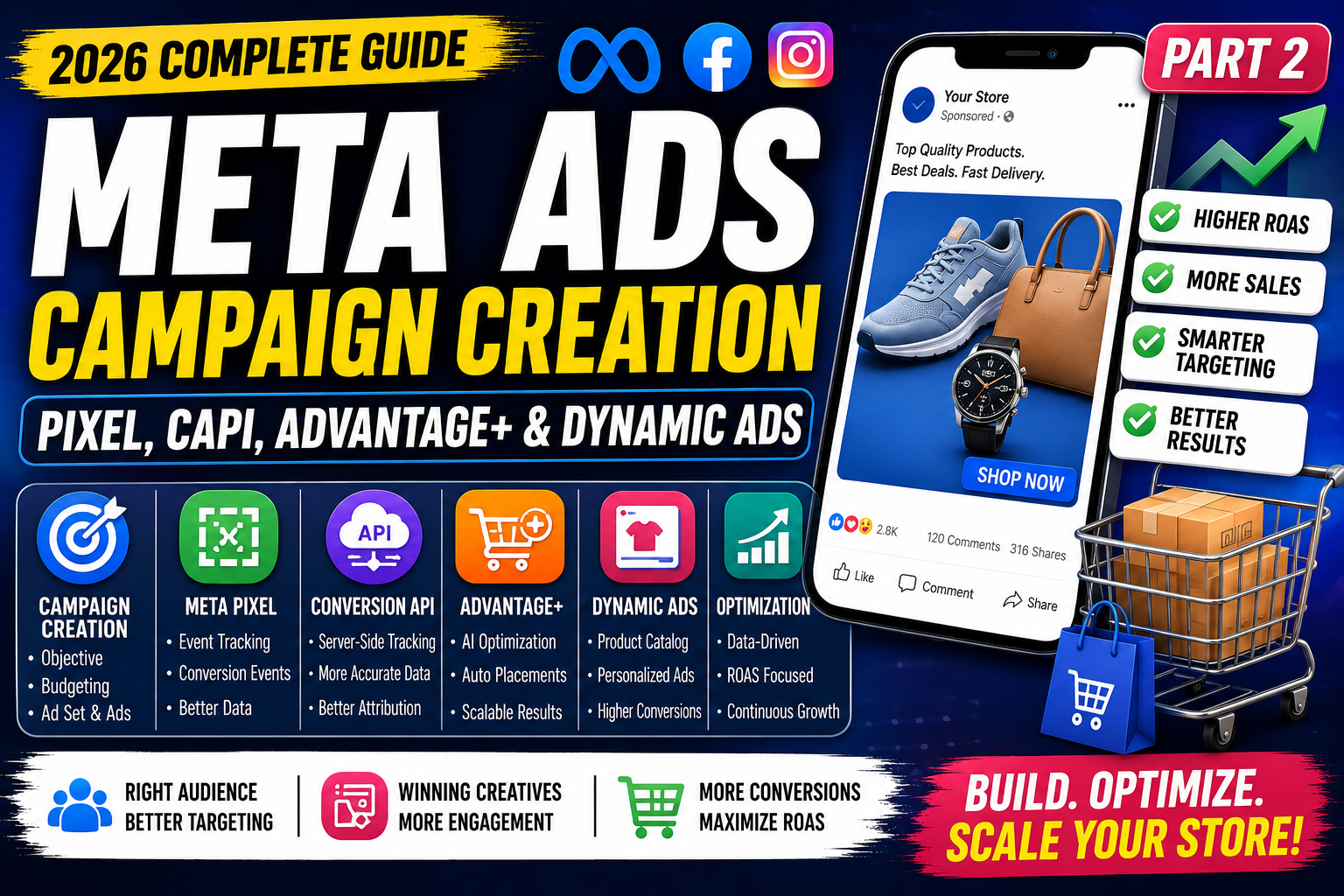
Creating a Meta Ads campaign isn't just about selecting a campaign objective and clicking Publish. Successful ecommerce campaigns are built on accurate tracking, compelling creatives, AI-powered optimization, and a structured strategy.
In 2026, Meta's advertising ecosystem has become more intelligent than ever. Features like Advantage+ Shopping Campaigns, Meta Pixel, Conversion API (CAPI), and Dynamic Product Ads help businesses automate campaign delivery while improving conversions and Return on Ad Spend (ROAS).
In this guide, you'll learn how to build high-performing Meta Ads campaigns from the ground up.
Step 1: Create Your Meta Ads Campaign
Log in to Meta Ads Manager and click Create.
Choose your campaign objective.
For ecommerce businesses, the Sales objective is generally the most suitable because Meta optimizes delivery toward users who are more likely to complete a purchase.
Campaign Structure
Every Meta Ads campaign follows three levels:
Campaign
   ↓
Ad Set
   ↓
Ad
Campaign
Configure:
- Campaign objective
- Buying type
- Campaign budget optimization (CBO)
Ad Set
Configure:
- Audience
- Placements
- Budget (if using ABO)
- Optimization event
- Schedule
Ad
Create:
- Image or video
- Headline
- Primary text
- Description
- CTA button
- Website URL
Step 2: Budget Setup
Two budgeting methods are available.
Campaign Budget Optimization (CBO)
Meta distributes your budget automatically across ad sets based on performance.
Best for:
- Scaling campaigns
- Multiple audiences
- AI optimization
Ad Set Budget Optimization (ABO)
Each ad set has an individual budget.
Best for:
- Audience testing
- Creative testing
- New campaigns
Step 3: Install Meta Pixel
Meta Pixel is a JavaScript tracking code installed on your website.
It records user behavior and sends browser-based event data back to Meta.
Meta Pixel helps you understand:
- Page views
- Product views
- Add-to-cart actions
- Checkout starts
- Purchases
- Leads
- Form submissions
Without Meta Pixel, campaign optimization is limited because Meta has less information about what users do after clicking your ads.
Standard Meta Pixel Events
Configure relevant events for your ecommerce store:
| Event | Purpose |
|---|---|
| PageView | Track page visits |
| ViewContent | Product page views |
| Search | Site searches |
| AddToCart | Shopping cart additions |
| InitiateCheckout | Checkout starts |
| AddPaymentInfo | Payment details added |
| Purchase | Completed orders |
| Lead | Lead form submissions |
| CompleteRegistration | Account creation |
Tracking these events helps Meta optimize campaigns more effectively.
Step 4: Conversion API (CAPI)
While Meta Pixel relies on browser activity, the Conversion API sends event data directly from your server to Meta.
This can improve measurement reliability, particularly in situations where browser tracking is limited.
Benefits include:
- More complete conversion reporting
- Improved optimization signals
- Better attribution
- Reduced reliance on browser-only tracking
For many ecommerce businesses, using Meta Pixel and CAPI together provides the strongest tracking foundation.
Meta Pixel vs Conversion API
| Meta Pixel | Conversion API |
|---|---|
| Browser-based | Server-based |
| Easier to implement | Requires additional setup |
| Tracks client-side events | Sends server-side events |
| Useful for website behavior | Enhances measurement reliability |
Using both together is considered a best practice for many online stores.
Step 5: Advantage+ Shopping Campaigns
Advantage+ Shopping Campaigns automate many aspects of campaign management using Meta's AI.
The system can optimize:
- Audience selection
- Placements
- Budget allocation
- Creative delivery
This reduces manual work while helping campaigns adapt to user behavior.
Benefits
- Faster setup
- AI-driven optimization
- Scalable delivery
- Simplified management
Step 6: Product Catalog Setup
Your product catalog powers shopping-focused ad formats.
Include:
- Product title
- Description
- Price
- Availability
- Product images
- Product ID
- Product URL
- Brand
- Category
An accurate, regularly updated catalog helps ensure ads display correct information.
Step 7: Dynamic Product Ads
Dynamic Product Ads automatically display relevant products based on user behavior.
Examples include:
- Products recently viewed
- Abandoned cart items
- Related products
- Best sellers
- New arrivals
This personalization helps keep your products relevant to each shopper.
Audience Strategy
Meta provides several audience options.
Core Audiences
Target by:
- Age
- Gender
- Location
- Language
- Interests
- Behaviors
Custom Audiences
Retarget users who have already interacted with your business, such as:
- Website visitors
- Instagram engagers
- Facebook page visitors
- Existing customers
- Video viewers
Lookalike Audiences
Expand your reach by finding people who share characteristics with your existing customers or high-value audiences.
Creative Strategy
Strong creatives often determine whether users stop scrolling.
Recommended formats:
Image Ads
- High-resolution product photos
- Lifestyle imagery
- Clean backgrounds
Video Ads
Use videos to demonstrate:
- Product features
- Unboxing
- Tutorials
- Customer testimonials
Aim to capture attention within the first few seconds.
Carousel Ads
Ideal for:
- Product collections
- Multiple product angles
- Step-by-step storytelling
Collection Ads
Great for showcasing multiple products in a mobile-friendly shopping experience.
Reels Ads
Vertical videos with fast pacing, captions, and authentic content often perform well for ecommerce.
Writing High-Converting Ad Copy
A simple framework:
Hook
Capture attention.
Example:
Looking for comfortable running shoes that last?
Value
Explain the benefit.
Lightweight design with breathable materials for all-day comfort.
Proof
Build trust.
- ⭐ 4.8/5 rating
- 15,000+ happy customers
- Best-selling product
CTA
End with a clear action.
Examples:
- Shop Now
- Order Today
- Explore Collection
- Buy Before It's Gone
Campaign Optimization
After launching, monitor key performance metrics:
| Metric | Why It Matters |
|---|---|
| CTR | Indicates ad relevance |
| CPC | Measures click cost |
| CPM | Cost per thousand impressions |
| CPA | Cost to acquire a customer |
| ROAS | Revenue generated from ad spend |
| Purchase Conversion Rate | Measures sales efficiency |
| Add-to-Cart Rate | Indicates purchase intent |
Optimization ideas:
- Test new creatives regularly.
- Refine audience targeting.
- Update product feeds.
- Improve landing page speed.
- Experiment with different CTAs.
- Pause consistently underperforming ads after sufficient data is available.
Scaling Winning Campaigns
When campaigns are performing consistently:
- Increase budgets gradually.
- Duplicate successful campaigns to test new audiences.
- Expand into additional placements.
- Introduce fresh creatives to reduce ad fatigue.
- Build remarketing campaigns for returning visitors.
Scale based on data rather than making large budget changes overnight.
Common Mistakes
Avoid these pitfalls:
- Launching campaigns without Meta Pixel.
- Not implementing Conversion API.
- Using outdated product catalogs.
- Sending traffic to slow websites.
- Ignoring mobile optimization.
- Targeting audiences that are too broad.
- Failing to test creatives.
- Making major changes before enough data is collected.
Best Practices
- Install Meta Pixel and CAPI before advertising.
- Keep product catalogs updated.
- Use Advantage+ Shopping Campaigns when appropriate.
- Test multiple creatives.
- Segment audiences by funnel stage.
- Monitor ROAS and CPA regularly.
- Refresh creatives periodically.
- Optimize landing pages for speed and user experience.
Frequently Asked Questions
What is the difference between Meta Pixel and Conversion API?
Meta Pixel tracks browser-based user actions, while Conversion API sends server-side event data. Together, they provide more comprehensive measurement and optimization.
Are Advantage+ Shopping Campaigns suitable for new stores?
They can be useful, but stores with more conversion data may see stronger results because Meta's AI has more signals to learn from.
Do Dynamic Product Ads require a product catalog?
Yes. Dynamic Product Ads rely on an up-to-date product catalog to automatically display relevant products.
How often should I optimize my campaigns?
Review campaigns regularly, but avoid making frequent changes before enough performance data has accumulated.
Final Thoughts
Building profitable Meta Ads campaigns requires more than selecting an objective and launching ads. Accurate tracking with Meta Pixel and Conversion API, a well-maintained product catalog, effective creatives, audience segmentation, and ongoing optimization all contribute to long-term success.
By combining these tools with data-driven decision-making and continuous testing, ecommerce businesses can improve campaign performance, increase ROAS, and create a sustainable advertising strategy that grows alongside their online store.