How I Build a Fast Landing Page From Scratch (Step-by-Step Process)
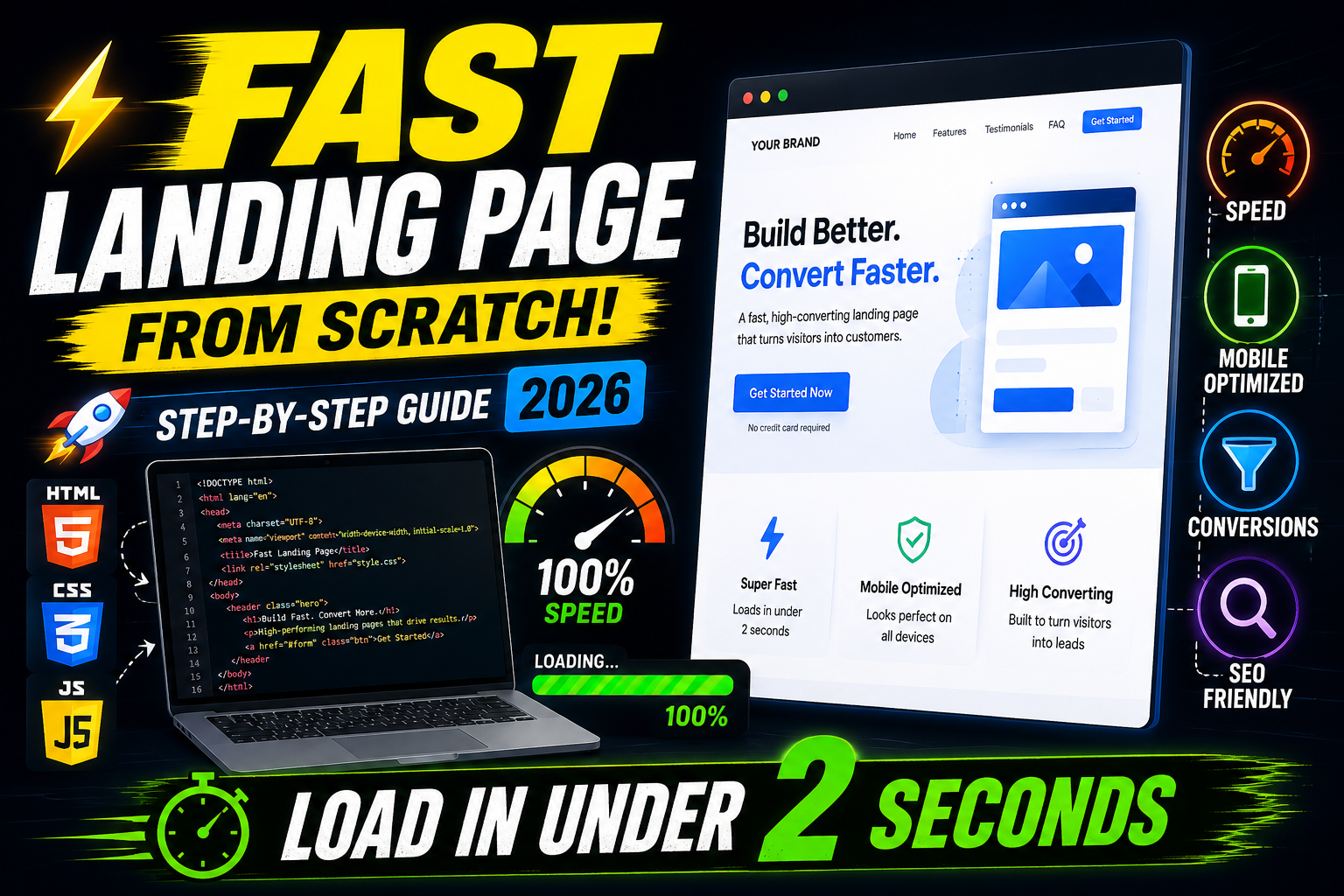
A landing page is often the very first impression your business makes on a potential customer. If it loads slowly or looks unconvincing, visitors bounce before they even see your offer — and no amount of ad spend can fix that.
In this guide, I'm breaking down the exact process I use to build a fast, conversion-focused landing page from scratch — the same workflow I follow for client projects at GreenRootz Media. Whether you're a freelancer, a small business owner, or a fellow developer, this walkthrough will help you build pages that load in under 2 seconds and actually convert visitors into leads.
Why Landing Page Speed Matters More Than Ever
Before jumping into the build process, it's worth understanding why speed is non-negotiable in 2026.
- Google's Core Web Vitals directly affect rankings. Slow pages get pushed down in search results, no matter how good your content is.
- Every second of delay costs conversions. Studies have consistently shown that a 1-second delay in load time can reduce conversions significantly, especially on mobile.
- Paid traffic is expensive. If you're running Google Ads or Meta Ads to a landing page, a slow page directly increases your cost per lead by tanking your Quality Score and Ad Relevance.
Speed isn't a "nice-to-have" anymore — it's the foundation everything else is built on.
Step 1: Plan Before You Touch Any Code
The biggest speed mistake happens before a single line of code is written. Most people jump straight into design tools or page builders without a clear structure, which leads to bloated pages full of unnecessary sections, images, and scripts.
Before building, I always define:
- One clear goal — form submission, call, or purchase (never multiple competing goals)
- The offer and headline — what am I promising, and why should someone care in 3 seconds?
- The essential sections only — hero, benefits, social proof, CTA, FAQ. Nothing extra.
- Mobile-first layout — since most Indian traffic is mobile, I design for mobile first, then scale up to desktop.
A tightly planned page is naturally a faster page — fewer sections mean fewer assets to load.
Step 2: Choose a Lightweight Tech Stack
Your foundation determines your speed ceiling. Here's what I typically use depending on the project:
- Pure HTML, CSS, and vanilla JavaScript for single-file, ultra-fast affiliate or promo landing pages — no framework overhead at all.
- Static site generators when a project needs multiple pages but still demands top-tier performance.
- Lightweight page builders only when a client specifically needs easy self-editing, and even then, I strip out unused blocks and unnecessary plugins.
The rule I follow: never install a heavy framework or plugin-stack to solve a problem that plain HTML/CSS/JS can solve just as well.
Step 3: Optimize Every Image Before Upload
Images are usually the single biggest cause of a slow landing page. My workflow:
- Compress every image using tools like TinyPNG or Squoosh before uploading.
- Use modern formats like WebP or AVIF instead of PNG/JPEG wherever supported.
- Set explicit width and height attributes on every image tag to prevent layout shift (a key Core Web Vitals metric).
- Lazy-load below-the-fold images using the native
loading="lazy"attribute so they don't block the initial page render. - Avoid large hero background images when a solid color, gradient, or lightweight SVG can do the job instead.
Step 4: Write Clean, Minimal Code
A fast landing page isn't just about images — the code itself needs to be lean:
- Inline critical CSS for above-the-fold content so the browser doesn't wait on an external stylesheet to render the first view.
- Defer non-critical JavaScript using the
deferorasyncattributes so scripts don't block page rendering. - Avoid unnecessary libraries — if a small vanilla JS snippet can replace a 200KB library, I write the snippet.
- Minify CSS, JS, and HTML before deployment to strip whitespace and comments.
- Limit third-party scripts (chat widgets, extra tracking pixels, font embeds) to only what's absolutely necessary — each one adds a network request and slows things down.
Step 5: Optimize Fonts the Right Way
Custom fonts look great but are a common hidden speed killer. My approach:
- Stick to 1–2 font families maximum.
- Use
font-display: swapso text remains visible while the font loads, instead of showing blank space. - Self-host fonts when possible instead of relying on external font CDNs, to cut down DNS lookup time.
- Only load the specific font weights you're actually using, not the entire family.
Step 6: Structure for On-Page SEO From the Start
Speed gets you ranked, but structure gets you understood. While building, I always bake in:
- A single, clear H1 with the primary keyword
- Logical H2/H3 subheadings that mirror how users actually search
- Descriptive alt text on every image (helps both SEO and accessibility)
- Schema markup (Organization, Product, or FAQ schema) where relevant, to unlock rich snippets
- A clean, keyword-relevant URL slug and meta description
- Internal links to related pages or blog posts to strengthen site architecture
Step 7: Test Speed Before Going Live
I never publish a landing page without testing it first through:
- Google PageSpeed Insights — for both mobile and desktop Core Web Vitals scores
- GTmetrix — for a detailed waterfall breakdown of what's loading slow
- Chrome DevTools (Lighthouse tab) — for a quick local audit during development
If any metric — especially Largest Contentful Paint (LCP) or Cumulative Layout Shift (CLS) — falls short, I go back and fix it before launch, not after.
Step 8: Deploy on Fast, Reliable Hosting
Even a perfectly optimized page will feel slow on poor hosting. I make sure to:
- Use a host or platform with a CDN (Content Delivery Network) so assets load from a server closer to the visitor
- Enable GZIP or Brotli compression at the server level
- Set proper browser caching headers so repeat visitors load the page instantly
Final Thoughts
Building a fast landing page from scratch isn't about one single trick — it's a combination of smart planning, lightweight code, optimized assets, and disciplined testing. Every choice you make, from the tech stack to the image format, either adds to your load time or protects it.
If you follow this process step by step, you'll end up with a landing page that not only ranks well on Google but actually converts the traffic you work so hard to bring in.
By - Jai Jain | Decode With Jai