How I Built a Website With Everything Inside One HTML File: The Complete SEO Guide for Developers and Creators
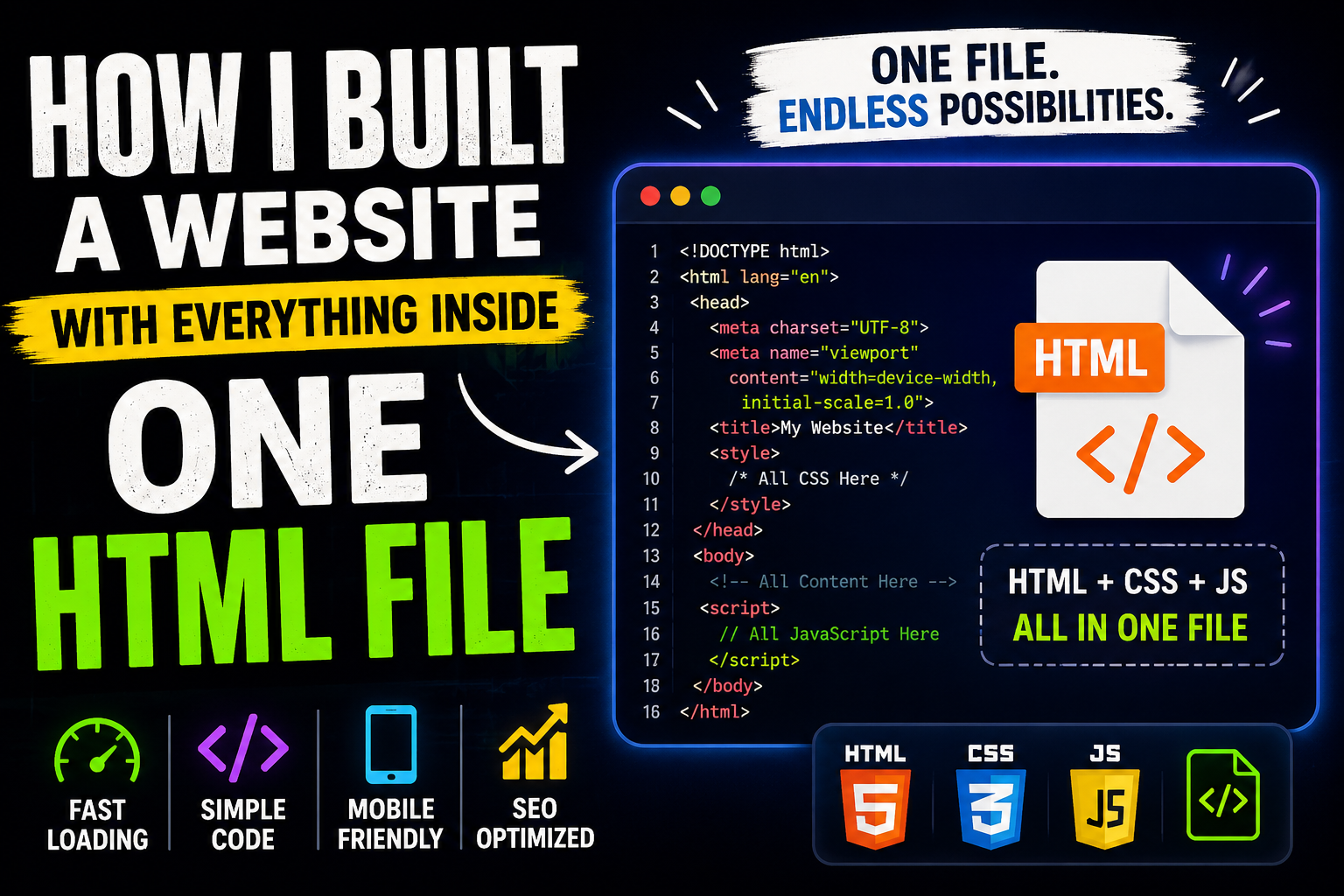
Can you build an entire website using only one HTML file?
My answer is yes.
In an era dominated by React, Next.js, WordPress, and hundreds of website builders, I decided to take a different approach. Instead of creating multiple pages, installing dozens of plugins, and managing complex project structures, I built an entire website inside a single HTML file.
At first, it sounded impossible.
How could one file contain the design, styling, functionality, animations, SEO elements, and interactive components required by a modern website?
The answer was surprisingly simple.
By embedding HTML, CSS, and JavaScript into one document, I created a lightweight, portable, and incredibly fast website that required no external dependencies.
In this article, I'll explain exactly how I built it, why I chose this approach, the advantages and disadvantages, and the SEO techniques that helped me optimize a single-page website for search engines.
What Is a Single-File HTML Website?
A single-file website stores everything inside one document:
HTML for the structure
CSS for styling
JavaScript for functionality
Meta tags for SEO
Structured data for search engines
Instead of using separate files such as:
index.html
style.css
script.js
Everything is combined into:
index.html
This approach reduces project complexity and creates a self-contained website that can be uploaded anywhere and run immediately without additional configuration. Similar concepts are commonly used in one-page websites and lightweight web applications.
Why I Chose a Single HTML File
I had several goals:
1. Faster Development
Managing multiple files slows down rapid prototyping.
With one file, I could:
Write code faster.
Test features instantly.
Deploy updates quickly.
2. Better Portability
I wanted a website that could be:
Shared easily.
Stored as a backup.
Uploaded to any hosting platform.
Because everything existed inside one file, migrating the website became extremely simple.
3. Faster Loading Speed
Page speed affects:
User experience.
Bounce rates.
Search engine rankings.
By minimizing unnecessary dependencies, I reduced the number of HTTP requests required to load the website.
4. Complete Control
Website builders often generate excessive code.
Building the site manually gave me complete control over:
Layout.
Design.
SEO.
Performance.
Accessibility.
Clean HTML remains one of the strongest technical foundations for SEO.
The Structure of My Single-File Website
My website followed this structure:
<!DOCTYPE html>

<html>

<head>

    <meta charset="UTF-8">

    <meta name="viewport"
          content="width=device-width, initial-scale=1.0">

    <title>Website Title</title>

    <style>

        /* CSS */

    </style>

</head>

<body>

    <!-- Website Content -->

    <script>

        /* JavaScript */

    </script>

</body>

</html>
Everything lived inside one document.
How I Added CSS
Instead of creating a separate stylesheet, I used an internal <style> section.
<style>

body{
    font-family:Arial;
}

.hero{
    padding:60px;
}

.button{
    padding:15px 30px;
}

</style>
This allowed me to:
Customize layouts.
Build responsive designs.
Add animations.
Create mobile-friendly interfaces.
How I Added JavaScript
Interactive elements were created using an internal <script> tag.
<script>

function showPopup(){

    alert("Welcome!");

}

</script>
I used JavaScript for:
Pop-ups.
Form validation.
Image sliders.
Interactive buttons.
Dynamic content.
How I Organized Multiple Sections
Since everything existed on one page, I divided the website into sections.
<header>

</header>

<section id="home">

</section>

<section id="about">

</section>

<section id="services">

</section>

<section id="contact">

</section>
I connected them using anchor links.
<a href="#about">About</a>

<a href="#services">Services</a>
Anchor-based navigation is one of the most common techniques used in single-page websites.
My SEO Strategy for Ranking a Single HTML Website
Many developers believe single-page websites cannot rank on Google.
That's a myth.
A one-page website can rank successfully when it focuses on one topic, one audience, and one search intent.
Here are the SEO strategies I followed.
1. I Focused on One Primary Keyword
Instead of targeting dozens of unrelated keywords, I chose one main keyword.
For example:
Primary keyword:
"Single HTML website"
Related keywords:
One-page website
Single-file website
HTML-only website
Single-page web development
SEO experts recommend concentrating on a small keyword cluster rather than trying to rank one page for multiple unrelated topics.
2. I Used Proper Heading Tags
My page structure looked like this:
<h1>How I Built a Website With Everything Inside One HTML File</h1>

<h2>Why I Chose This Method</h2>

<h2>My SEO Strategy</h2>

<h3>Speed Optimization</h3>
This made it easier for Google to understand the content hierarchy.
3. I Optimized the Meta Tags
I added:
<meta name="description"
content="Learn how to build a complete website inside one HTML file. Discover the coding
process, SEO strategies, and performance optimization techniques.">

<meta name="keywords"
content="single HTML file website, one-page website, HTML website tutorial">

<meta name="robots"
content="index,follow">
Meta tags remain one of the most important optimization signals for search engines.
4. I Prioritized Mobile Performance
Most website traffic now comes from mobile devices.
I optimized:
Images.
Buttons.
Typography.
Navigation.
I also added:
<meta name="viewport"
content="width=device-width,initial-scale=1.0">
5. I Used Semantic HTML
Instead of using excessive <div> elements, I used:
<header>

<nav>

<main>

<section>

<article>

<footer>
Semantic HTML helps search engines understand the meaning of your content more accurately.
6. I Reduced External Dependencies
I avoided:
Heavy frameworks.
Unnecessary plugins.
Large libraries.
Fewer dependencies resulted in:
Faster loading.
Better Core Web Vitals.
Improved user experience.
The Biggest Advantages of a Single HTML Website
Extremely Fast
Everything loads from one document.
Easy Deployment
Upload one file.
Your website is live.
Simple Maintenance
There are no external files to manage.
Better Control
Every line of code is under your control.
The Biggest Challenges
Limited Keyword Targeting
One-page websites usually rank for a smaller keyword set than traditional websites.
Large File Size
Adding too many images and scripts can make a single file difficult to manage.
Scalability Issues
As the website grows, maintaining one document becomes challenging.
Who Should Build a Single HTML Website?
This approach is ideal for:
Portfolios.
Landing pages.
Personal websites.
Product showcases.
Online tools.
Browser games.
Interactive demos.
It's less suitable for:
E-commerce stores.
News portals.
Large blogs.
Final Thoughts
Building an entire website inside one HTML file taught me an important lesson:
Complexity isn't always necessary.
Modern frameworks are powerful, but sometimes a lightweight, carefully optimized HTML document can deliver an equally impressive experience.
If your goal is speed, simplicity, portability, and complete control, a single-file HTML website might be exactly what you need.
The web doesn't always need more frameworks.
Sometimes, one file is enough.