Ecommerce Meta Ads Guide (2026): The Complete Guide to Boost Sales & Maximize ROAS
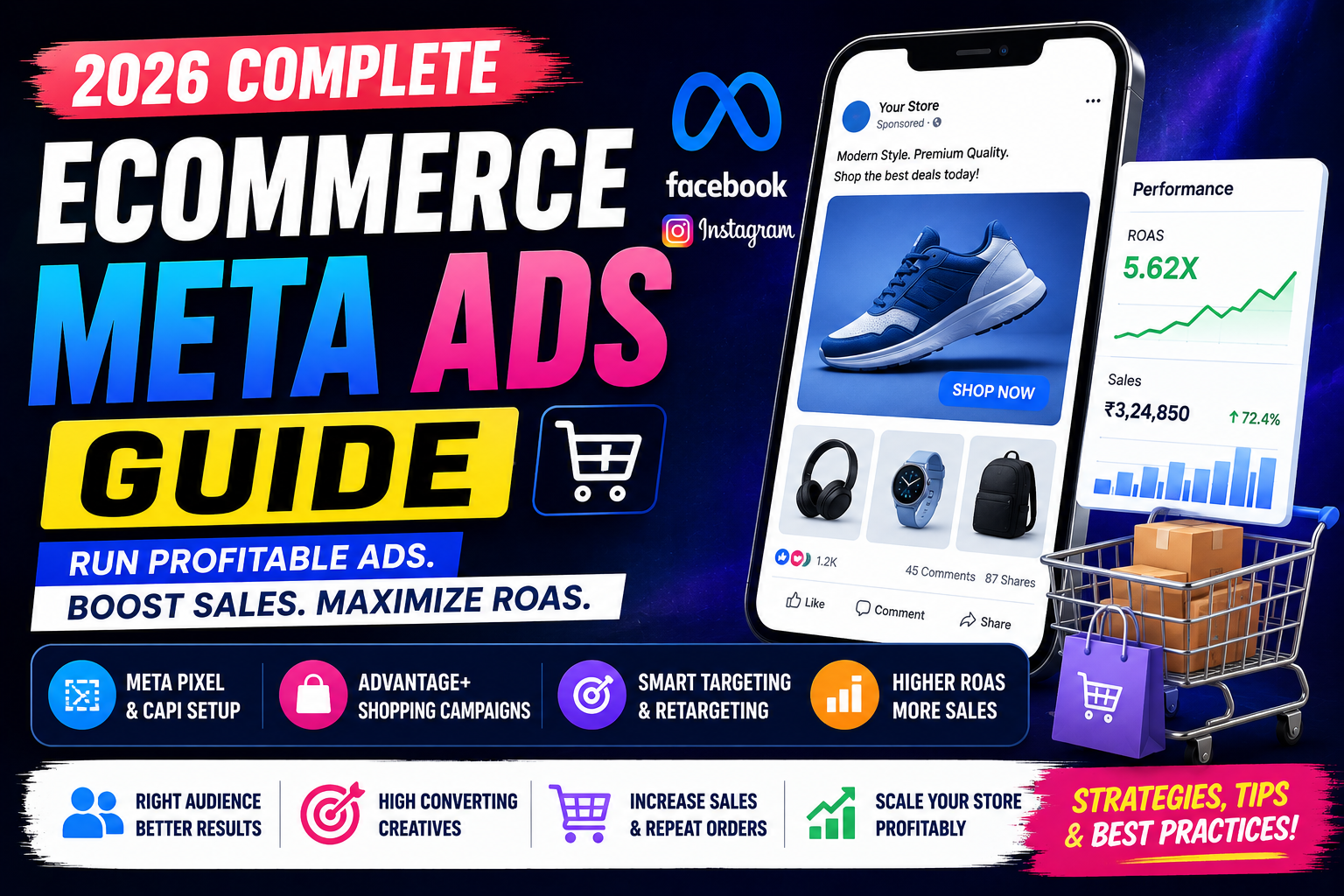
Ecommerce Meta Ads Guide (2026): Everything You Need to Know
Running an online store is easier than ever—but standing out in a crowded market is the real challenge. With thousands of businesses competing for attention on Facebook and Instagram, simply posting products isn't enough. You need a strategy that consistently reaches the right audience and turns them into paying customers.
That's where Ecommerce Meta Ads come in.
Meta's advertising platform gives businesses access to billions of users across Facebook, Instagram, Messenger, and Audience Network. With advanced targeting, AI-powered optimization, and shopping-focused campaign types, it has become one of the most powerful tools for ecommerce growth.
Whether you're launching a new store or scaling an established brand, this guide will teach you how to build profitable Meta Ads campaigns in 2026.
Table of Contents
- What Are Ecommerce Meta Ads?
- Why Meta Ads Matter for Ecommerce
- How Meta Ads Work
- Benefits of Ecommerce Meta Ads
- Requirements Before You Start
- Understanding the Meta Ads Funnel
- Choosing the Right Campaign Objective
- Meta Pixel & Conversion API
- Advantage+ Shopping Campaigns
- Dynamic Product Ads
- Product Catalog Setup
- Audience Targeting Strategies
- Retargeting Campaigns
- Creating High-Converting Creatives
- Writing Winning Ad Copy
- Budgeting & Bidding
- Measuring Performance
- Common Mistakes
- Best Practices
- Frequently Asked Questions
- Final Thoughts
What Are Ecommerce Meta Ads?
Ecommerce Meta Ads are paid advertisements displayed across Facebook, Instagram, Messenger, and Audience Network to promote products and drive online sales.
These ads help businesses:
- Increase product visibility
- Generate website traffic
- Drive purchases
- Recover abandoned carts
- Build brand awareness
- Retarget previous visitors
- Increase customer lifetime value (CLV)
Why Meta Ads Matter for Ecommerce
Meta Ads provide access to one of the world's largest digital audiences while offering detailed targeting and AI-driven optimization.
Businesses use Meta Ads to:
- Launch new products
- Scale online stores
- Generate repeat purchases
- Promote seasonal offers
- Increase average order value (AOV)
- Build customer loyalty
How Meta Ads Work
- A user sees your ad on Facebook or Instagram.
- They click the advertisement.
- They visit your product page or shop.
- Meta Pixel tracks their actions.
- AI learns from user behavior.
- Ads are optimized for future conversions.
- Successful campaigns generate more sales over time.
Benefits of Ecommerce Meta Ads
- Massive audience reach
- AI-powered optimization
- Highly detailed audience targeting
- Dynamic product recommendations
- Cross-device tracking
- Lower acquisition costs
- Better remarketing opportunities
- Improved ROAS
- Automated campaign optimization
Requirements Before Running Ecommerce Meta Ads
Before launching campaigns, ensure you have:
- A Meta Business Portfolio
- Meta Ads Manager access
- Verified business account
- Meta Pixel installed
- Conversion API (recommended)
- Product catalog
- High-quality product images
- Optimized ecommerce website
- Secure checkout process
Understanding the Ecommerce Sales Funnel
Top of Funnel (TOFU)
Objective: Awareness
Campaigns include:
- Video Ads
- Image Ads
- Carousel Ads
- Reels Ads
Focus on introducing your brand.
Middle of Funnel (MOFU)
Objective: Consideration
Target:
- Website visitors
- Video viewers
- Social media engagers
Use:
- Product benefits
- Customer reviews
- Tutorials
- Comparison videos
Bottom of Funnel (BOFU)
Objective: Purchase
Target:
- Add-to-cart users
- Checkout abandoners
- Returning visitors
Use:
- Limited-time offers
- Discounts
- Free shipping
- Social proof
Choosing the Right Campaign Objective
For ecommerce, the most common objectives include:
- Sales
- Traffic
- Engagement
- Leads (for high-ticket products)
- App Promotion (if applicable)
For most online stores, the Sales objective is the preferred choice because it optimizes for purchases.
Meta Pixel & Conversion API
Meta Pixel tracks browser-based events such as:
- PageView
- ViewContent
- AddToCart
- InitiateCheckout
- Purchase
The Conversion API (CAPI) complements Pixel by sending server-side events, improving measurement reliability and helping maintain accurate conversion tracking.
Using Pixel and CAPI together provides a stronger foundation for campaign optimization.
Advantage+ Shopping Campaigns
Advantage+ Shopping Campaigns use Meta's AI to automate audience selection, placements, and optimization.
Benefits include:
- Automated optimization
- Broader audience discovery
- Simplified campaign management
- Improved scalability
- Efficient budget allocation
These campaigns are particularly useful for stores with sufficient conversion data.
Dynamic Product Ads
Dynamic Product Ads automatically show relevant products from your catalog to users based on their browsing behavior.
Examples:
- Recently viewed products
- Abandoned cart items
- Similar products
- Cross-sell recommendations
- Upsell opportunities
This personalization often improves conversion rates.
Product Catalog Setup
Your product catalog should include:
- Product titles
- High-resolution images
- Prices
- Availability
- Product descriptions
- Product URLs
- Brand information
Keep catalog data accurate and up to date to avoid mismatches between ads and landing pages.
Audience Targeting Strategies
Effective targeting options include:
Core Audiences
Target users based on:
- Location
- Age
- Gender
- Interests
- Behaviors
Custom Audiences
Retarget:
- Website visitors
- Email subscribers
- App users
- Video viewers
- Instagram engagers
- Facebook page visitors
Lookalike Audiences
Reach new people who share characteristics with your existing customers or high-value audiences.
Retargeting Campaigns
Retarget users who:
- Viewed products
- Added products to cart
- Started checkout
- Purchased previously
- Visited category pages
Tailor your messaging to the user's stage in the buying journey.
Creating High-Converting Creatives
Effective ecommerce creatives should include:
- High-quality product images
- Lifestyle photography
- Short-form videos
- User-generated content (UGC)
- Clear product demonstrations
- Before-and-after visuals (where appropriate)
- Strong calls to action
Writing Winning Ad Copy
Good ecommerce copy should:
- Highlight the product's main benefit.
- Address customer pain points.
- Include social proof where possible.
- Create urgency with genuine offers.
-
End with a clear CTA such as:
- Shop Now
- Buy Today
- Explore Collection
- Claim Offer
Budgeting & Bidding
Start with a budget you're comfortable testing.
Monitor:
- Cost Per Click (CPC)
- Cost Per Purchase (CPP)
- Cost Per Acquisition (CPA)
- Return on Ad Spend (ROAS)
Increase budgets gradually when campaigns show consistent performance.
Measuring Performance
Track these key metrics:
| Metric | Why It Matters |
|---|---|
| ROAS | Measures revenue generated from ad spend |
| CPA | Cost to acquire a customer |
| CTR | Indicates ad relevance |
| CPC | Measures traffic cost |
| Purchase Conversion Rate | Percentage of visitors who buy |
| Add-to-Cart Rate | Interest in products |
| Checkout Completion Rate | Funnel efficiency |
| Average Order Value (AOV) | Revenue per order |
Common Ecommerce Meta Ads Mistakes
Avoid these common issues:
- Running campaigns without Meta Pixel.
- Ignoring Conversion API.
- Using low-quality product images.
- Sending users to slow landing pages.
- Not testing multiple creatives.
- Targeting audiences that are too broad or too narrow.
- Failing to retarget cart abandoners.
- Scaling budgets too quickly.
- Ignoring performance data.
Best Practices
- Install Meta Pixel and Conversion API before launching.
- Keep your product catalog updated.
- Use Advantage+ Shopping Campaigns where appropriate.
- Test multiple creatives and ad formats.
- Segment audiences by funnel stage.
- Use Dynamic Product Ads for retargeting.
- Refresh creatives regularly to reduce ad fatigue.
- Review performance weekly and optimize based on data.
Ecommerce Meta Ads Checklist
✅ Set up Meta Business Portfolio
✅ Install Meta Pixel
✅ Configure Conversion API
✅ Upload your product catalog
✅ Create audience segments
✅ Build high-quality creatives
✅ Launch Sales campaigns
✅ Monitor ROAS and CPA
✅ Retarget abandoned carts
✅ Optimize and scale winning campaigns
Frequently Asked Questions
Are Meta Ads good for ecommerce?
Yes. Meta Ads are widely used by ecommerce businesses because they offer advanced targeting, AI-powered optimization, and access to a large audience across Facebook and Instagram.
What is a good ROAS for Meta Ads?
A suitable ROAS depends on your industry, profit margins, and business goals. Evaluate ROAS alongside customer acquisition costs and profitability rather than relying on a single benchmark.
Should I use Meta Pixel and Conversion API together?
Yes. Using both provides a more complete picture of customer actions and helps improve campaign measurement and optimization.
What type of creative works best?
High-quality product images, short videos, lifestyle content, and authentic user-generated content often perform well. Test different formats to identify what resonates with your audience.
How often should I optimize campaigns?
Review performance at least weekly, but avoid making frequent changes before sufficient data has accumulated. Base optimizations on meaningful trends rather than short-term fluctuations.
Final Thoughts
Ecommerce Meta Ads continue to be one of the most effective ways to grow an online store in 2026. By combining compelling creatives, accurate tracking with Meta Pixel and Conversion API, well-structured audience targeting, and AI-powered campaign optimization, businesses can attract new customers and increase repeat purchases.
Long-term success comes from consistent testing, thoughtful optimization, and a focus on delivering value to shoppers. When paired with a fast website, a seamless checkout experience, and strong product offerings, Meta Ads can become a powerful driver of sustainable ecommerce growth.