Ecommerce Meta Ads Guide (2026): The Complete Guide to Running Profitable Facebook & Instagram Ads for Online Stores
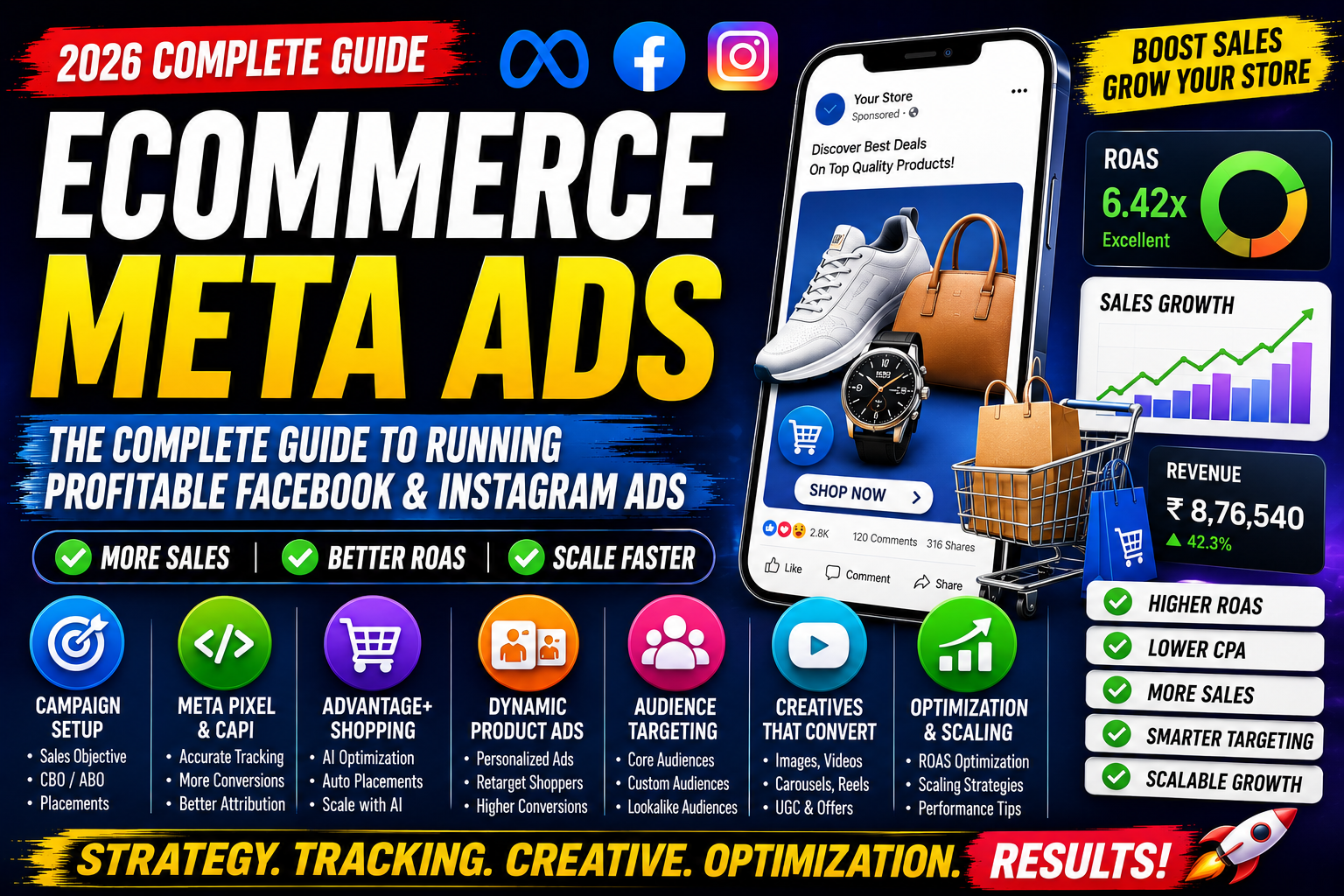
Ecommerce Meta Ads Guide (2026)
The ecommerce industry has become more competitive than ever. Every day, thousands of new online stores launch, making it harder to attract customers and generate consistent sales. Simply having a great product is no longer enough—you also need a smart advertising strategy.
This is where Meta Ads become a game-changer.
With billions of active users across Facebook, Instagram, Messenger, and Audience Network, Meta provides one of the most powerful advertising platforms for ecommerce businesses. Whether you're selling fashion, electronics, beauty products, home décor, or digital goods, Meta Ads can help you reach the right audience at the right time.
In this complete guide, you'll learn how to create high-performing ecommerce campaigns, set up accurate conversion tracking, optimize your ads, and scale your online store profitably.
What Are Ecommerce Meta Ads?
Ecommerce Meta Ads are paid advertisements displayed across Meta's platforms, including Facebook, Instagram, Messenger, and Audience Network. These ads are designed to promote products, drive website traffic, and generate online sales.
Unlike traditional advertising, Meta Ads use machine learning and user behavior to show your products to people who are most likely to purchase them.
Why Use Meta Ads for Ecommerce?
Meta Ads help ecommerce businesses:
- Reach billions of potential customers.
- Increase product visibility.
- Generate website traffic.
- Drive online purchases.
- Recover abandoned carts.
- Retarget previous visitors.
- Increase customer lifetime value (CLV).
- Improve Return on Ad Spend (ROAS).
Whether you're a startup or an established brand, Meta Ads provide the flexibility to grow at every stage.
How Meta Ads Work
A typical customer journey looks like this:
Customer sees your ad
        ↓
Clicks on the product
        ↓
Visits your website
        ↓
Meta Pixel tracks activity
        ↓
Customer adds product to cart
        ↓
Purchase completed
        ↓
Meta optimizes future ad delivery
The more conversion data Meta receives, the better its AI becomes at finding high-intent customers.
Benefits of Ecommerce Meta Ads
Some key advantages include:
- Massive audience reach
- AI-powered optimization
- Advanced audience targeting
- Multiple ad formats
- Real-time performance tracking
- Dynamic product recommendations
- Cross-device advertising
- Strong retargeting capabilities
- Scalable campaigns
Setting Up Your Meta Business Account
Before launching campaigns, ensure you have:
- Meta Business Portfolio
- Facebook Business Page
- Instagram Professional Account
- Meta Ads Manager access
- Commerce Manager
- Product Catalog
- Meta Pixel installed
- Conversion API configured
- Verified domain
- Mobile-friendly ecommerce website
Meta Pixel
Meta Pixel is a tracking code installed on your website that records user actions such as:
- Page View
- Product View
- Add to Cart
- Initiate Checkout
- Purchase
- Lead Submission
Pixel helps Meta understand customer behavior and optimize campaigns for conversions.
Conversion API (CAPI)
Conversion API sends server-side event data directly to Meta, improving measurement reliability and helping recover data that browser tracking alone may miss.
Benefits include:
- Improved tracking accuracy
- Better attribution
- Enhanced optimization
- More reliable reporting
Using Pixel and CAPI together provides the strongest tracking foundation.
Understanding Campaign Structure
Meta campaigns have three levels:
Campaign
Set:
- Objective
- Buying type
- Campaign Budget Optimization (CBO)
Ad Set
Configure:
- Audience
- Placements
- Budget (ABO if applicable)
- Schedule
- Optimization event
Ad
Create:
- Images
- Videos
- Headlines
- Primary text
- CTA
- Landing page URL
Choosing the Right Campaign Objective
For ecommerce stores, common objectives include:
- Sales
- Traffic
- Engagement
- Leads (for high-ticket products)
- App Promotion
The Sales objective is generally the best option for stores focused on purchases.
Audience Targeting
Meta provides several audience options.
Core Audiences
Target users by:
- Age
- Gender
- Location
- Interests
- Behaviors
- Language
Custom Audiences
Retarget:
- Website visitors
- Email subscribers
- Instagram engagers
- Facebook followers
- Video viewers
- Existing customers
Lookalike Audiences
Expand your reach by targeting people who resemble your existing customers or high-value audiences.
Advantage+ Shopping Campaigns
Advantage+ Shopping Campaigns automate:
- Audience selection
- Placements
- Budget allocation
- Creative optimization
Benefits include:
- AI-driven optimization
- Faster campaign setup
- Better scalability
- Reduced manual work
These campaigns are especially useful for ecommerce businesses with consistent conversion data.
Dynamic Product Ads
Dynamic Product Ads automatically show relevant products based on user behavior.
Examples include:
- Recently viewed products
- Abandoned cart items
- Similar products
- Best sellers
- New arrivals
They help deliver personalized shopping experiences and improve conversion potential.
Product Catalog
Your product catalog should contain:
- Product title
- Description
- Price
- Availability
- Product images
- Product ID
- Brand
- Category
- Product URL
Keep your catalog updated to ensure customers always see accurate product information.
Creating High-Converting Ad Creatives
Your creatives should stop users from scrolling and encourage action.
Best-performing formats include:
Image Ads
High-quality product photos with clean backgrounds.
Video Ads
Show products in use, tutorials, or unboxing experiences.
Carousel Ads
Display multiple products or product features.
Collection Ads
Offer a mobile-friendly shopping experience with multiple products.
Reels Ads
Use vertical videos with quick hooks and engaging storytelling.
Writing Effective Ad Copy
A simple structure:
Hook
Capture attention with a question or problem.
Value
Explain the product's main benefit.
Social Proof
Include ratings, testimonials, or customer numbers.
Call-to-Action
Examples:
- Shop Now
- Buy Today
- Explore Collection
- Order Now
Budgeting & Bidding
When starting:
- Use a daily budget you're comfortable testing.
- Allow campaigns to gather sufficient data before making major changes.
- Increase budgets gradually when performance is consistent.
Monitor:
- CPC
- CPM
- CPA
- CPP
- CTR
- ROAS
Ecommerce Retargeting Strategy
Create campaigns for:
Product Viewers
Remind users about products they viewed.
Add-to-Cart Users
Encourage customers to complete their purchase.
Checkout Abandoners
Highlight trust signals or limited-time offers.
Previous Customers
Promote complementary products or repeat purchases.
Retargeting often delivers higher conversion rates because the audience already knows your brand.
ROAS Optimization Strategies
Improve campaign profitability by:
- Installing Meta Pixel and CAPI.
- Optimizing landing page speed.
- Testing multiple creatives.
- Refreshing ads regularly.
- Improving product descriptions.
- Using high-quality product images.
- Running retargeting campaigns.
- Building Lookalike Audiences.
- Testing Advantage+ Shopping Campaigns.
- Monitoring performance metrics consistently.
Scaling Strategies
Horizontal Scaling
Expand successful campaigns by:
- Testing new audiences.
- Adding new locations.
- Launching additional creatives.
- Introducing new product categories.
Vertical Scaling
Increase campaign budgets gradually after stable performance has been achieved.
Avoid making large budget increases overnight, as they may disrupt campaign learning.
Measuring Performance
Track these metrics:
| Metric | Purpose |
|---|---|
| CTR | Ad engagement |
| CPC | Cost per click |
| CPM | Cost per 1,000 impressions |
| CPA | Customer acquisition cost |
| ROAS | Return on ad spend |
| Purchase Rate | Sales performance |
| Add-to-Cart Rate | Buying intent |
| Conversion Rate | Overall campaign effectiveness |
Common Mistakes
Avoid:
- Running campaigns without Meta Pixel.
- Ignoring Conversion API.
- Using low-quality creatives.
- Sending users to slow websites.
- Targeting overly broad audiences.
- Failing to retarget visitors.
- Updating campaigns too frequently.
- Neglecting mobile optimization.
Best Practices
- Install Meta Pixel and CAPI before advertising.
- Use Sales campaigns for ecommerce.
- Maintain an updated product catalog.
- Test multiple creatives and audiences.
- Refresh ads to reduce fatigue.
- Optimize landing pages.
- Monitor key metrics weekly.
- Scale campaigns gradually.
- Use Dynamic Product Ads for retargeting.
- Make decisions based on data rather than assumptions.
Frequently Asked Questions
Are Meta Ads good for ecommerce?
Yes. Meta Ads are one of the most effective advertising platforms for ecommerce because they combine extensive audience reach with advanced targeting and AI-powered optimization.
What is Advantage+ Shopping?
Advantage+ Shopping Campaigns use Meta's AI to automate audience targeting, placements, and budget allocation for ecommerce campaigns.
Should I use Meta Pixel and Conversion API together?
Yes. Using both provides more complete measurement and stronger optimization signals.
What is a good ROAS?
A suitable ROAS depends on your profit margins and business goals. Focus on overall profitability rather than a single benchmark.
How long should I test a campaign?
Allow campaigns enough time to collect meaningful data before making major optimizations.
Final Thoughts
Ecommerce Meta Ads continue to be one of the most effective ways to grow an online store in 2026. By combining compelling creatives, accurate tracking with Meta Pixel and Conversion API, AI-powered campaign types like Advantage+ Shopping Campaigns, and a structured optimization process, businesses can consistently attract new customers and increase revenue.
Success doesn't come from launching a single campaign—it comes from continuous testing, analyzing performance, refining creatives, improving landing pages, and making informed decisions based on data. With the right strategy and ongoing optimization, Meta Ads can become a scalable and sustainable growth channel for your ecommerce business.