10 AI Tools I Actually Use for Web Development and Digital Marketing
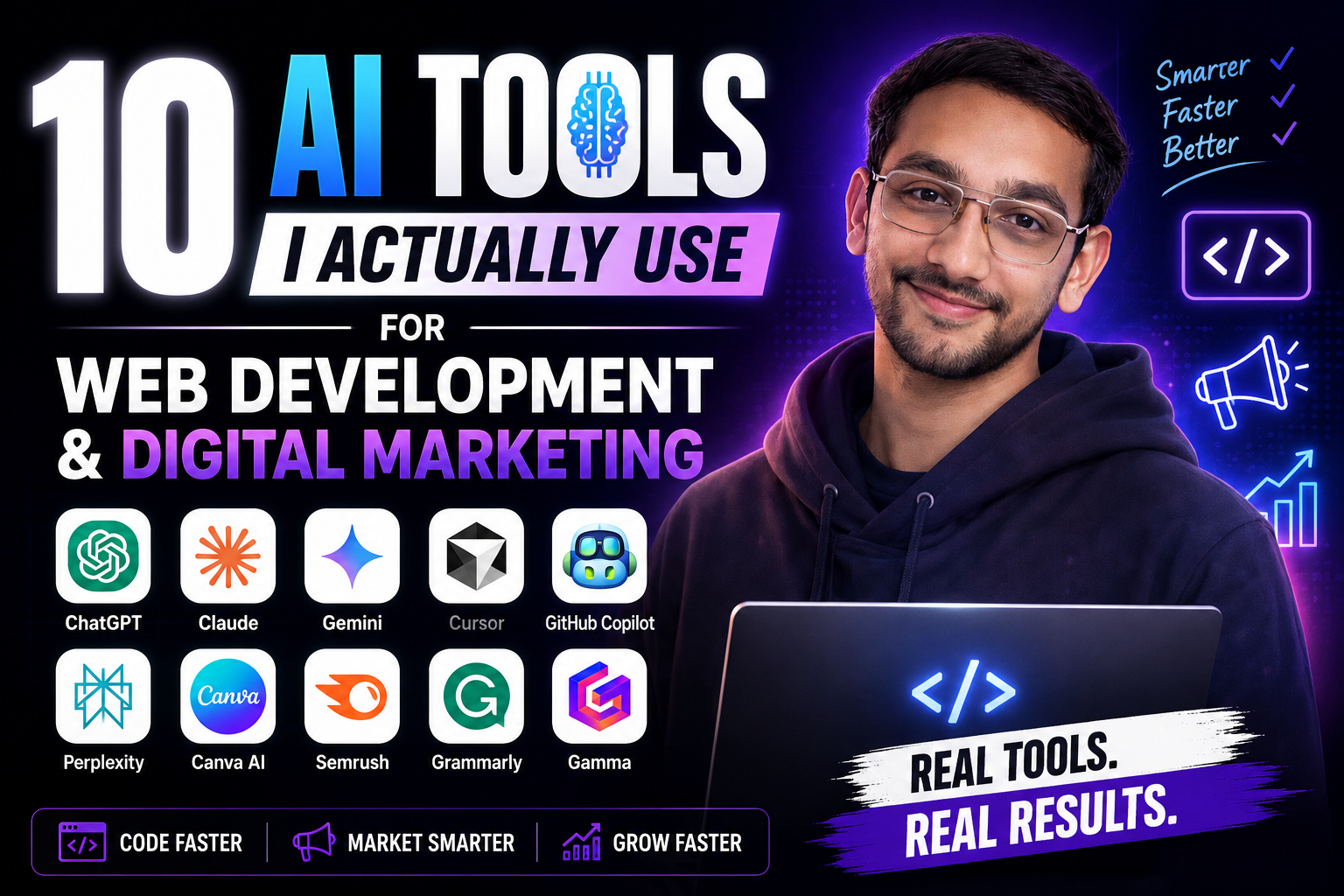
AI has completely changed the way I approach web development, SEO, content creation and digital marketing.
A few years ago, a developer or digital marketer could spend hours searching documentation, writing repetitive code, researching keywords, creating social media content and designing creatives.
Today, AI can significantly reduce the time required for many of those tasks.
But there is one important thing I have learned:
Using AI doesn't mean letting AI do everything.
The real advantage comes from knowing which AI tool to use for which task.
As someone working across web development and digital marketing, I regularly use different AI tools for different parts of my workflow. Some are better at coding, some are better at research, some are useful for content, while others are excellent for design and marketing.
In this article, I’m sharing 10 AI tools that are genuinely useful for web development and digital marketing, along with what I use them for and where they fit into my workflow.
My 10 Favorite AI Tools for Web Development and Digital Marketing
Here are the tools covered in this article:
ChatGPT
Claude
Google Gemini
Cursor
GitHub Copilot
Perplexity
Canva AI
Semrush
Grammarly
Gamma
Let's break them down.
1. ChatGPT — My All-Round AI Assistant
If I had to choose one AI tool that can help with the widest range of tasks, ChatGPT would be near the top of my list.
I use it for everything from coding and debugging to content planning, SEO ideas, research, brainstorming and marketing.
ChatGPT can be used for coding, writing, brainstorming, planning, analyzing files and images, and many other tasks. OpenAI also provides dedicated coding workflows through Codex for development work.
How I use ChatGPT
For web development, I can use it to:
Generate HTML, CSS and JavaScript
Debug JavaScript errors
Explain unfamiliar code
Create React components
Generate SQL queries
Understand APIs
Improve website structure
Create regex patterns
Write documentation
Brainstorm website features
For digital marketing, I use AI assistance for:
Blog ideas
SEO content structures
Meta descriptions
Social media captions
Ad copy ideas
Content calendars
Marketing strategies
Keyword research brainstorming
Audience research
Campaign ideas
One of my favorite use cases is actually learning.
Instead of simply asking:
"Give me the code."
I can ask:
"Explain why this code works and what could go wrong."
That turns AI from a code generator into a learning assistant.
Best for:
Coding + content + brainstorming + marketing + learning
My tip:
Don't blindly copy AI-generated code.
Read it, test it, understand it and modify it for your project.
2. Claude — Great for Long-Form Work and Complex Problems
Claude is another AI assistant that I find useful when working with long pieces of content, large amounts of information or complex explanations.
It can be particularly useful when you want an AI assistant to analyze a large piece of text and help organize the information.
How I use Claude
Some useful applications include:
Long-form article planning
Content editing
Code explanation
Technical documentation
Brainstorming
Research organization
Reviewing large pieces of text
Improving writing structure
For developers, AI assistants are increasingly being used beyond simple autocomplete, including tasks such as planning, debugging and working with larger codebases.
Recent research into AI coding agents also shows how tools such as Claude Code, Cursor, GitHub Copilot and Codex are increasingly being used for more agentic development workflows.
Best for:
Long-form writing + analysis + complex problem solving
My tip:
When using any AI for a large project, give it proper context.
The better your instructions and project context, the better the output usually becomes.
3. Google Gemini — Useful for the Google Ecosystem
Google Gemini is another AI tool worth having in your toolkit, especially if your workflow already revolves around Google's ecosystem.
For digital marketers, Google's ecosystem is extremely important because many marketing workflows involve:
Google Search
Google Analytics
Google Search Console
Google Ads
Google Workspace
YouTube
Google Trends
Gemini can be useful for brainstorming, summarizing information, generating ideas and working with Google's broader ecosystem.
How I use Gemini
Some of my potential use cases include:
Content brainstorming
Research
Summarizing information
Marketing ideas
Google-related workflows
Understanding search trends
Comparing ideas
Creating content outlines
Best for:
Google ecosystem + research + productivity
My tip:
Don't automatically assume that one AI model is better than every other model.
Different models can produce very different results for the same prompt.
For important work, I like comparing outputs.
4. Cursor — One of My Favorite AI Coding Tools
If you are a developer, Cursor is one of the AI coding tools worth trying.
Instead of treating AI as a separate website where you copy and paste code, AI can be integrated much more directly into the development environment.
This changes the workflow.
You can work on your project while asking AI to help you understand, modify or improve the code.
What I use AI coding editors for
For example:
Fixing bugs
Refactoring code
Understanding existing files
Creating components
Finding errors
Improving functions
Working across multiple files
Generating repetitive code
Explaining project structure
This is especially useful when working on larger projects where copying individual snippets into a chatbot becomes annoying.
Why I like this approach
Imagine you have:
src/
├── components/
├── pages/
├── services/
├── utils/
└── App.jsx
Instead of explaining the entire project to an AI manually, an AI coding environment can work with the context of your project.
That makes the interaction much more practical.
Best for:
AI-assisted coding + debugging + project-level development
My tip:
Always review changes before accepting them.
AI can make a technically valid change that is still wrong for your application's business logic.
5. GitHub Copilot — AI Pair Programming
GitHub Copilot is another major tool for developers.
It provides contextual coding assistance directly inside development workflows, including IDEs, GitHub and the command line. GitHub describes Copilot as an AI coding assistant that can provide inline suggestions, chat assistance, code explanations and documentation help.
How I use GitHub Copilot
It can be useful for:
Code completion
Generating functions
Writing repetitive code
Explaining code
Creating tests
Refactoring
Debugging
Documentation
For example, instead of manually writing repetitive JavaScript:
function getUserName(user) {
    return user.name;
}
you can describe what you need and let the coding assistant generate a starting point.
The real benefit is not necessarily writing the entire application automatically.
It's reducing the amount of boilerplate work you have to write manually.
Best for:
Everyday coding + code completion + developer productivity
My tip:
Use Copilot as a pair programmer, not as an autopilot.
You are still responsible for the code that goes into production.
6. Perplexity — AI Research With Sources
Research is a huge part of both development and digital marketing.
Sometimes I don't need a creative answer.
I need to know:
"Where did this information come from?"
That's where AI search tools such as Perplexity can be useful.
How I use Perplexity
I can use it for:
Initial research
Finding sources
Competitor research
Technology research
Market research
Product research
Topic discovery
Finding recent information
This is especially helpful when researching topics that change quickly.
For example:
"What are the latest changes in Google's SEO ecosystem?"
Instead of manually opening dozens of tabs, an AI search engine can help create an initial research map.
Best for:
Research + source discovery + quick information gathering
My tip:
Don't treat AI search results as automatically correct.
Open the sources.
Read the original information.
Then make your own conclusion.
7. Canva AI — From Idea to Marketing Creative
Digital marketing isn't only about text.
You also need:
Social media posts
LinkedIn graphics
Instagram posts
YouTube thumbnails
Presentations
Ads
Banners
Infographics
That's where Canva becomes extremely useful.
Canva's AI features can speed up parts of the creative workflow, especially when you need to turn an idea into a visual quickly.
How I use Canva AI
I can use it for:
Social media designs
LinkedIn graphics
Blog thumbnails
Presentation designs
Marketing banners
Ad creatives
Visual content ideas
For example:
Instead of starting with a completely blank canvas, I can begin with:
"Create a modern LinkedIn graphic about AI tools for developers."
Then I can customize the result according to the brand.
Best for:
Graphic design + social media + marketing creatives
My tip:
AI-generated design is only the starting point.
Always check:
Typography
Spacing
Branding
Readability
Alignment
Image quality
Mobile visibility
A fast design isn't necessarily a good design.
8. Semrush — AI-Powered SEO and Marketing Workflows
SEO is another area where AI is becoming increasingly integrated.
Semrush is a major SEO and digital marketing platform that can help with areas such as:
Keyword research
Competitor research
Backlink analysis
Site audits
Content optimization
Search visibility
Marketing research
AI-powered SEO workflows are becoming increasingly important as search behavior changes and users increasingly interact with AI-generated answers.
For marketers, the goal isn't simply to generate hundreds of AI-written articles.
The goal is to understand:
What are people searching for, what information do they need, and how can I create something genuinely useful?
How I use SEO platforms
I use SEO tools to help with:
Finding keyword opportunities
Understanding search intent
Competitor analysis
Content planning
Technical SEO
Website audits
Best for:
SEO + keyword research + competitor analysis
My tip:
Never choose a keyword just because it has high search volume.
Search intent matters.
A keyword with 500 highly relevant searches can be more valuable than a keyword with 50,000 irrelevant searches.
9. Grammarly — AI-Powered Writing Assistance
Being technical doesn't automatically mean being a great writer.
Whether you're writing:
Emails
LinkedIn posts
Blog articles
Documentation
Proposals
Social media content
small grammar mistakes can reduce the professionalism of your communication.
Grammarly can help improve:
Grammar
Spelling
Sentence clarity
Tone
Readability
Writing consistency
How I use it
Before publishing important content, I can use an AI writing assistant to identify obvious mistakes.
This is particularly useful when English isn't your first language.
But there's an important distinction:
AI should improve your writing, not remove your personality.
If every sentence sounds like it was written by a corporate robot, the content becomes boring.
Best for:
Grammar + editing + professional communication
My tip:
Use AI to polish your writing while keeping your own voice.
10. Gamma — Quickly Turning Ideas Into Presentations
Creating presentations can take a surprising amount of time.
You need to think about:
Structure
Slide order
Headlines
Visual hierarchy
Design
Images
Data
Formatting
AI presentation tools such as Gamma can dramatically speed up the first draft.
How I use AI presentation tools
They can help transform an idea such as:
"Create a presentation explaining how AI is changing digital marketing."
into a structured presentation containing:
Title slide
Introduction
Key points
Examples
Visual sections
Conclusion
You can then edit the presentation instead of starting from zero.
Best for:
Presentations + pitch decks + visual storytelling
My tip:
AI-generated presentations should always be reviewed manually.
The structure might be good, but the message needs to match your audience.
AI Tools I Use for Different Tasks
One of the biggest mistakes people make is trying to find one AI tool that does everything.
I don't think that's the best approach.
Instead, I prefer a tool-by-task workflow.
| Task | AI Tool |
|---|---|
| General AI assistance | ChatGPT |
| Long-form analysis | Claude |
| Google ecosystem | Gemini |
| AI coding | Cursor |
| Code completion | GitHub Copilot |
| Research | Perplexity |
| Graphics | Canva AI |
| SEO | Semrush |
| Writing improvement | Grammarly |
| Presentations | Gamma |
This gives you a much more practical AI stack.
How AI Fits Into My Web Development Workflow
Here's a simplified example of how I can use AI while building a website.
Step 1: Idea
I start with the website requirement.
For example:
"Build a responsive landing page for an SEO service."
I can use ChatGPT or another AI assistant to brainstorm the structure.
Step 2: Planning
I define:
Target audience
Pages
Features
CTA
Technology stack
SEO requirements
AI can help turn the rough idea into a development plan.
Step 3: Development
I use an AI coding tool such as Cursor or GitHub Copilot while working inside the project.
AI can help with:
Components
Functions
CSS
API integration
Debugging
Refactoring
Step 4: Testing
This is where humans still matter a lot.
I test:
Desktop
Mobile
Different browsers
Forms
Buttons
Navigation
Performance
Accessibility
Security
AI can assist, but I don't trust generated code without testing it.
Step 5: SEO
Once the website works, I work on:
Title tags
Meta descriptions
Headings
Internal links
Schema
Content
Page speed
Search intent
AI can help generate ideas, but SEO decisions should be based on actual search behavior and website data.
How AI Fits Into My Digital Marketing Workflow
The same concept works for digital marketing.
A simple workflow can look like:
Research → Strategy → Content → Design → Distribution → Analytics → Optimization
AI can assist at almost every stage.
Research
Use AI to discover:
Topics
Competitors
Questions
Trends
Audience pain points
Strategy
Use AI to brainstorm:
Campaign ideas
Content pillars
Offers
Audience segments
Marketing angles
Content
Create first drafts for:
Blog posts
Social media posts
Ad copy
Email ideas
Video scripts
Design
Use Canva AI for:
Posts
Thumbnails
Banners
Presentations
Advertisements
Optimization
Use analytics and SEO data to determine what is actually working.
This last part is extremely important.
AI can generate ideas. Data tells you whether those ideas worked.
Should Web Developers Use AI?
Absolutely.
But I don't think developers should use AI simply to avoid learning programming.
That's a trap.
If you don't understand:
HTML
CSS
JavaScript
APIs
Databases
Git
Security
Web performance
you may not recognize when AI generates bad code.
AI makes a knowledgeable developer faster.
It doesn't magically turn someone into an experienced engineer.
Research on AI-assisted development has also highlighted security and quality concerns, which is why AI-generated code should be reviewed and tested like human-written code.
Should Digital Marketers Use AI?
Yes — but don't turn your website into an AI content factory.
Generating 100 generic articles isn't a marketing strategy.
The better approach is:
AI + Experience + Data + Human Editing
For example, instead of asking AI:
"Write an article about SEO."
Give it actual context:
"Write an SEO guide for beginner bloggers using Blogger. Include common indexing problems, practical examples, mistakes beginners make and a step-by-step troubleshooting process."
The second prompt produces a much more useful starting point because it provides:
Audience
Platform
Problem
Intent
Scope
Desired outcome
The Biggest Mistake I See With AI
The biggest mistake isn't using too much AI.
It's using AI without thinking.
People often copy an AI answer, publish it and move on.
That's risky.
AI can:
Make factual mistakes
Invent information
Generate outdated recommendations
Produce insecure code
Repeat generic advice
Miss search intent
Create content without original insight
So my rule is simple:
Use AI for speed. Use your brain for judgment.
My AI Workflow in One Sentence
If I had to summarize my approach to AI, it would be:
AI handles the repetitive work. I handle the decisions.
That's the workflow I find most useful.
I don't want AI to replace my skills.
I want AI to give me more time to use those skills.
Final Thoughts
There is no single "best AI tool" for everyone.
A developer may prefer Cursor or GitHub Copilot.
A marketer may get more value from ChatGPT, Perplexity or Semrush.
A designer may spend most of their time inside Canva.
Someone working with presentations might prefer Gamma.
The best AI stack depends on what you're actually trying to accomplish.
For me, the biggest benefit of AI isn't that it can generate code or write content.
It's that it reduces the amount of time I spend on repetitive tasks.
That gives me more time to focus on:
Building better websites
Creating better content
Learning new technologies
Testing ideas
Growing digital projects
Solving actual problems
And that's where AI becomes genuinely powerful.
Don't just collect AI tools. Build an AI workflow.
Frequently Asked Questions
What are the best AI tools for web development?
Some of the most useful AI tools for web development include ChatGPT, Cursor, GitHub Copilot, Claude and Gemini. The right choice depends on whether you need coding assistance, debugging, project planning, research or code completion.
What are the best AI tools for digital marketing?
Popular AI tools for digital marketing include ChatGPT, Perplexity, Canva AI, Semrush, Grammarly and Gemini. They can help with content creation, research, SEO, social media, design and marketing strategy.
Can AI replace web developers?
AI can automate many repetitive development tasks, but it does not eliminate the need for developers. Developers still need to understand architecture, security, testing, performance, business requirements and user experience.
Can AI replace digital marketers?
AI can automate parts of digital marketing, but strategy, creativity, audience understanding, brand positioning and decision-making still require human input.
Is AI-generated content good for SEO?
AI-generated content can be useful as part of a content workflow, but simply generating large amounts of generic content is not a reliable SEO strategy. Content should provide useful, accurate and original value to the reader.
Which AI tool is best for coding?
There is no universal winner. ChatGPT, Claude, Cursor and GitHub Copilot can all be useful for coding, but their strengths differ depending on the project and workflow.
Should beginners learn coding if AI can write code?
Yes. Learning the fundamentals of HTML, CSS, JavaScript, databases and programming logic makes it much easier to evaluate, debug and improve AI-generated code.
Conclusion
AI is changing how developers, marketers, designers and creators work.
But the future isn't necessarily about humans vs AI.
It's about humans who know how to use AI effectively.
Learn the fundamentals.
Experiment with different tools.
Build your own workflow.
And most importantly, don't let AI do your thinking for you.
Let it help you think faster.
About Decode With Jai
Decode With Jai is a technology and digital marketing platform focused on practical guides, web development, SEO, AI tools, digital marketing, blogging and the technologies shaping the modern internet.
If you're interested in AI, web development, SEO and digital marketing, explore more articles on Decode With Jai.
Keep learning. Keep building. Keep decoding.