Search Campaign Setup 2026: Complete Google Ads Search Campaign Guide for Beginners
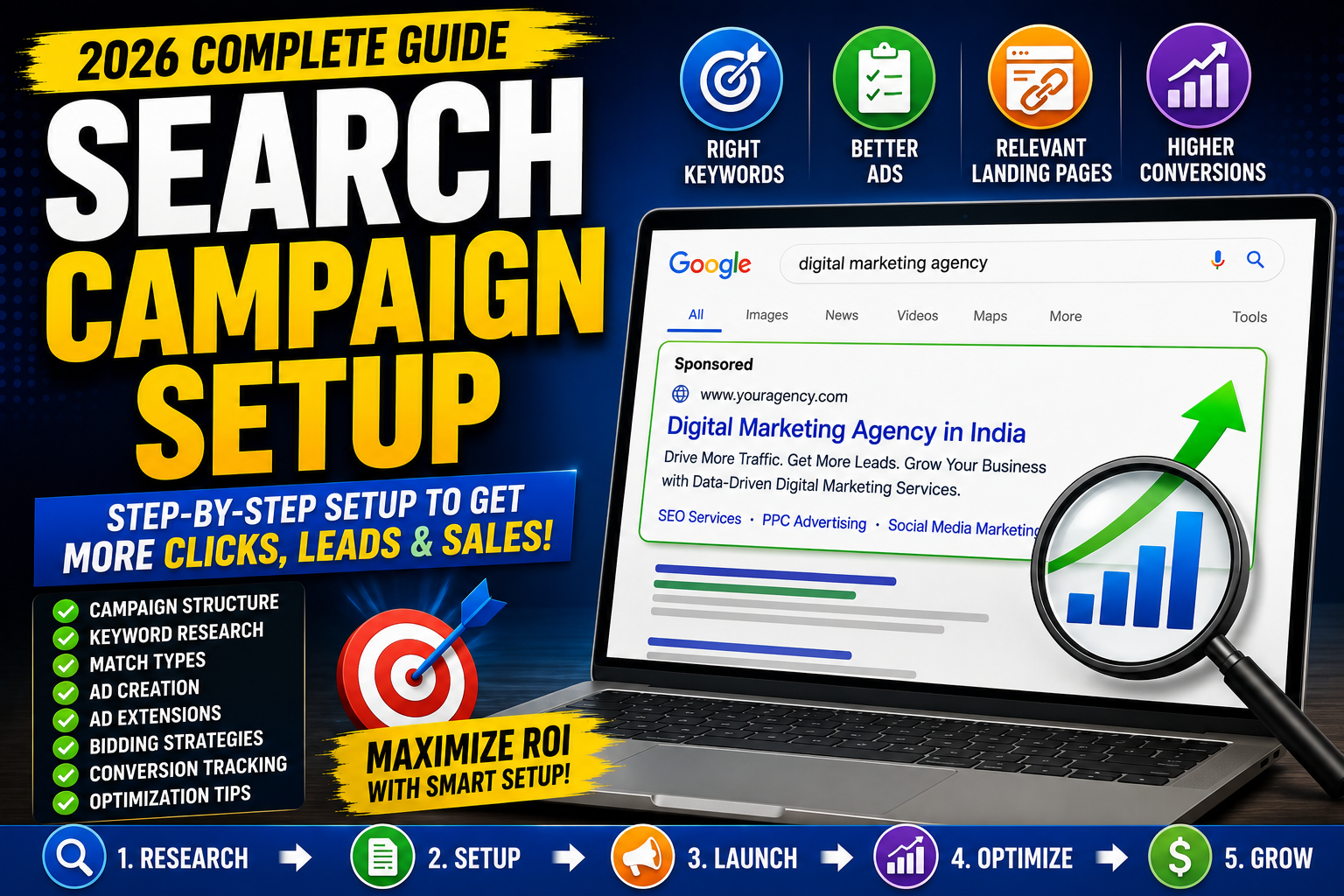
Google Search Ads remain one of the most effective ways to reach people who are actively searching for products, services, or information.
Unlike social media advertising, where ads are shown based on interests and demographics, Search Ads appear when users search for relevant keywords on Google.
For example:
"best running shoes under ₹5,000"
"digital marketing agency near me"
"buy gaming laptop"
"SEO expert in Delhi"
These users already have intent.
Your goal is to show the right ad at the right time with the right landing page.
However, simply clicking "Create Campaign" inside Google Ads is not enough.
A poorly structured Search Campaign can lead to:
Low Click-Through Rate (CTR)
High Cost Per Click (CPC)
Low Quality Score
Poor conversions
Wasted advertising budget
In this complete guide, you'll learn how to create a Google Ads Search Campaign from scratch, choose the right campaign settings, organize keywords, write high-converting ads, improve Quality Score, optimize bids, and maximize conversions in 2026.
What is a Search Campaign?
A Search Campaign is a Google Ads campaign type that displays text advertisements on Google's Search Network when users search for specific keywords.
Example:
A user searches:
Best Web Hosting India
Google displays sponsored search ads above or below the organic results.
These are Search Ads.
Unlike Display Ads or YouTube Ads, Search Campaigns target users with existing search intent.
Why Use Search Campaigns?
Search Campaigns offer several advantages:
Reach users actively searching
High purchase intent
Flexible budgeting
Location targeting
Device targeting
Measurable ROI
Conversion tracking
Fast campaign launch
Businesses commonly use Search Campaigns for:
Lead generation
E-commerce sales
Local services
SaaS products
Appointment bookings
Course enrollments
Before Creating a Search Campaign
Complete these essentials first:
✅ Create a Google Ads account
✅ Install Google Tag Manager (optional but recommended)
✅ Configure Google Analytics 4
✅ Set up conversion tracking
✅ Connect Google Ads with GA4
✅ Link Google Search Console (optional)
Without conversion tracking, you cannot accurately measure campaign success.
Step 1: Define Your Campaign Goal
Choose a goal based on your business objective.
Common goals include:
Sales
Leads
Website Traffic
Brand Awareness
Local Store Visits
App Promotion
Example:
If you're a digital marketing agency, "Leads" is usually the best objective.
If you run an online store, "Sales" may be more appropriate.
Step 2: Choose the Campaign Type
Google Ads offers several campaign types:
Search
Performance Max
Shopping
Display
Video
Demand Gen
App
For this guide, select:
Search Campaign
Avoid enabling unnecessary Display Network expansion unless it aligns with your strategy.
Step 3: Set Your Campaign Name
Use descriptive naming conventions.
Example:
Search | India | SEO Services | Leads
Good naming helps when managing multiple campaigns.
Step 4: Configure Networks
You'll usually see:
Google Search Network
Display Network
For most Search Campaigns, keep the Search Network enabled.
Only enable the Display Network if it supports your strategy.
Step 5: Set Location Targeting
Choose where your ads should appear.
Options include:
Country
State
City
Radius around a location
Examples:
India
Delhi NCR
Mumbai
20 km around your office
For local businesses, radius targeting can improve relevance.
Step 6: Choose Languages
Select the languages your customers use.
Example:
English
Hindi
Language targeting should match your audience and ad copy.
Step 7: Set Your Budget
Choose a daily budget you are comfortable spending.
Example:
₹1,000/day
Remember:
Daily budgets are averages. Actual daily spend can vary, but Google aims to stay within your monthly budget limit.
Step 8: Select a Bidding Strategy
Common bidding strategies include:
Maximize Clicks
Best for:
New campaigns
Traffic generation
Maximize Conversions
Best for:
Campaigns with conversion tracking
Target CPA
Useful when you have sufficient historical conversion data and want to optimize toward a target cost per acquisition.
Target ROAS
Ideal for e-commerce campaigns focused on return on ad spend.
Manual CPC
Provides more direct control over bids but requires ongoing management.
Choose a strategy that matches your campaign objective and available data.
Step 9: Create Ad Groups
Each ad group should focus on one closely related theme.
Example:
Campaign:
SEO Services
Ad Groups:
Technical SEO
Local SEO
SEO Audit
Link Building
Avoid placing unrelated keywords in the same ad group.
Step 10: Keyword Research
Choose keywords that match user intent.
Examples:
SEO Agency
SEO Consultant
SEO Company
Technical SEO Services
Use tools like:
Google Keyword Planner
Google Trends
Search Console
Competitor research
Focus on relevance over volume.
Match Types
Google Ads supports different keyword match types.
Broad Match
seo agency
Reaches a wider range of related searches.
Phrase Match
"seo agency"
Targets searches that include the meaning of your phrase.
Exact Match
[seo agency]
Targets searches with the same meaning or intent as your keyword.
Use a mix based on your goals and monitor search terms regularly.
Negative Keywords
Negative keywords prevent your ads from appearing for irrelevant searches.
Examples:
free
jobs
internship
PDF
tutorial
Negative keywords help improve traffic quality and reduce wasted spend.
Step 11: Write High-Converting Ads
A responsive search ad should include multiple headlines and descriptions.
Headline examples:
SEO Agency in Delhi
Improve Google Rankings
Free SEO Audit
Trusted SEO Experts
Description example:
Increase organic traffic with expert SEO services. Request your free consultation today.
Highlight:
Benefits
Trust
Clear CTA
Relevant keywords
Step 12: Add Ad Extensions (Assets)
Useful assets include:
Sitelinks
Callouts
Structured snippets
Call extension
Location extension
Image assets (where eligible)
Assets can improve ad visibility and provide additional information.
Step 13: Create Landing Pages
Never send all traffic to your homepage.
Each ad group should ideally have a dedicated landing page aligned with the user's search intent.
A strong landing page should include:
Clear headline
Fast loading speed
Strong CTA
Trust signals
Contact form or purchase option
Mobile-friendly design
Understanding Quality Score
Quality Score is influenced by factors such as:
Expected CTR
Ad relevance
Landing page experience
Improving these areas can help reduce costs and improve ad performance.
Conversion Tracking
Track actions that matter, such as:
Form submissions
Phone calls
Purchases
Newsletter sign-ups
App installs
Without accurate conversion tracking, optimization becomes much harder.
Monitor Key Metrics
Important metrics include:
Impressions
Clicks
CTR
CPC
Conversion Rate
Cost Per Conversion
Quality Score
Search Impression Share
ROAS (where applicable)
Regular monitoring helps identify opportunities for improvement.
Common Search Campaign Mistakes
Avoid these mistakes:
No conversion tracking
Sending traffic to the homepage
Using broad keywords without monitoring
Ignoring negative keywords
Mixing unrelated keywords in one ad group
Weak ad copy
Slow landing pages
Not reviewing search terms
Optimizing too quickly without enough data
Search Campaign Optimization Checklist
✅ Conversion tracking installed
✅ Campaign goal defined
✅ Correct bidding strategy selected
✅ Relevant keyword research completed
✅ Negative keywords added
✅ Organized ad groups
✅ High-quality landing pages
✅ Responsive Search Ads created
✅ Assets added
✅ Budget reviewed
✅ Performance monitored regularly
Final Thoughts
A successful Search Campaign isn't built by increasing your budget alone.
It's built by understanding user intent, organizing campaigns effectively, writing relevant ads, choosing the right keywords, and continuously optimizing based on real performance data.
Start with a clear goal.
Measure conversions.
Improve your Quality Score.
Review search terms regularly.
Test headlines and landing pages.
Over time, these improvements can lead to better performance and more efficient use of your advertising budget.
Search advertising is an ongoing optimization process—not a one-time setup.
Frequently Asked Questions
1. What is a Google Search Campaign?
A Search Campaign displays text ads on Google Search results when users search for relevant keywords.
2. Which bidding strategy is best for beginners?
Maximize Clicks is often useful for new campaigns focused on traffic, while Maximize Conversions becomes more effective after reliable conversion tracking is in place.
3. What are negative keywords?
Negative keywords prevent ads from showing for irrelevant searches, helping improve traffic quality.
4. Should I use Broad Match keywords?
Broad Match can help discover additional search queries, but it should be monitored carefully with search term reports and negative keywords.
5. Why is Quality Score important?
A higher Quality Score can improve ad relevance and potentially reduce advertising costs while improving ad positions.
6. How often should I optimize my Search Campaign?
Review campaign performance regularly. Make data-driven changes after collecting sufficient performance data rather than reacting to very short-term fluctuations.