Rank Math Complete Guide 2026: The Ultimate SEO Plugin Tutorial for Beginners
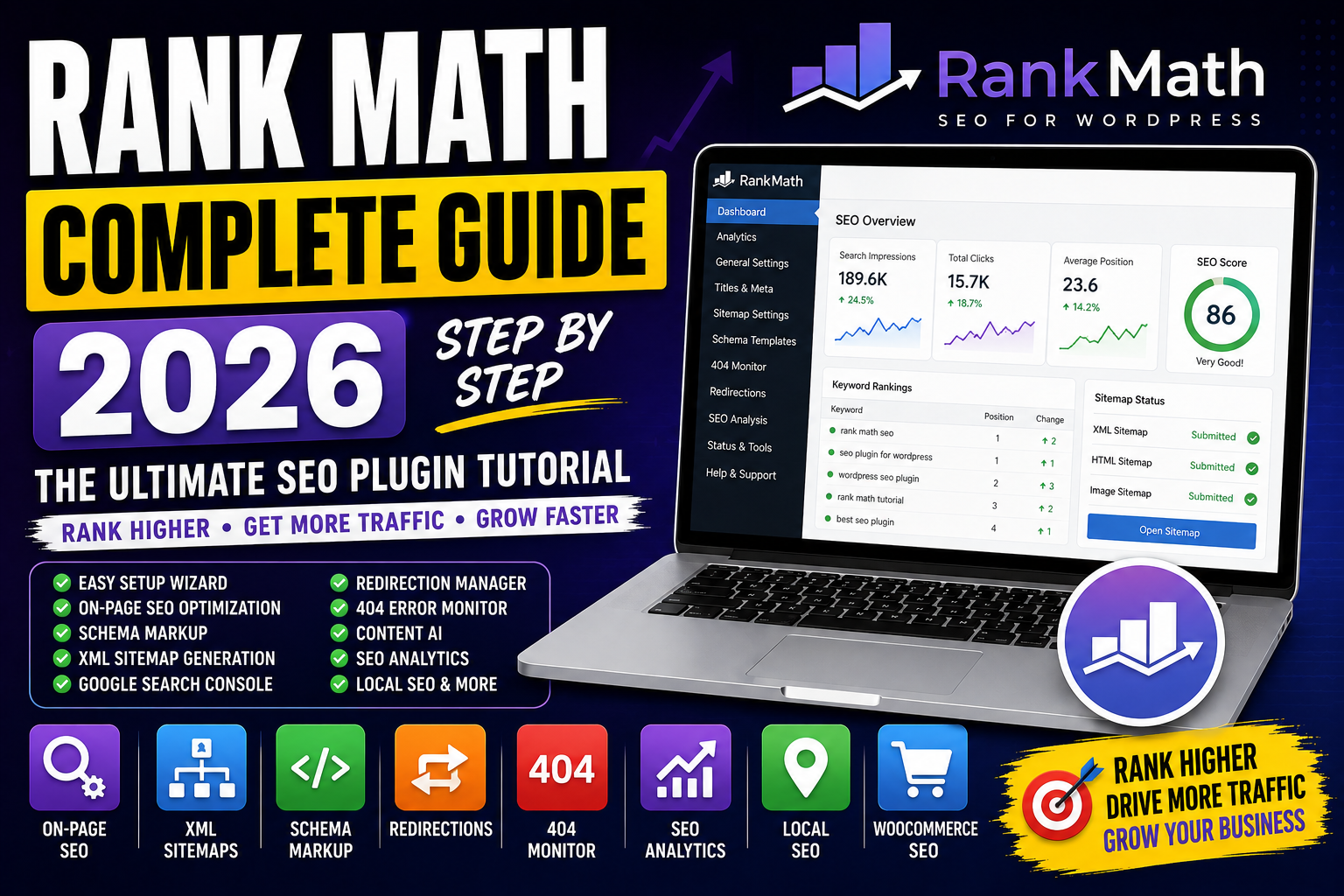
Introduction
If you're using WordPress and want to improve your website's Google rankings, Rank Math SEO is one of the best plugins available today. It combines powerful SEO features, automation, and AI-powered tools into a beginner-friendly interface.
Whether you're a blogger, business owner, freelancer, affiliate marketer, or agency, Rank Math can help you optimize your website without needing advanced technical knowledge.
In this complete guide, you'll learn everything about Rank Math—from installation and setup to advanced SEO optimization techniques.
What is Rank Math?
Rank Math is an SEO plugin for WordPress that helps optimize websites for search engines like Google, Bing, and AI-powered search engines.
It allows you to manage:
On-Page SEO
Technical SEO
XML Sitemaps
Schema Markup
Meta Tags
Redirections
404 Monitoring
Local SEO
WooCommerce SEO
SEO Analytics
Why Choose Rank Math?
Benefits include:
✅ Easy Setup Wizard
✅ Advanced SEO Features
✅ Built-in Schema Generator
✅ Google Search Console Integration
✅ AI Content Assistance (Content AI)
✅ XML Sitemap Generation
✅ Redirection Manager
✅ 404 Error Monitor
✅ WooCommerce SEO Support
✅ Lightweight & Fast
Free vs Pro Version
| Feature | Free | Pro |
|---|---|---|
| On-Page SEO | ✅ | ✅ |
| XML Sitemap | ✅ | ✅ |
| Schema Generator | ✅ | ✅ |
| Redirections | ✅ | ✅ |
| 404 Monitor | ✅ | ✅ |
| Multiple Focus Keywords | Limited | More |
| Content AI | Limited Credits | More Credits |
| Keyword Rank Tracker | ❌ | ✅ |
| Advanced Analytics | ❌ | ✅ |
| Local SEO (Multiple Locations) | ❌ | ✅ |
Installing Rank Math
Step 1
Log in to your WordPress Dashboard.
Step 2
Go to:
Plugins → Add New
Step 3
Search for:
Rank Math SEO
Step 4
Click:
Install → Activate
Setup Wizard
After activation:
Connect your Rank Math account (optional but recommended).
Choose Easy or Advanced mode.
Configure your website type.
Add your website logo.
Connect Google Search Console.
Generate XML Sitemap.
Save settings.
Dashboard Modules
Enable only the modules you need.
Popular modules:
✅ SEO Analysis
✅ 404 Monitor
✅ Redirections
✅ Instant Indexing (where supported)
✅ Schema
✅ Image SEO
✅ Local SEO
✅ Sitemap
✅ WooCommerce SEO
Optimizing a Blog Post
Before publishing:
SEO Title
Include your focus keyword naturally.
Example:
Rank Math Complete Guide (2026)
Focus Keyword
Choose one primary keyword.
Example:
Rank Math Complete Guide
URL Slug
Keep it short.
Example:
rank-math-complete-guide
Meta Description
Write a compelling description (140–160 characters).
Example:
Learn how to use Rank Math SEO with this complete guide. Discover setup, schema, XML sitemaps, Content AI, technical SEO, and optimization tips for better Google rankings.
Rank Math SEO Score
Rank Math gives your page a score out of 100.
Aim for:
80+
The score is helpful, but focus on creating valuable, user-first content rather than chasing a perfect number.
On-Page SEO Checklist
Optimize:
✅ SEO Title
✅ Meta Description
✅ URL
✅ Focus Keyword
✅ Headings (H1–H3)
✅ Internal Links
✅ External Links
✅ Image ALT Text
✅ Image Filename
✅ Keyword Placement
Schema Markup
Rank Math supports:
Article
Blog Post
FAQ
How-To
Product
Recipe
Event
Course
Video
Organization
Person
Local Business
Adding the right schema can improve eligibility for rich results in Google Search.
XML Sitemap
Automatically generate sitemaps for:
Posts
Pages
Categories
Tags
Images (if enabled)
Submit your sitemap to Google Search Console after setup.
Image SEO
Enable automatic options such as:
Adding missing ALT text (review for accuracy)
Adding missing title attributes
Still, it's best practice to write meaningful ALT text manually whenever possible.
Redirection Manager
Create redirects when URLs change.
Examples:
301 → Permanent Redirect
302 → Temporary Redirect
This helps preserve SEO value and avoids broken links.
404 Monitor
Track missing pages and fix them using redirects.
Regularly review the report to improve user experience.
Content AI
Content AI can help with:
Keyword suggestions
Headings
Content ideas
Link recommendations
Treat AI suggestions as guidance, not absolute rules.
Local SEO
Configure:
Business Name
Address
Phone Number
Opening Hours
Google Maps
Business Schema
Especially useful for local businesses.
WooCommerce SEO
Optimize:
Product Titles
Meta Descriptions
Product Schema
Breadcrumbs
Google Search Console Integration
Connect Rank Math with Google Search Console to view:
Search impressions
Clicks
CTR
Average position
This data complements, but doesn't replace, the full Search Console interface.
SEO Analysis Tool
Run a website audit to identify issues such as:
Missing meta descriptions
Broken links
Slow pages
Image optimization opportunities
Use it as a starting point, then verify findings manually.
Rank Tracking
Monitor:
Keyword Positions
Ranking Changes
Top Pages
Search Performance
(Advanced tracking features depend on your Rank Math plan.)
Best Rank Math Settings
✔ Enable XML Sitemap
✔ Enable Breadcrumbs
✔ Add Schema Markup
✔ Optimize Meta Titles
✔ Optimize Meta Descriptions
✔ Connect Google Search Console
✔ Configure Image SEO
✔ Monitor 404 Errors
✔ Set Canonical URLs
Common Rank Math Mistakes
Avoid:
❌ Stuffing keywords to increase the SEO score
❌ Ignoring Search Intent
❌ Using duplicate meta titles
❌ Forgetting ALT text
❌ Creating unnecessary redirects
❌ Installing multiple SEO plugins together
❌ Ignoring broken links
Rank Math vs Yoast SEO
| Feature | Rank Math | Yoast SEO |
|---|---|---|
| Free Features | More comprehensive | More limited |
| Schema Builder | Built-in | More limited |
| Redirection Manager | Included | Premium feature |
| 404 Monitor | Included | Not included in free version |
| Google Search Console Integration | Yes | Yes |
| Ease of Use | Beginner-friendly | Beginner-friendly |
Both are capable plugins. The best choice depends on your workflow and feature needs.
Tips for Better SEO with Rank Math
✔ Write helpful, original content
✔ Use one primary keyword
✔ Add internal links
✔ Compress images
✔ Improve Core Web Vitals
✔ Update old articles
✔ Add FAQ sections
✔ Use structured data
✔ Monitor Search Console performance
Final Thoughts
Rank Math is a powerful SEO plugin that simplifies many aspects of website optimization. However, no plugin alone can guarantee higher rankings.
Long-term SEO success comes from combining strong technical optimization with valuable content, good user experience, and consistent updates.
Use Rank Math as a tool to support your strategy—not as a substitute for it.
Frequently Asked Questions (FAQs)
1. What is Rank Math?
Rank Math is a WordPress SEO plugin that helps optimize websites for search engines through features like meta tags, schema markup, XML sitemaps, and technical SEO tools.
2. Is Rank Math free?
Yes. Rank Math offers a feature-rich free version, along with paid plans that include advanced analytics, keyword tracking, additional Content AI credits, and more.
3. Is Rank Math better than Yoast SEO?
Both are excellent SEO plugins. Rank Math includes more advanced features in its free version, while Yoast is known for its simplicity and long history.
4. Does Rank Math improve Google rankings?
Rank Math helps you implement SEO best practices, but rankings also depend on content quality, backlinks, competition, technical performance, and user experience.
5. What is a good Rank Math SEO score?
A score above 80 generally indicates that many on-page SEO recommendations have been addressed. Don't sacrifice readability or helpfulness just to increase the score.
6. Can beginners use Rank Math?
Yes. The setup wizard and intuitive interface make Rank Math suitable for beginners, while its advanced features also support experienced SEO professionals.