Meta Ads Beginner Guide (2026): Learn Facebook & Instagram Ads Step by Step
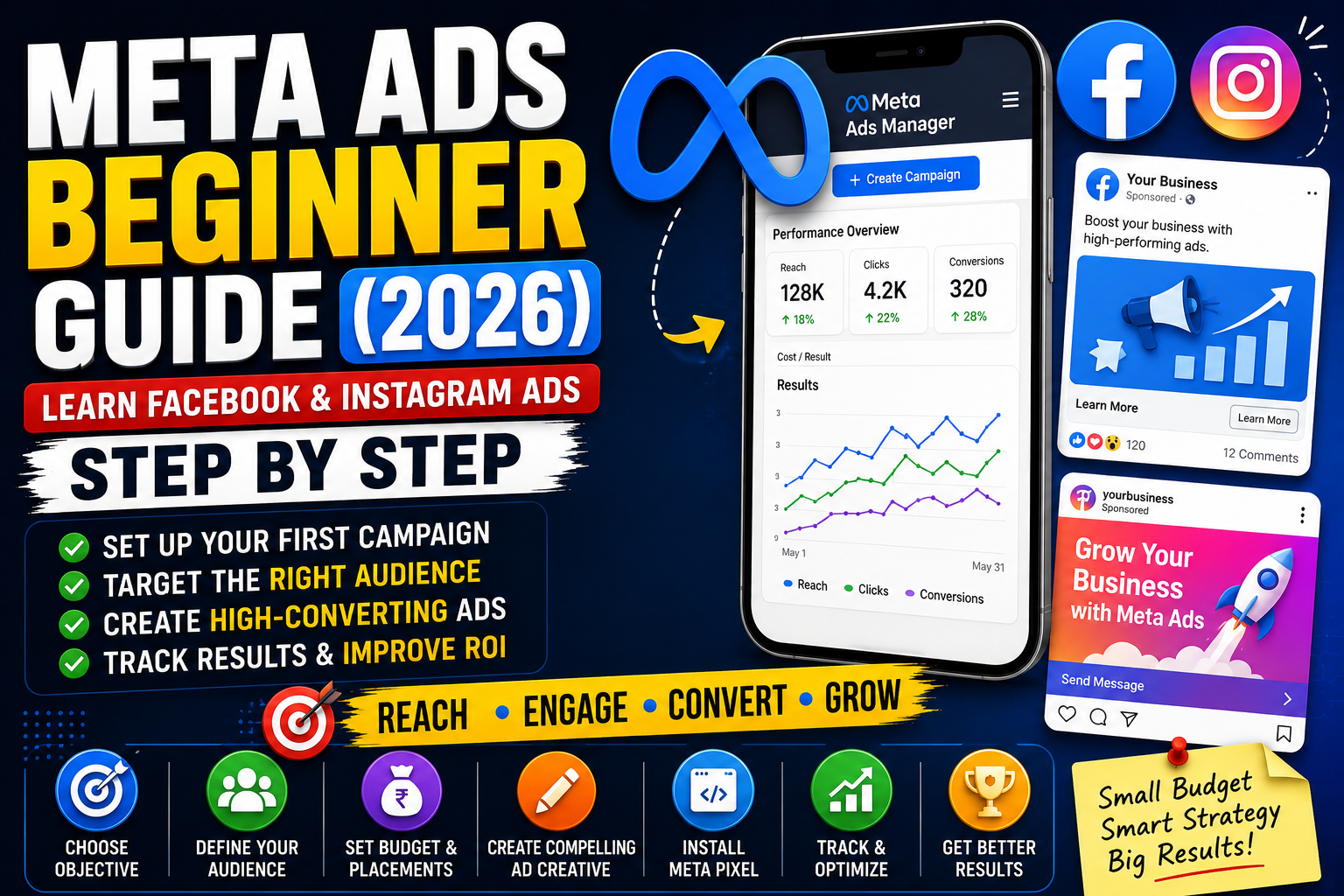
Introduction
Meta Ads is one of the most effective digital advertising platforms for reaching potential customers on Facebook, Instagram, Messenger, and the Meta Audience Network. Whether you're promoting a business, eCommerce store, service, app, or personal brand, Meta Ads helps you target the right audience based on their interests, behaviors, demographics, and online activity.
Unlike traditional advertising, Meta Ads gives you complete control over your budget, audience, and campaign performance.
In this complete beginner's guide, you'll learn everything you need to know about Meta Ads—from setting up your first campaign to optimizing it for better results and a higher Return on Ad Spend (ROAS).
What are Meta Ads?
Meta Ads is Meta's online advertising platform that allows businesses to display ads across:
Facebook
Instagram
Messenger
Audience Network
Advertisers can create highly targeted campaigns to increase:
Website Traffic
Leads
Sales
Brand Awareness
App Installs
Engagement
Why Use Meta Ads?
Benefits include:
✅ Reach Billions of Users
✅ Advanced Audience Targeting
✅ Affordable Advertising
✅ High Conversion Potential
✅ Flexible Daily Budget
✅ Detailed Performance Analytics
How Meta Ads Work
The basic process:
Create a Meta Business Account.
Set up Meta Ads Manager.
Choose a campaign objective.
Define your audience.
Set your budget.
Design your ad creative.
Launch your campaign.
Optimize based on performance.
Campaign Objectives
Meta Ads offers several campaign objectives.
Awareness
Increase brand visibility.
Best for:
New businesses
Product launches
Brand recognition
Traffic
Drive visitors to:
Website
Landing page
App
Engagement
Increase:
Likes
Comments
Shares
Video Views
Messages
Leads
Collect leads using:
Instant Forms
Website Forms
Messenger
WhatsApp
App Promotion
Increase app downloads.
Sales
Drive purchases from:
Website
App
Catalog
Meta Ads Campaign Structure
Meta Ads consists of three levels:
Campaign
Choose your objective.
Ad Set
Configure:
Audience
Budget
Placements
Schedule
Ad
Design your:
Images
Videos
Headlines
Primary Text
CTA
Understanding Audience Targeting
One of Meta's biggest strengths is audience targeting.
Target by:
Age
Gender
Location
Language
Interests
Behaviors
Education
Job Titles
Devices
Custom Audiences
Reach people who already know your business.
Examples:
Website visitors
Customer lists
Instagram followers
Facebook page visitors
Video viewers
Lookalike Audiences
Meta can automatically find people similar to your existing customers.
This is one of the best ways to scale successful campaigns.
Choosing Ad Placements
Automatic Placements (Recommended)
OR
Manual Placements:
Facebook Feed
Instagram Feed
Instagram Stories
Facebook Stories
Reels
Messenger
Audience Network
Types of Meta Ads
Image Ads
Simple and effective.
Video Ads
Excellent for engagement and storytelling.
Carousel Ads
Display multiple products or features.
Collection Ads
Ideal for eCommerce.
Reels Ads
Optimized for short-form vertical videos.
Lead Ads
Collect customer information directly inside Facebook or Instagram.
Writing High-Converting Ad Copy
A good ad should include:
✔ Attention-grabbing headline
✔ Clear value proposition
✔ Benefits
✔ Strong Call-to-Action (CTA)
Example CTA:
Shop Now
Learn More
Sign Up
Download
Contact Us
Creative Best Practices
Use:
High-quality images
Vertical videos (9:16)
Minimal text on images
Bright colors
Clear branding
Strong hook in the first 3 seconds
Budget & Bidding
Choose:
Daily Budget
Spend a fixed amount each day.
Lifetime Budget
Spend a fixed amount over the campaign duration.
Start with a small budget while testing creatives and audiences.
Meta Pixel
Install the Meta Pixel on your website to:
Track conversions
Measure performance
Build Custom Audiences
Improve optimization
Enable remarketing
For Shopify, WordPress, and many other platforms, installation is straightforward.
A/B Testing
Test different:
Headlines
Images
Videos
Audiences
CTA Buttons
Placements
Never rely on a single ad creative.
Performance Metrics
Track:
Reach
Impressions
Clicks
CTR
CPC
CPM
Leads
Purchases
ROAS
Cost Per Result
Use Ads Manager to analyze campaign performance.
Meta Ads Funnel
Top of Funnel (TOFU)
Brand Awareness
Video Views
Reach
Middle of Funnel (MOFU)
Website Traffic
Engagement
Leads
Bottom of Funnel (BOFU)
Retargeting
Sales
Conversions
Common Meta Ads Mistakes
Avoid:
❌ Poor targeting
❌ Weak creatives
❌ No Meta Pixel
❌ Ignoring A/B testing
❌ Sending users to slow landing pages
❌ Running multiple edits daily
❌ Stopping campaigns too early
❌ No conversion tracking
Meta Ads vs Google Ads
| Feature | Meta Ads | Google Ads |
|---|---|---|
| Audience | Interest-based | Search intent-based |
| Best For | Brand awareness & social discovery | Active buyers & search traffic |
| Platform | Facebook, Instagram, Messenger | Google Search, YouTube, Display |
| Traffic | Push Marketing | Pull Marketing |
| Targeting | Demographics & Interests | Keywords & Search Intent |
| Speed | Fast | Fast |
Many businesses use both platforms together for maximum growth.
AI in Meta Ads
AI can help with:
Ad copy generation
Creative ideas
Audience research
Image creation
Video scripts
Campaign optimization
Performance analysis
Useful AI tools include:
ChatGPT
Google Gemini
Claude AI
Canva AI
AI should assist your strategy—not replace testing and analysis.
Final Thoughts
Meta Ads is one of the best advertising platforms for businesses of all sizes.
By combining compelling creatives, accurate audience targeting, strong landing pages, and continuous optimization, you can generate leads, increase sales, and build a recognizable brand.
Start with a modest budget, analyze your data regularly, and scale the campaigns that consistently deliver results.
Frequently Asked Questions (FAQs)
1. What are Meta Ads?
Meta Ads are paid advertisements that appear on Facebook, Instagram, Messenger, and the Meta Audience Network to help businesses reach targeted audiences.
2. Is Meta Ads good for beginners?
Yes. Meta Ads Manager is beginner-friendly, and new advertisers can start with simple Traffic or Engagement campaigns before moving to Leads and Sales objectives.
3. What is the Meta Pixel?
The Meta Pixel is a tracking code that records website actions, measures conversions, builds remarketing audiences, and helps optimize ad performance.
4. How much should I spend on Meta Ads?
There is no fixed amount. Beginners often start with a small daily budget, monitor results, and increase spending on campaigns that perform well.
5. Which is better: Meta Ads or Google Ads?
Meta Ads are excellent for discovering new audiences through interest-based targeting, while Google Ads are ideal for capturing users actively searching for products or services. Using both together often provides the best results.
6. Can AI improve Meta Ads performance?
Yes. AI can assist with audience research, ad copy, creative generation, optimization ideas, and performance analysis. Human testing and strategy remain essential.