Google Ads for Beginners (2026): The Complete Step-by-Step Guide to Launch Your First Successful Campaign
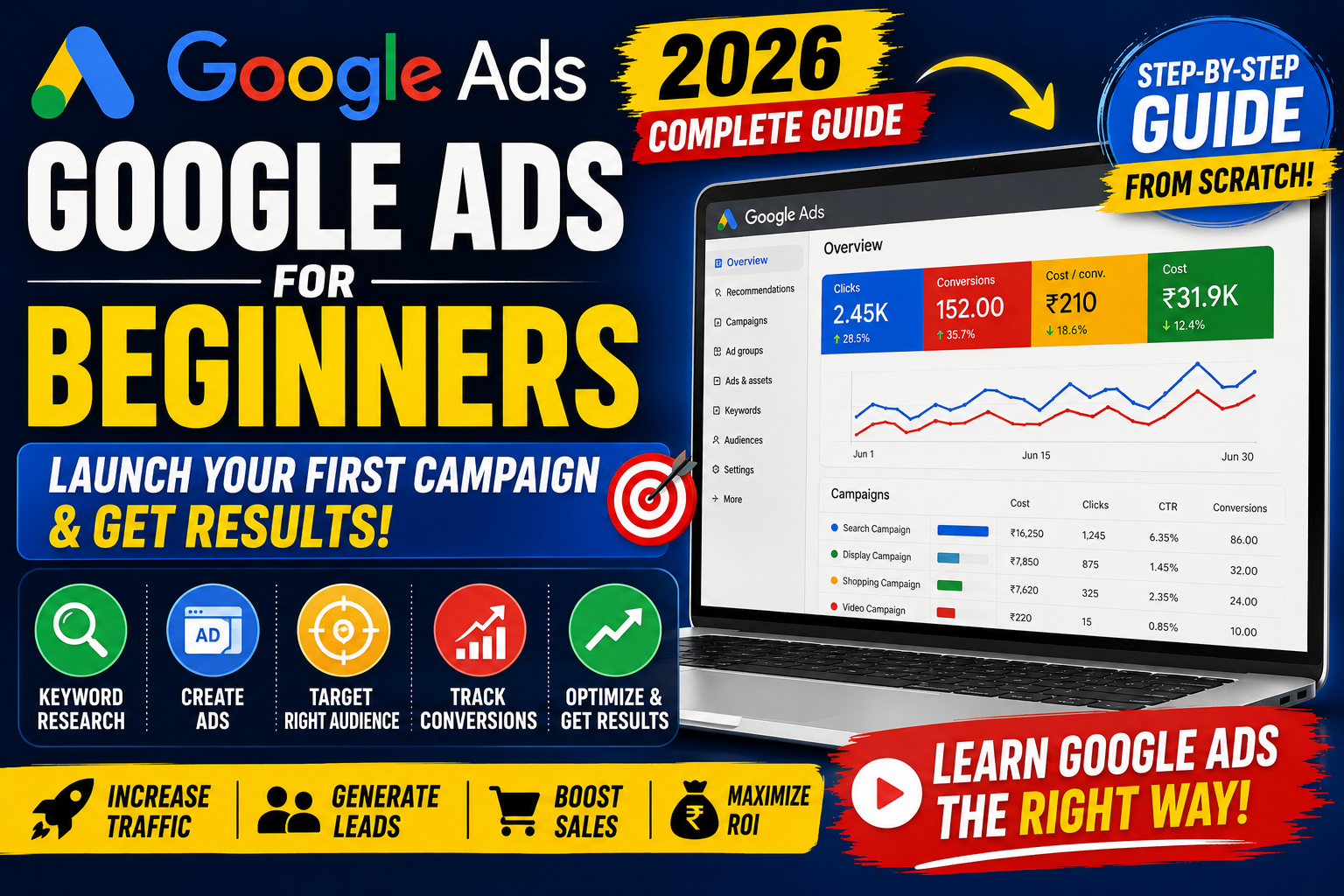
Google Ads is one of the most powerful digital advertising platforms available today. Every day, billions of searches are made on Google by people looking for products, services, answers, and businesses. With Google Ads, you can place your business in front of these potential customers exactly when they are searching for what you offer.
Whether you're a student, freelancer, business owner, marketer, or entrepreneur, learning Google Ads can help you generate leads, increase sales, and grow your online presence.
In this beginner-friendly guide, you'll learn everything you need to know about Google Ads—from creating your first account to launching optimized campaigns that deliver measurable results.
Table of Contents
- What is Google Ads?
- Why Learn Google Ads?
- How Google Ads Works
- Benefits of Google Ads
- Google Ads Campaign Types
- Understanding Keywords
- Keyword Match Types
- Bidding Strategies
- Budget Planning
- Quality Score
- Conversion Tracking
- Creating Your First Campaign
- Optimization Tips
- Common Mistakes
- Best Practices
- Frequently Asked Questions
- Final Thoughts
What is Google Ads?
Google Ads is Google's online advertising platform that allows businesses to display ads on Google Search, YouTube, Google Maps, Gmail, the Google Display Network, and partner websites.
Instead of waiting for customers to discover your business organically, Google Ads lets you reach them at the exact moment they search for products or services related to your business.
Google Ads operates on a Pay-Per-Click (PPC) model, meaning advertisers usually pay only when someone clicks their ad.
Why Should Beginners Learn Google Ads?
Google Ads is one of the most in-demand digital marketing skills because it delivers measurable and scalable results.
Learning Google Ads helps you:
- Generate quality leads
- Increase online sales
- Promote local businesses
- Build brand awareness
- Track campaign performance
- Optimize advertising costs
- Improve return on investment (ROI)
For freelancers and marketers, Google Ads is also a valuable career skill with strong demand across industries.
How Does Google Ads Work?
Google Ads uses an auction system. When someone searches for a keyword, Google evaluates eligible ads based on several factors, including:
- Your bid amount
- Ad relevance
- Quality Score
- Expected Click-Through Rate (CTR)
- Landing page experience
- Ad assets
The best combination of relevance and bid determines which ads appear and in what order.
Benefits of Google Ads
Google Ads offers several advantages over many traditional advertising methods.
Instant Visibility
Unlike SEO, which can take months to show results, Google Ads can drive traffic soon after your campaigns are approved.
Precise Targeting
You can target users based on:
- Keywords
- Location
- Language
- Device
- Age
- Interests
- Audience segments
- Time of day
Flexible Budget
Google Ads allows you to start with a modest daily budget and scale as your campaigns become profitable.
Measurable Results
Track important metrics such as:
- Clicks
- Impressions
- CTR
- Conversions
- Cost per Click (CPC)
- Cost per Acquisition (CPA)
- Return on Ad Spend (ROAS)
Google Ads Campaign Types
Search Campaigns
Text ads that appear in Google Search results when users search for relevant keywords.
Best for:
- Lead generation
- Local businesses
- Service providers
- E-commerce
Display Campaigns
Visual banner ads shown across millions of websites in the Google Display Network.
Best for:
- Brand awareness
- Remarketing
- Audience expansion
Shopping Campaigns
Product ads that display images, prices, and store names directly in Google Search.
Best for:
- Online retailers
- E-commerce stores
Video Campaigns
Video advertisements shown on YouTube and other Google video properties.
Best for:
- Brand awareness
- Product demonstrations
- Customer engagement
Performance Max Campaigns
AI-powered campaigns that automatically serve ads across Google's channels using a single campaign.
Best for:
- Businesses seeking automated optimization.
Demand Gen Campaigns
Designed to reach users across YouTube, Discover, and Gmail with visually engaging ads.
Understanding Keywords
Keywords are the words or phrases people type into Google when searching.
Examples:
- Best laptop under ₹50,000
- Digital marketing course
- SEO agency near me
- Buy running shoes online
Choosing relevant keywords is essential for reaching the right audience.
Keyword Match Types
Google Ads offers different match types to control how closely a user's search must match your keyword.
Broad Match
Reaches the widest audience but may trigger less relevant searches.
Phrase Match
Shows ads for searches that include the meaning of your keyword.
Exact Match
Targets searches with the same meaning or intent as your keyword.
Choosing the right match type helps balance reach and relevance.
Understanding Bidding Strategies
Your bidding strategy determines how Google spends your budget.
Popular options include:
- Maximize Clicks
- Maximize Conversions
- Target CPA
- Target ROAS
- Manual CPC
- Maximize Conversion Value
Beginners often start with Maximize Clicks or Maximize Conversions, depending on campaign goals.
Budget Planning
Set a realistic daily budget based on your business goals and expected cost per click.
Tips:
- Start small.
- Monitor performance.
- Increase budgets gradually.
- Focus on profitable campaigns.
Avoid making frequent budget changes, as this can disrupt campaign learning.
What is Quality Score?
Quality Score is Google's rating of your keyword, ad, and landing page quality.
It is based on:
- Expected CTR
- Ad relevance
- Landing page experience
Higher Quality Scores often lead to:
- Lower CPC
- Better Ad Rank
- Improved campaign performance
Why Conversion Tracking Matters
Conversion Tracking measures valuable actions users take after clicking your ad, such as:
- Purchases
- Contact form submissions
- Phone calls
- Newsletter signups
Without conversion tracking, it's difficult to know which campaigns are delivering results.
Step-by-Step: Create Your First Google Ads Campaign
Step 1: Create a Google Ads Account
Visit the Google Ads website and sign in with your Google account.
Step 2: Define Your Goal
Choose a campaign objective, such as:
- Sales
- Leads
- Website traffic
- Brand awareness
Step 3: Select Campaign Type
Choose the campaign type that aligns with your goal.
Step 4: Set Your Budget
Define a daily budget you are comfortable spending.
Step 5: Choose Your Target Audience
Specify:
- Locations
- Languages
- Devices
- Audience segments
Step 6: Add Keywords
Research and select keywords relevant to your products or services.
Step 7: Write Compelling Ads
Include:
- Clear headlines
- Relevant keywords
- Strong calls to action
- Unique selling points
Step 8: Launch Your Campaign
Review your settings and publish the campaign.
How to Optimize Google Ads Campaigns
Campaign optimization is an ongoing process.
Best practices include:
- Review search terms regularly.
- Add negative keywords.
- Test multiple ad variations.
- Improve landing page speed.
- Optimize for mobile users.
- Pause underperforming keywords.
- Monitor Quality Score.
- Use ad assets.
- Analyze conversion data.
- Refine audience targeting.
Common Beginner Mistakes
Avoid these common errors:
- Choosing overly broad keywords
- Ignoring negative keywords
- Skipping conversion tracking
- Sending traffic to an irrelevant landing page
- Writing generic ad copy
- Not testing different ads
- Making frequent budget changes
- Ignoring mobile optimization
- Focusing only on clicks instead of conversions
Google Ads Best Practices
- Set clear campaign objectives.
- Organize tightly themed ad groups.
- Use relevant keywords.
- Match ad copy with landing pages.
- Improve page load speed.
- Track conversions accurately.
- Review performance weekly.
- Test new strategies continuously.
- Scale campaigns based on data.
- Focus on ROI rather than traffic alone.
Google Ads Beginner Checklist
✅ Create a Google Ads account
✅ Research keywords
✅ Choose the right campaign type
✅ Set a daily budget
✅ Write compelling ads
✅ Configure conversion tracking
✅ Launch the campaign
✅ Monitor performance
✅ Optimize weekly
✅ Scale successful campaigns
Frequently Asked Questions
Is Google Ads good for beginners?
Yes. Google Ads offers beginner-friendly campaign setup and extensive learning resources, making it suitable for new advertisers.
How much should I spend on my first campaign?
Start with a budget you're comfortable testing, then adjust based on campaign performance and business goals.
Do I need a website to use Google Ads?
For most campaign types, a website or landing page provides the best experience, though some formats support calls or app promotion.
How long does it take to see results?
Many campaigns begin receiving impressions and clicks shortly after approval, but meaningful optimization typically requires ongoing data collection.
Can Google Ads help small businesses?
Yes. With proper targeting and optimization, Google Ads can be effective for businesses of all sizes.
Final Thoughts
Google Ads is one of the most effective platforms for reaching customers at the moment they are actively searching for products or services. While it may seem complex at first, understanding the fundamentals—keywords, bidding, Quality Score, budgets, and conversion tracking—creates a strong foundation for long-term success.
Start with clear goals, monitor your results, and continuously optimize based on data. Over time, these small improvements can lead to lower costs, better conversions, and stronger business growth.