Google Ads Conversion Tracking Setup (2026): The Complete Guide
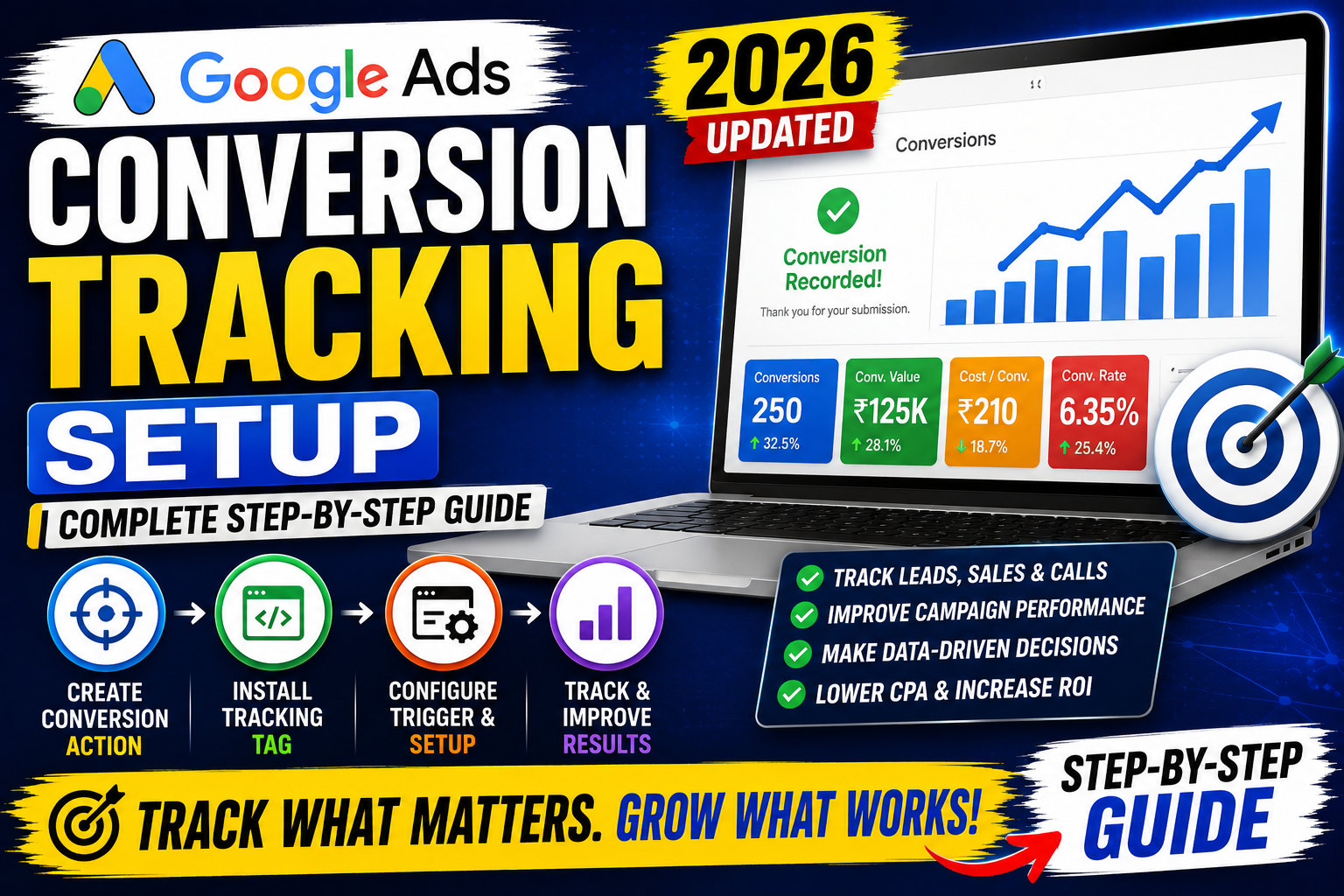
Imagine spending thousands of rupees on Google Ads but having no idea which keywords, ads, or campaigns are actually generating leads or sales. Without conversion tracking, you're making marketing decisions based on guesses instead of data.
Google Ads Conversion Tracking is one of the most important features in Google Ads because it allows advertisers to measure the actions users take after clicking an ad. Whether it's a purchase, contact form submission, phone call, newsletter signup, or app download, conversion tracking helps you understand what is truly driving business results.
In this comprehensive guide, you'll learn everything about setting up Google Ads Conversion Tracking in 2026, including different tracking methods, Google Tag Manager implementation, Google Analytics 4 integration, common mistakes, troubleshooting tips, and best practices.
Table of Contents
- What is Google Ads Conversion Tracking?
- Why Conversion Tracking Matters
- Types of Conversions
- How Google Ads Conversion Tracking Works
- Prerequisites Before Setup
- Methods to Set Up Conversion Tracking
- Conversion Tracking Using Google Tag
- Conversion Tracking with Google Tag Manager
- Google Analytics 4 Integration
- Enhanced Conversions
- Testing Your Conversion Tracking
- Common Mistakes
- Troubleshooting Guide
- Best Practices
- Frequently Asked Questions
- Final Thoughts
What is Google Ads Conversion Tracking?
Google Ads Conversion Tracking is a feature that measures valuable customer actions after someone clicks your advertisement.
These actions may include:
- Product purchases
- Contact form submissions
- Lead generation
- Newsletter subscriptions
- Phone calls
- Appointment bookings
- Downloads
- Mobile app installs
Instead of measuring only clicks, conversion tracking shows whether your advertising is achieving real business goals.
Why Conversion Tracking is Important
Without conversion tracking, you cannot accurately answer questions such as:
- Which campaign generates the most sales?
- Which keywords drive qualified leads?
- Which ad copy performs best?
- What is your Cost Per Conversion?
- Which landing page converts better?
Benefits include:
- Better campaign optimization
- Improved Smart Bidding performance
- Accurate ROI measurement
- Better budget allocation
- Higher conversion rates
- Reduced wasted ad spend
How Google Ads Conversion Tracking Works
The process is straightforward:
- A user clicks your Google Ad.
- They visit your website or app.
- They complete a valuable action.
- A Google tag or Google Tag Manager detects the action.
- The conversion is sent back to your Google Ads account.
- Google attributes the conversion to the appropriate campaign, keyword, and ad.
This data is then used to improve reporting and automated bidding strategies.
Types of Conversions You Can Track
Google Ads supports multiple conversion types, allowing businesses to measure the actions that matter most.
Website Conversions
Track actions completed on your website, such as:
- Purchases
- Form submissions
- Newsletter signups
- Contact requests
- Quote requests
- Account registrations
Phone Call Conversions
Measure calls from:
- Call extensions
- Call ads
- Click-to-call buttons
- Phone numbers on your website
This is especially valuable for service-based businesses.
App Conversions
If you have a mobile application, you can track:
- App installs
- In-app purchases
- App subscriptions
- User registrations
- Custom in-app events
Offline Conversions
Not all sales happen online. Google Ads allows businesses to import offline conversions, such as:
- Sales completed over the phone
- Deals closed by the sales team
- CRM-qualified leads
- In-store purchases linked to ad interactions
Prerequisites Before Setting Up Conversion Tracking
Before you begin, ensure you have:
- A Google Ads account
- A verified website
- Administrative access to your website
- Google Tag or Google Tag Manager installed
- Clearly defined conversion goals
- A thank-you or confirmation page (recommended for lead forms)
Having these prerequisites in place makes the setup process smoother and more reliable.
Method 1: Set Up Conversion Tracking Using the Google Tag
This is the most direct implementation method.
Step 1
Sign in to your Google Ads account.
Step 2
Navigate to:
Goals → Conversions
Step 3
Click New Conversion Action.
Step 4
Choose the conversion source:
- Website
- App
- Phone Calls
- Import
Step 5
Enter your website URL so Google can scan it for suitable conversion options.
Step 6
Configure the conversion details, including:
- Conversion name
- Value (fixed or dynamic)
- Count (Every or One)
- Click-through conversion window
- View-through conversion window
- Attribution model
Step 7
Install the Google Tag if it isn't already present on your website.
Step 8
Add the Event Snippet to the confirmation page or trigger it after the desired action.
Method 2: Google Tag Manager (Recommended)
Google Tag Manager (GTM) simplifies tracking by allowing you to manage tags without editing your site's code for every change.
Benefits of GTM
- Easier implementation
- Centralized tag management
- Faster updates
- Better debugging
- Supports multiple marketing platforms
Setup Process
- Install GTM on your website.
- Create a new Google Ads Conversion Tracking tag.
- Enter the Conversion ID and Conversion Label from Google Ads.
- Create an appropriate trigger (for example, page view of a thank-you page or a form submission event).
- Preview and test the setup.
- Publish the container once everything is working correctly.
Integrating Google Analytics 4 (GA4)
Connecting Google Ads with Google Analytics 4 provides richer reporting and helps import key events as conversions.
Steps
- Link your Google Ads and GA4 properties.
- Ensure key events are configured in GA4.
- Import those key events into Google Ads as conversions.
- Verify that conversion data appears in both platforms.
This approach is especially useful for websites already using GA4 for analytics.
Enhanced Conversions
Enhanced Conversions improve measurement accuracy by securely using first-party customer data (such as email addresses collected during a conversion) to better match conversions while respecting privacy requirements.
Benefits include:
- More accurate reporting
- Better Smart Bidding performance
- Improved measurement when cookies are limited
- Higher-quality attribution
Implement Enhanced Conversions only after reviewing Google's documentation and ensuring compliance with your privacy policy and applicable regulations.
Testing Your Conversion Tracking
After setup, verify that conversions are being recorded correctly.
Checklist:
- Complete a test conversion yourself.
- Check the Google Ads conversion status.
- Use Google Tag Assistant or GTM Preview mode.
- Confirm the thank-you page loads correctly.
- Verify that no duplicate conversions are recorded.
- Wait for reporting delays before assuming tracking has failed.
Common Conversion Tracking Mistakes
Avoid these issues:
- Forgetting to install the Google Tag
- Incorrect Conversion ID or Label
- Triggering conversions on the wrong page
- Counting duplicate conversions
- Not defining a clear conversion goal
- Ignoring mobile testing
- Failing to test before publishing
- Importing the wrong GA4 events
- Not enabling consent mode where required
Troubleshooting Guide
If conversions are not showing:
| Problem | Possible Solution |
|---|---|
| No conversions recorded | Verify the tag installation and trigger |
| Duplicate conversions | Review trigger conditions and counting settings |
| Wrong conversion values | Check value configuration |
| Delayed reporting | Allow sufficient processing time |
| Conversion marked inactive | Generate a fresh test conversion |
Best Practices for 2026
- Track only meaningful business actions.
- Use Google Tag Manager for flexibility.
- Link Google Ads with GA4.
- Enable Enhanced Conversions where appropriate.
- Test every implementation before launching campaigns.
- Review conversion data weekly.
- Exclude internal traffic from analytics where possible.
- Keep tags organized and documented.
- Audit tracking after major website updates.
- Optimize campaigns based on conversion data, not just clicks.
Conversion Tracking Checklist
✅ Create conversion actions
✅ Install Google Tag or GTM
✅ Configure triggers correctly
✅ Test conversions
✅ Link Google Analytics 4
✅ Enable Enhanced Conversions
✅ Monitor reports regularly
✅ Optimize campaigns using conversion insights
Frequently Asked Questions
What is Google Ads Conversion Tracking?
It is a measurement feature that records valuable actions users complete after clicking your ads, such as purchases, leads, or phone calls.
Is Google Tag Manager required?
No. You can use the Google Tag directly, but Google Tag Manager is often easier to manage and maintain.
How long does it take for conversions to appear?
Some conversions may appear within a few hours, while complete reporting can take longer depending on the attribution model and reporting delays.
Can I track phone calls?
Yes. Google Ads supports call reporting for eligible call ads, call assets, and website call tracking.
Why is conversion tracking important?
It helps identify which campaigns, keywords, and ads generate real business outcomes, allowing you to optimize budgets and improve return on investment.
Final Thoughts
Google Ads Conversion Tracking is the foundation of every successful PPC campaign. Without it, you cannot accurately measure performance, train Smart Bidding strategies, or understand which marketing efforts generate revenue.
Whether you use the Google Tag or Google Tag Manager, take the time to implement tracking correctly, test it thoroughly, and review your conversion data regularly. Accurate measurement leads to better decisions, more efficient spending, and stronger campaign performance.