Display Ads Guide 2026: Complete Google Display Ads Guide for Beginners
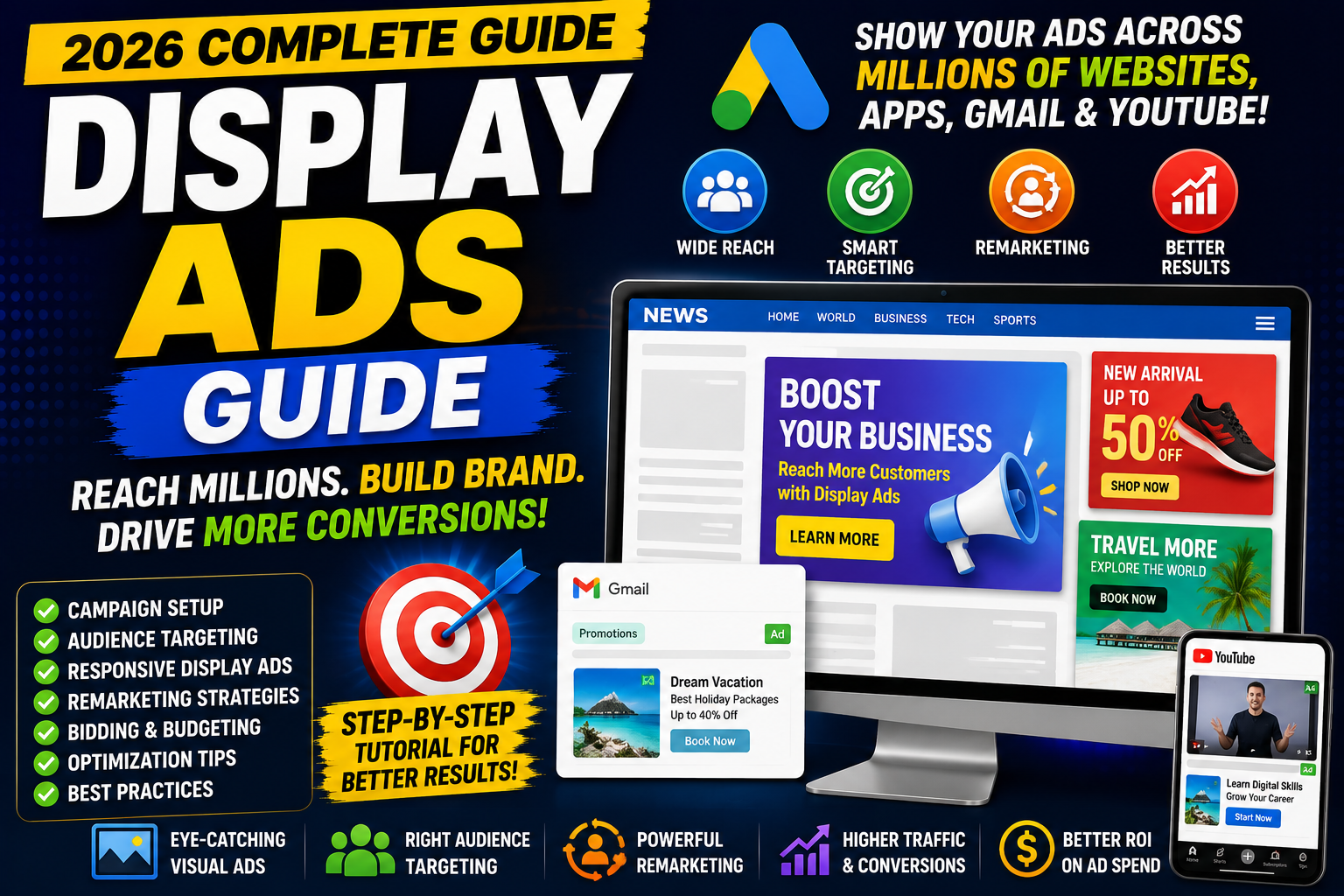
Have you ever visited a website and noticed banner advertisements promoting products, services, or brands?
Or perhaps you searched for a product online and later saw advertisements for that same product while reading blogs, checking the news, or watching videos?
Those are examples of Google Display Ads.
Unlike Google Search Ads, which appear when users actively search for something, Display Ads help businesses reach potential customers while they browse millions of websites, mobile apps, Gmail, and YouTube across the Google Display Network (GDN).
Display advertising is ideal for:
Building brand awareness
Remarketing previous visitors
Promoting new products
Increasing website traffic
Supporting the customer journey
In this complete guide, you'll learn what Display Ads are, how they work, campaign setup, audience targeting, bidding strategies, responsive display ads, remarketing, optimization, and best practices for 2026.
What Are Display Ads?
Display Ads are visual advertisements shown across Google's Display Network.
They can appear on:
News websites
Blogs
Mobile applications
Gmail
YouTube (selected placements)
Partner websites
Unlike Search Campaigns, Display Campaigns focus more on audience targeting than keyword intent.
Google Display Network (GDN)
The Google Display Network consists of millions of websites, apps, and Google-owned properties where advertisers can display ads.
It helps businesses reach users before, during, and after they actively search.
Benefits include:
Massive reach
Visual advertising
Audience targeting
Remarketing opportunities
Automated placements
Multiple ad formats
Search Ads vs Display Ads
| Search Ads | Display Ads |
|---|---|
| User actively searches | User is browsing content |
| Text ads | Image and responsive ads |
| High purchase intent | Awareness & consideration |
| Keyword targeting | Audience & placement targeting |
| Immediate demand | Demand generation |
Both campaign types serve different purposes and often work well together.
When Should You Use Display Ads?
Display Campaigns are useful when you want to:
Increase brand awareness
Launch a new product
Promote an event
Retarget previous visitors
Increase website traffic
Stay visible during long buying cycles
They are generally less effective for capturing immediate purchase intent than Search Ads but are valuable for building familiarity and supporting conversions over time.
Types of Display Ads
Responsive Display Ads
Google automatically combines:
Headlines
Descriptions
Logos
Images
Videos (optional)
to create ads that fit different placements.
Responsive Display Ads are recommended for most advertisers because they can adapt to available inventory.
Uploaded Image Ads
You can upload your own banners in standard display sizes.
Common sizes include:
300 × 250
336 × 280
728 × 90
160 × 600
300 × 600
970 × 250
320 × 50
320 × 100
Custom creatives provide greater design control.
Gmail Ads
Ads can appear inside Gmail promotional spaces, helping businesses reach users through visually engaging formats.
App Display Ads
Display ads can appear inside mobile applications across the Google Display Network.
Before Creating a Display Campaign
Complete these tasks first:
✅ Google Ads account
✅ Google Analytics 4
✅ Conversion Tracking
✅ Google Tag Manager (recommended)
✅ Linked GA4 & Google Ads
Without conversion tracking, campaign optimization becomes much more difficult.
Step 1: Choose Your Campaign Goal
Common objectives include:
Sales
Leads
Website Traffic
Brand Awareness
Product Consideration
Choose a goal that reflects your business objective.
Step 2: Select Display Campaign
Inside Google Ads:
New Campaign
↓
Display
↓
Choose campaign objective
Step 3: Campaign Settings
Configure:
Campaign name
Location
Language
Budget
Bidding strategy
Example:
Display | India | Remarketing | Sales
Step 4: Set Your Budget
Choose a daily budget based on your marketing plan.
Example:
₹1,000/day
Start with a manageable budget and increase spending based on campaign performance.
Step 5: Choose a Bidding Strategy
Popular strategies include:
Maximize Clicks
Suitable for driving website traffic.
Maximize Conversions
Ideal when conversion tracking is properly configured.
Target CPA
Useful when you have enough conversion history and want to optimize toward a target cost per acquisition.
Target ROAS
Recommended mainly for e-commerce campaigns focused on revenue.
Step 6: Audience Targeting
Audience targeting is one of the biggest strengths of Display Ads.
You can target users based on:
Demographics
Age
Gender
Household Income (available in some regions)
Parental status
Interests
Reach people interested in topics like:
Fitness
Technology
Finance
Gaming
Travel
In-Market Audiences
Target users actively researching products or services before making a purchase.
Examples:
Cars
Laptops
Smartphones
Insurance
Custom Segments
Build audiences based on:
Search behaviour
Interests
Competitor websites
Apps
URLs
Remarketing
Reconnect with visitors who have already interacted with your website or app.
Examples:
Product viewers
Cart abandoners
Previous purchasers
Blog readers
Remarketing often delivers stronger conversion performance because the audience is already familiar with your brand.
Placement Targeting
You can choose where your ads appear.
Examples:
Specific websites
Mobile apps
YouTube channels
YouTube videos
Placement targeting gives advertisers additional control over inventory.
Responsive Display Ads
Responsive Display Ads require:
Headlines
Up to multiple headline variations.
Example:
Get 50% Off
Trusted Digital Marketing Agency
Upgrade Your Website Today
Long Headline
A longer message explaining your offer.
Descriptions
Write several descriptions highlighting:
Benefits
Value
CTA
Images
Use high-quality landscape and square images.
Avoid:
Blurry images
Excessive text
Distorted graphics
Logos
Upload:
Square logo
Landscape logo
Use high-resolution brand assets.
Display Ad Design Best Practices
Good display ads should:
Focus on one message
Use strong visuals
Include clear CTA
Maintain brand consistency
Use readable fonts
Avoid clutter
Remember:
People notice visuals before text.
Landing Pages
Never send all Display traffic to your homepage.
Create dedicated landing pages matching:
Offer
Audience
Ad message
A strong landing page should include:
Fast loading
Clear headline
Trust signals
Mobile optimization
Strong CTA
Conversion Tracking
Track actions such as:
Purchases
Lead forms
Phone calls
Newsletter sign-ups
Downloads
Accurate conversion tracking allows Google's automated bidding strategies to optimize effectively.
Display Remarketing
Remarketing is one of the most powerful Display strategies.
Example workflow:
Visitor
↓
Visits website
↓
Leaves without converting
↓
Sees your display ad later
↓
Returns
↓
Converts
Remarketing helps bring interested users back to your website.
Frequency Capping
Showing the same advertisement repeatedly can annoy users.
Frequency capping allows advertisers to limit how often the same person sees an ad within a specific period.
This helps reduce ad fatigue.
Exclusions
Exclude:
Mobile apps (when appropriate)
Sensitive categories
Irrelevant websites
Low-performing placements
Regularly review placement reports and remove placements that don't align with your goals.
Brand Safety
Protect your brand by avoiding inappropriate placements.
Google Ads offers controls to help advertisers manage content suitability.
Review these settings regularly, especially for large campaigns.
Key Metrics to Monitor
Track:
Impressions
Clicks
CTR
CPC
CPM
Viewable impressions
Conversion Rate
Cost Per Conversion
ROAS
View-through Conversions
Do not optimize based on clicks alone.
Measure business outcomes.
Display Ads vs Facebook Ads
| Google Display | Facebook Ads |
|---|---|
| Google ecosystem | Meta ecosystem |
| Website placements | Social placements |
| Strong remarketing | Strong interest targeting |
| Large publisher network | Feed-based advertising |
| Visual banners | Social creatives |
Many businesses successfully use both platforms together.
Common Display Advertising Mistakes
Avoid:
Poor-quality images
Weak CTA
Sending traffic to the homepage
Ignoring mobile optimization
No conversion tracking
Broad audience targeting without review
Not using remarketing
Ignoring placement reports
Showing ads too frequently
Display Campaign Optimization Checklist
✅ Campaign goal selected
✅ Conversion tracking enabled
✅ Audience targeting configured
✅ High-quality creatives uploaded
✅ Responsive Display Ads created
✅ Logos added
✅ Landing pages optimized
✅ Remarketing audience configured
✅ Frequency cap reviewed
✅ Placement exclusions added
✅ Performance monitored regularly
Best Practices for 2026
Use Responsive Display Ads alongside high-quality uploaded image ads where appropriate.
Refresh creative assets regularly to reduce ad fatigue.
Test different headlines, images, and calls to action.
Build separate campaigns for prospecting and remarketing.
Review placement reports frequently.
Let campaigns gather enough data before making major changes.
Focus on conversions and business goals, not just clicks.
Final Thoughts
Display Ads are an excellent way to increase brand visibility, reconnect with previous visitors, and support customers throughout their buying journey.
While Search Ads capture existing demand, Display Ads help create awareness and keep your brand visible.
Success comes from:
Smart audience targeting
Strong visual creatives
Relevant landing pages
Accurate conversion tracking
Continuous optimization
Rather than trying to reach everyone, focus on showing the right message to the right audience at the right time.
Frequently Asked Questions
1. What are Google Display Ads?
Display Ads are visual advertisements shown across the Google Display Network on websites, apps, Gmail, and other supported placements.
2. Are Display Ads better than Search Ads?
Neither is universally better. Search Ads capture existing demand, while Display Ads are useful for awareness, remarketing, and reaching audiences before they search.
3. What is the Google Display Network?
The Google Display Network is a large collection of websites, apps, and Google properties where Display Ads can appear.
4. What is remarketing?
Remarketing allows advertisers to show ads to people who have previously visited their website or interacted with their business.
5. Which bidding strategy should beginners use?
The right strategy depends on campaign goals and available data. New traffic-focused campaigns often start with Maximize Clicks, while campaigns with reliable conversion tracking may benefit from Maximize Conversions.
6. Can I choose where my Display Ads appear?
Yes. Google Ads offers placement targeting and exclusions that allow you to influence where your ads are shown.