Common SEO Mistakes 2026: 35 SEO Errors That Hurt Your Google Rankings
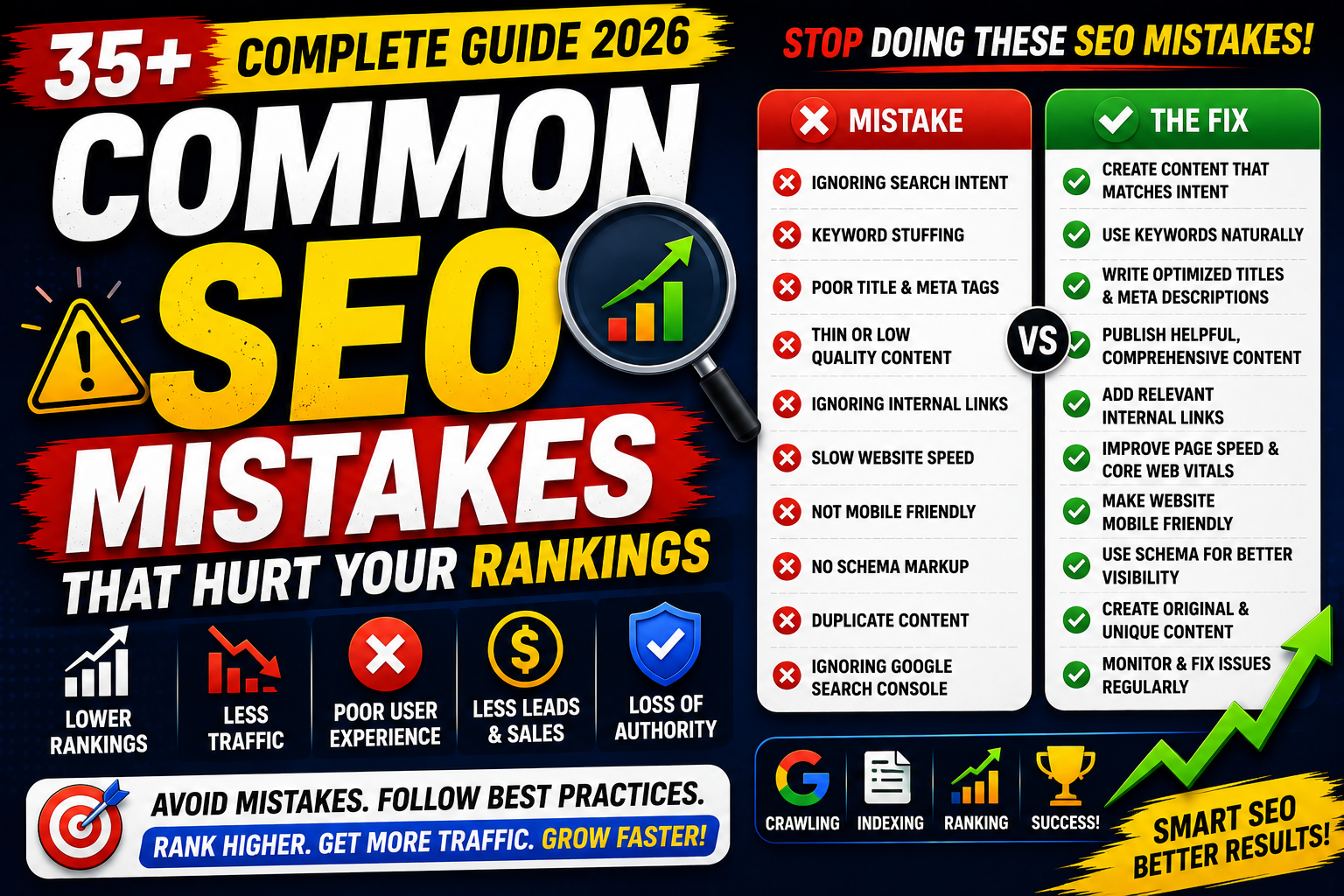
SEO can significantly increase your website's organic traffic—but even small mistakes can prevent your pages from ranking well.
Many website owners focus on publishing content while overlooking technical issues, poor optimization, or user experience problems that hold their websites back.
In this complete guide, you'll discover the most common SEO mistakes, why they matter, and how to fix them to improve your website's visibility in Google Search.
Whether you're a beginner, blogger, freelancer, business owner, or SEO professional, avoiding these mistakes will help you build a stronger long-term SEO strategy.
Why Avoid SEO Mistakes?
Fixing SEO issues can help you:
✅ Improve Google Rankings
✅ Increase Organic Traffic
✅ Enhance User Experience
✅ Improve Crawlability
✅ Increase Click-Through Rate (CTR)
✅ Build Website Authority
1. Ignoring Search Intent
One of the biggest SEO mistakes is creating content that doesn't match what users are actually searching for.
Example:
Searching:
Best SEO Tools
Users expect:
Comparisons
Reviews
Features
Pricing
Not a basic definition of SEO.
Fix
Research the current search results and create content that satisfies the same intent.
2. Keyword Stuffing
Repeating keywords unnaturally:
❌ Best SEO tools are the best SEO tools because these SEO tools...
Fix
Use keywords naturally and write for humans first.
3. Poor Title Tags
Bad:
"Home"
Good:
"Best SEO Tools (2026): 25+ Powerful Tools to Improve Rankings"
Fix
Write descriptive titles with your primary keyword.
4. Weak Meta Descriptions
A missing or unhelpful meta description can reduce your click-through rate.
Fix
Write compelling summaries (around 140–160 characters) that accurately describe the page.
5. Missing H1 Tag
Every important page should have one clear H1 heading describing the topic.
6. Poor Heading Structure
Avoid jumping randomly between heading levels.
Good:
H1
↓
H2
↓
H3
↓
H4 (when needed)
7. Duplicate Content
Publishing identical or nearly identical pages can confuse search engines.
Fix
Create unique, original content and use canonical tags where appropriate.
8. Thin Content
Very short pages with little value often struggle to rank.
Fix
Create comprehensive content that answers users' questions.
9. Ignoring Internal Linking
Pages without relevant internal links are harder to discover and navigate.
Fix
Link related articles using descriptive anchor text.
10. Broken Internal Links
Broken links create a poor user experience.
Fix
Regularly audit your website and repair or redirect broken URLs.
11. Orphan Pages
Pages with no internal links pointing to them may be difficult for users and search engines to find.
Fix
Include every important page within your internal linking strategy.
12. Slow Website Speed
Slow-loading websites frustrate users.
Fix
Compress images
Minify CSS & JavaScript
Enable caching
Optimize hosting
13. Poor Mobile Experience
Google primarily uses the mobile version of your website for indexing.
Fix
Use responsive design and test your site on multiple screen sizes.
14. Ignoring Core Web Vitals
Monitor:
LCP
INP
CLS
Improve these metrics for a better page experience.
15. Missing Image ALT Text
Images without ALT text reduce accessibility and miss SEO opportunities.
Fix
Write meaningful, descriptive ALT text.
16. Large Image Files
Oversized images slow down your website.
Fix
Compress images and use modern formats such as WebP where appropriate.
17. Poor URL Structure
Bad:
example.com/post?id=123
Good:
example.com/technical-seo-guide
18. Not Using HTTPS
HTTPS improves user trust and protects data.
19. Ignoring XML Sitemaps
Without a sitemap, important pages may be discovered less efficiently.
Fix
Generate and submit your sitemap through Google Search Console.
20. Ignoring Google Search Console
Many website owners never review indexing, performance, or crawl reports.
Fix
Check GSC regularly for issues and opportunities.
21. Forgetting to Request Indexing
After publishing or making significant updates, request indexing when appropriate using the URL Inspection Tool.
22. No Structured Data
Schema Markup helps search engines better understand your content.
Common types:
Article
FAQ
Product
Breadcrumb
Organization
23. Weak E-E-A-T
Avoid:
❌ Anonymous articles
❌ No author information
❌ Unsupported claims
Fix
Build trust with author bios, accurate information, and transparent policies.
24. Publishing AI Content Without Review
AI can speed up writing, but it should not replace fact-checking and human expertise.
Fix
Review, edit, verify facts, and add original insights.
25. Buying Low-Quality Backlinks
Spammy backlinks can do more harm than good.
Fix
Earn backlinks naturally through valuable content and outreach.
26. Ignoring Topical Authority
Publishing random topics weakens your website's focus.
Fix
Build topic clusters around your niche.
27. Publishing Inconsistently
Long gaps between updates can slow content growth.
Fix
Maintain a realistic publishing schedule.
28. Never Updating Old Content
SEO isn't a one-time task.
Fix
Refresh articles with new information, screenshots, and examples.
29. Ignoring User Experience
Difficult navigation, intrusive pop-ups, and cluttered layouts can hurt engagement.
Fix
Design pages that are easy to read and navigate.
30. Focusing Only on Rankings
Traffic is important—but so are conversions and user satisfaction.
Track:
Leads
Sales
Signups
Engagement
31. Ignoring Analytics
Without data, it's difficult to improve.
Use:
Google Analytics 4
Google Search Console
32. Using Multiple SEO Plugins
Running more than one SEO plugin on WordPress can create conflicts.
Choose one trusted plugin, such as Rank Math or Yoast SEO.
33. Not Optimizing for Featured Snippets
Use:
Lists
Tables
Step-by-step instructions
FAQ sections
These formats can improve eligibility for featured snippets.
34. Ignoring Local SEO
If you serve a local audience:
Optimize your business profile
Use local keywords
Keep NAP (Name, Address, Phone) information consistent
35. Expecting Instant Results
SEO takes time.
Focus on:
Consistency
Helpful content
Technical improvements
Long-term growth
Tools to Find SEO Mistakes
Helpful tools:
Google Search Console
Google Analytics 4
Google PageSpeed Insights
Lighthouse
Screaming Frog SEO Spider
Ahrefs
Semrush
Rank Math SEO
SEO Mistakes Checklist
Before publishing, ask:
✅ Does the content match search intent?
✅ Is the title optimized?
✅ Is the meta description compelling?
✅ Is there one H1?
✅ Are headings structured?
✅ Have I added internal links?
✅ Are images optimized?
✅ Is the page mobile-friendly?
✅ Does it load quickly?
✅ Is the content original and accurate?
Final Thoughts
Most SEO failures aren't caused by a lack of effort—they're caused by avoidable mistakes.
By focusing on user-first content, technical best practices, clear site structure, and consistent updates, you can avoid common pitfalls and build a website that performs well over time.
SEO is a continuous process of improving, measuring, and refining—not chasing shortcuts.
Frequently Asked Questions (FAQs)
1. What is the biggest SEO mistake?
One of the biggest mistakes is creating content that doesn't satisfy search intent. Even well-written content may struggle if it doesn't match what users expect.
2. Does keyword stuffing still work?
No. Overusing keywords can make content difficult to read and is not recommended. Write naturally and focus on relevance.
3. Why are internal links important?
Internal links help search engines discover pages, understand your site structure, and guide users to related content.
4. How often should I update old content?
Review important articles every few months or whenever significant information changes.
5. Can AI-generated content rank?
Yes, provided it's accurate, original, helpful, reviewed by humans, and adds real value for readers.
6. How can I check my website for SEO mistakes?
Use tools like Google Search Console, Google Analytics 4, PageSpeed Insights, Screaming Frog, Ahrefs, Semrush, and Rank Math to identify technical and content-related issues.