Common Google Ads Mistakes (2026): 25 Costly Mistakes That Waste Your Budget & How to Fix Them
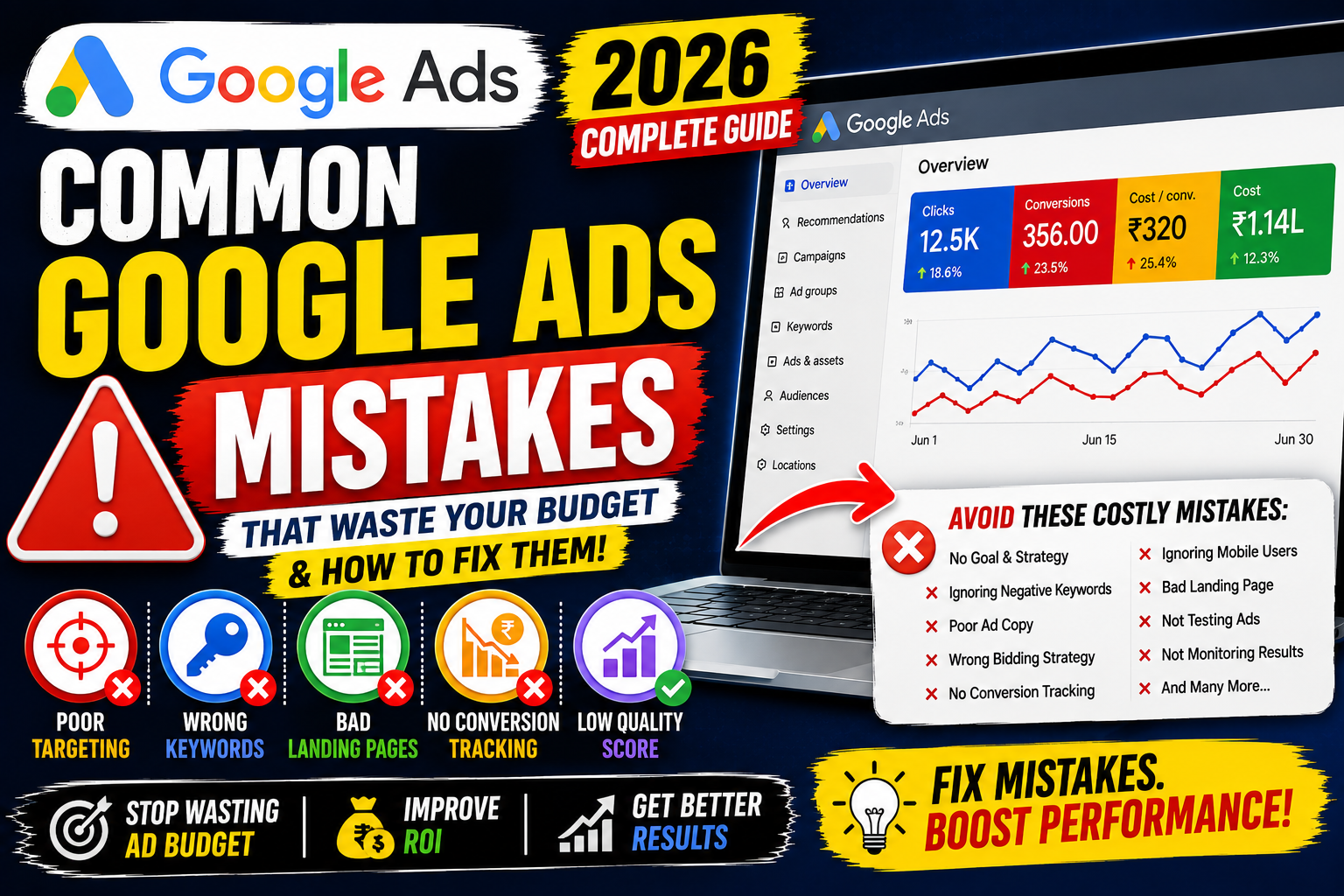
Launching a Google Ads campaign is easy. Running a profitable campaign consistently is much more challenging.
Many advertisers assume that increasing their budget will automatically generate more leads or sales. In reality, poor campaign structure, weak targeting, irrelevant keywords, and missing conversion tracking often waste advertising budgets before campaigns have a chance to succeed.
Whether you're a beginner, freelancer, agency owner, or business owner, avoiding common Google Ads mistakes can dramatically improve your campaign performance.
In this guide, you'll discover the biggest Google Ads mistakes in 2026, understand why they hurt performance, and learn practical solutions to improve your campaigns.
Why Avoiding Google Ads Mistakes Matters
Every mistake in Google Ads has a cost.
Poor campaign management can lead to:
Higher Cost Per Click (CPC)
Lower Quality Score
Reduced Click-Through Rate (CTR)
Fewer conversions
Poor Return on Ad Spend (ROAS)
Wasted advertising budget
The goal isn't simply to get more clicks—it's to attract the right audience and generate meaningful business results.
Mistake 1: Starting Without a Clear Goal
Many advertisers launch campaigns without deciding what success looks like.
Examples of clear goals include:
Generate leads
Increase online sales
Drive phone calls
Build brand awareness
Increase website traffic
Solution: Define one primary objective for each campaign before spending any budget.
Mistake 2: Skipping Keyword Research
Choosing keywords based on assumptions often leads to irrelevant traffic.
Solution:
Use Google Keyword Planner.
Analyze search intent.
Focus on high-intent keywords.
Group similar keywords together.
Mistake 3: Using Only Broad Match Keywords
Broad Match can increase reach but may also trigger irrelevant searches.
Solution:
Combine Broad Match with smart bidding where appropriate and regularly review Search Terms reports. Use Phrase Match or Exact Match when you need tighter control.
Mistake 4: Ignoring Negative Keywords
Without negative keywords, Google may show ads for irrelevant searches.
Example:
Keyword:
"Digital Marketing Course"
Unwanted searches:
Free
PDF
Jobs
Internship
Solution: Build and update negative keyword lists regularly.
Mistake 5: Poor Campaign Structure
Placing unrelated keywords into one ad group reduces relevance.
Solution:
Create tightly themed campaigns and ad groups so that keywords, ads, and landing pages closely match each other.
Mistake 6: Weak Ad Copy
Generic headlines fail to attract clicks.
A strong ad should include:
Target keyword
Clear value proposition
Call-to-action
Unique selling point
Mistake 7: Sending Traffic to the Homepage
Many advertisers direct every ad to the homepage.
This creates a poor user experience.
Solution:
Send users to dedicated landing pages that directly match the ad message.
Mistake 8: Ignoring Mobile Users
Most searches now occur on mobile devices.
Solution:
Mobile-friendly pages
Fast loading speed
Large buttons
Simple forms
Mistake 9: Not Setting Up Conversion Tracking
Without conversion tracking, you're measuring clicks—not business outcomes.
Track:
Purchases
Leads
Calls
Form submissions
Newsletter sign-ups
Mistake 10: Changing Budgets Too Frequently
Frequent budget changes can interrupt campaign learning and make performance harder to evaluate.
Solution: Allow campaigns to gather enough data before making significant adjustments.
Mistake 11: Choosing the Wrong Bidding Strategy
Every campaign objective requires a suitable bidding strategy.
Examples:
Maximize Clicks
Maximize Conversions
Target CPA
Target ROAS
Choose based on your business goal, not popularity.
Mistake 12: Ignoring Quality Score
Quality Score affects CPC and Ad Rank.
Improve it by:
Better ad relevance
Higher CTR
Better landing pages
Mistake 13: Writing One Ad Only
Testing a single ad limits optimization.
Create multiple responsive search ads to identify better-performing combinations.
Mistake 14: Ignoring Search Terms Reports
The Search Terms report reveals exactly what users searched before clicking your ad.
Review it weekly to:
Add new keywords
Find irrelevant searches
Expand negative keyword lists
Mistake 15: Poor Landing Page Experience
A slow or confusing landing page reduces conversions.
Optimize:
Speed
Navigation
Mobile usability
Clear CTA
Relevant content
Mistake 16: Using Too Many Keywords
Hundreds of unrelated keywords make optimization difficult.
Focus on quality instead of quantity.
Mistake 17: Ignoring Audience Targeting
Keywords alone aren't always enough.
Use audience signals such as:
Remarketing lists
In-market audiences
Customer Match (where applicable)
Mistake 18: Not Using Ad Assets
Ad assets can improve visibility and provide additional information.
Consider adding:
Sitelinks
Callouts
Structured snippets
Call assets
Location assets
Mistake 19: Expecting Instant Results
Google Ads requires time for learning, testing, and optimization.
Evaluate performance over a meaningful period rather than making decisions after only a day or two.
Mistake 20: Copying Competitors
Competitor research is useful, but copying ads rarely creates a competitive advantage.
Highlight your own unique value proposition instead.
Mistake 21: Ignoring Geographic Performance
Not every location performs equally.
Review performance by city, region, or country and adjust targeting accordingly.
Mistake 22: Running Ads 24/7 Without Analysis
Some businesses perform better during specific hours.
Review ad schedules and allocate budget to high-performing time periods.
Mistake 23: Not Monitoring Campaigns
Launching a campaign isn't the end of the process.
Review key metrics regularly:
CTR
CPC
Conversions
CPA
ROAS
Impression Share
Mistake 24: Optimizing Only for Clicks
High traffic doesn't always mean success.
Focus on metrics tied to business outcomes, such as qualified leads, sales, and revenue.
Mistake 25: Never Testing
Successful advertisers continuously test:
Headlines
Descriptions
Landing pages
CTAs
Images (where applicable)
Bidding strategies
Continuous testing drives long-term improvements.
Quick Optimization Checklist
✅ Define campaign goals
✅ Conduct keyword research
✅ Add negative keywords
✅ Organize ad groups
✅ Write relevant ad copy
✅ Improve landing pages
✅ Enable conversion tracking
✅ Review Search Terms weekly
✅ Monitor Quality Score
✅ Test and optimize continuously
Common Google Ads Mistakes Summary
| Mistake | Solution |
|---|---|
| No campaign goal | Set a measurable objective |
| Weak keyword research | Use Keyword Planner |
| No negative keywords | Build and maintain lists |
| Poor landing pages | Improve relevance and speed |
| No conversion tracking | Track valuable actions |
| Generic ad copy | Match search intent |
| Ignoring mobile | Optimize mobile experience |
| Frequent changes | Let campaigns gather data |
| Wrong bidding strategy | Align with campaign goals |
| No testing | Continuously optimize |
Frequently Asked Questions
What is the biggest Google Ads mistake?
One of the biggest mistakes is running campaigns without conversion tracking. Without measurement, it's difficult to know what's actually working.
Can beginners avoid wasting money on Google Ads?
Yes. By setting clear goals, researching keywords, tracking conversions, and reviewing campaign performance regularly, beginners can significantly reduce wasted spend.
Why are negative keywords important?
Negative keywords prevent ads from appearing for irrelevant searches, helping improve traffic quality and reduce unnecessary costs.
How often should I optimize my campaigns?
Review performance weekly, but avoid making major changes too frequently. Let campaigns collect enough data before adjusting strategy.
Does Quality Score affect campaign performance?
Yes. Higher Quality Scores can improve Ad Rank and often lower your Cost Per Click.
Final Thoughts
Google Ads success isn't determined by who spends the most—it's achieved by advertisers who continuously optimize their campaigns using data.
Avoiding these common mistakes can help you improve Quality Score, reduce wasted budget, increase conversions, and maximize return on investment. Whether you're running your first campaign or managing multiple accounts, regular analysis and testing will always outperform guesswork.
Remember, Google Ads is an ongoing optimization process. Small improvements made consistently often lead to significant long-term results.