Technical SEO Checklist (2026): The Complete Guide to Optimizing Your Website for Higher Google Rankings
Introduction
Creating high-quality content is only one part of SEO. If search engines cannot properly crawl, index, and understand your website, even the best content may struggle to rank.
This is where Technical SEO becomes essential.
Technical SEO focuses on optimizing your website's infrastructure so search engines can efficiently access, understand, and rank your pages. A technically optimized website also delivers a faster, smoother, and more secure experience for users.
In this complete Technical SEO Checklist, you'll learn every important optimization you should perform before and after publishing your website.
What is Technical SEO?
Technical SEO is the process of improving your website's technical foundation to help search engines crawl, index, and rank your pages more effectively.
Unlike On-Page SEO (content optimization) and Off-Page SEO (backlinks), Technical SEO focuses on your website's performance, structure, and accessibility.
Benefits include:
Faster indexing
Better Google rankings
Improved user experience
Higher Core Web Vitals scores
Increased organic traffic
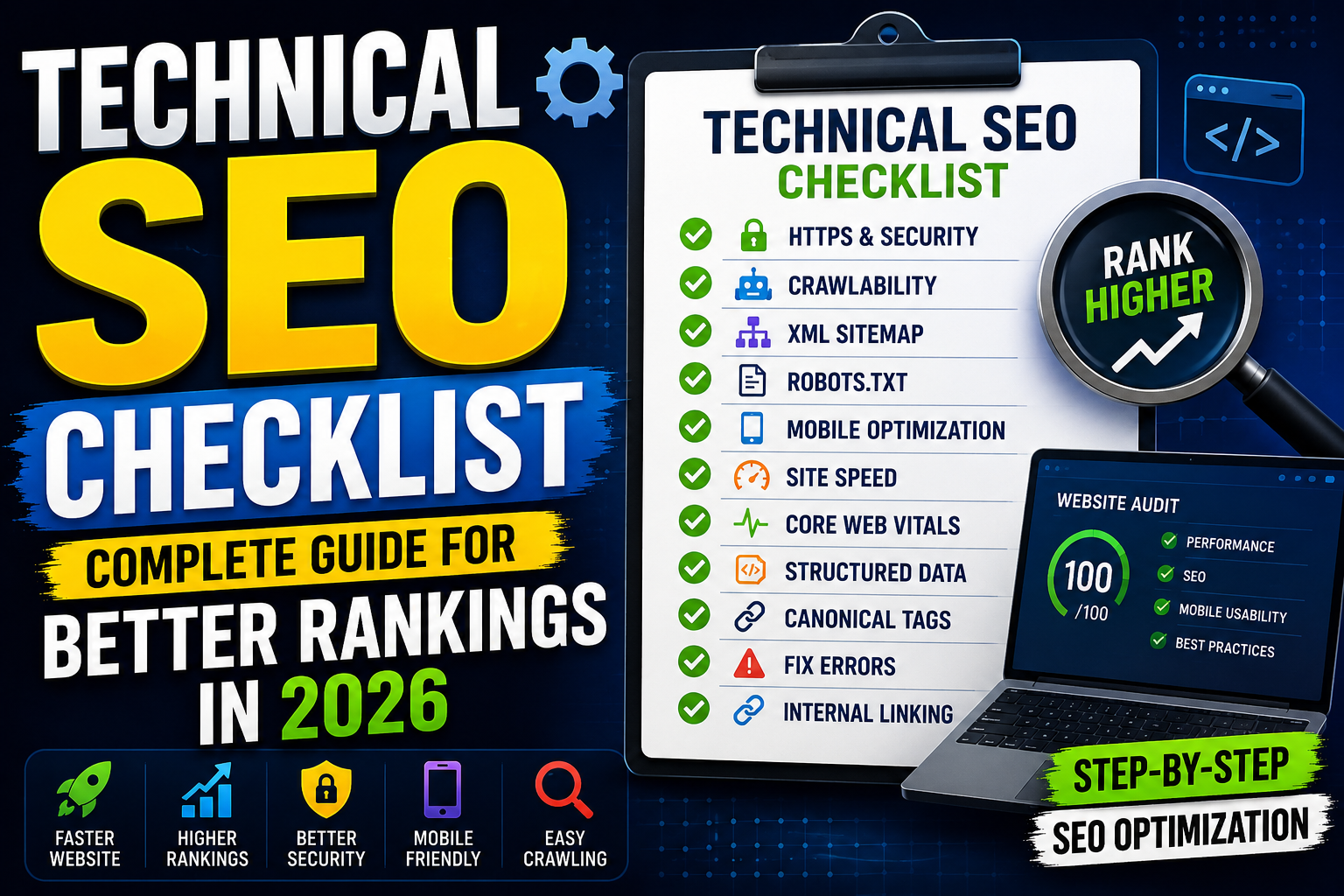
Complete Technical SEO Checklist
✅ 1. Use HTTPS
Your website should always use HTTPS.
Benefits:
Secure data transmission
Better trust
Google ranking signal
Example:
https://www.example.com
Never mix HTTP and HTTPS URLs.
✅ 2. Mobile-Friendly Design
Google uses Mobile-First Indexing, meaning it primarily evaluates the mobile version of your website.
Checklist:
✔ Responsive layout
✔ Readable fonts
✔ Proper button spacing
✔ No horizontal scrolling
✔ Fast mobile loading
✅ 3. Improve Page Speed
Fast websites rank better and provide a better user experience.
Optimize:
Compress images
Use WebP/AVIF
Minify CSS
Minify JavaScript
Lazy-load images
Reduce render-blocking resources
Enable browser caching
✅ 4. Optimize Core Web Vitals
Google evaluates:
Largest Contentful Paint (LCP)
Target:
Under 2.5 seconds
Interaction to Next Paint (INP)
Target:
Under 200ms
Cumulative Layout Shift (CLS)
Target:
Below 0.1
✅ 5. XML Sitemap
Create and submit an XML sitemap.
Example:
https://yourwebsite.com/sitemap.xml
Submit it in:
Google Search Console
Bing Webmaster Tools
✅ 6. Robots.txt
Use robots.txt to control crawler access.
Example:
User-agent: *
Allow: /

Sitemap: https://yourwebsite.com/sitemap.xml
Avoid blocking important pages accidentally.
✅ 7. Canonical URLs
Prevent duplicate content using canonical tags.
Example:
<link rel="canonical" href="https://yourwebsite.com/post-name"/>
✅ 8. Fix Crawl Errors
Regularly check Google Search Console for:
404 errors
Redirect errors
Blocked pages
Server errors
Fix these issues promptly.
✅ 9. Optimize URL Structure
Good URLs are:
✔ Short
✔ Descriptive
✔ Keyword-rich
Good:
yourwebsite.com/technical-seo-checklist
Avoid:
yourwebsite.com/post?id=12345
✅ 10. Structured Data (Schema)
Schema helps search engines better understand your content.
Recommended schema types:
Organization
Website
Article
FAQ
Breadcrumb
Person
SearchAction
Structured data increases your chances of earning rich results.
✅ 11. Breadcrumb Navigation
Breadcrumbs improve both navigation and search appearance.
Example:
Home → SEO → Technical SEO Checklist
✅ 12. Image Optimization
Every image should include:
✔ ALT text
✔ Width & height
✔ Compression
✔ Lazy loading
✔ Descriptive filename
Example:
technical-seo-checklist.webp
✅ 13. Internal Linking
Link related articles together.
Example:
What is SEO?
On-Page SEO Checklist
Keyword Research Guide
Google Search Console Guide
Benefits:
Better crawlability
Higher engagement
Stronger topical authority
✅ 14. Fix Broken Links
Broken links hurt both users and search engines.
Regularly audit your website and replace or redirect broken URLs.
✅ 15. Redirect Management
Use permanent (301) redirects when changing URLs.
Avoid redirect chains and loops.
✅ 16. Optimize Meta Tags
Every page should include:
✔ SEO Title
✔ Meta Description
✔ Canonical URL
✔ Open Graph Tags
✔ Twitter Cards
✔ Robots Meta Tag
✅ 17. Open Graph & Twitter Cards
Improve social sharing previews.
Include:
Title
Description
Featured Image
URL
✅ 18. Enable Compression
Use:
GZIP
Brotli
to reduce page size and improve loading speed.
✅ 19. Lazy Load Images
Load images only when users scroll to them.
Example:
<img loading="lazy" decoding="async">
✅ 20. Optimize JavaScript & CSS
Reduce unnecessary code by:
Removing unused CSS
Deferring JavaScript
Minifying files
Using Critical CSS
✅ 21. Add a Favicon
Include a favicon and app icons for a professional appearance across browsers and devices.
✅ 22. Improve Accessibility
Add:
ARIA labels
Keyboard navigation
Descriptive link text
Proper heading hierarchy
Accessibility improves both UX and SEO.
✅ 23. Verify Search Console
Connect your website to:
Google Search Console
Bing Webmaster Tools
Monitor:
Indexing
Search performance
Crawl issues
Sitemap status
✅ 24. Monitor Analytics
Use:
Google Analytics 4
Microsoft Clarity
Track:
Organic traffic
User engagement
Conversions
Behavior flow
✅ 25. Regular Technical Audits
Perform monthly audits to identify:
Slow pages
Crawl issues
Duplicate content
Broken links
Missing metadata
Schema errors
SEO is an ongoing process.
Common Technical SEO Mistakes
Avoid:
❌ Missing HTTPS
❌ Slow website
❌ Broken links
❌ Duplicate content
❌ Missing canonical tags
❌ Large uncompressed images
❌ Poor mobile experience
❌ Missing schema markup
❌ Incorrect robots.txt rules
❌ No XML sitemap
Best Technical SEO Tools
Google Search Console
Google PageSpeed Insights
Lighthouse
Google Rich Results Test
Screaming Frog SEO Spider
Ahrefs Site Audit
Semrush Site Audit
GTmetrix
Bing Webmaster Tools
Technical SEO Checklist Summary
Before publishing, verify:
✅ HTTPS enabled
✅ Mobile-friendly design
✅ Fast loading speed
✅ Core Web Vitals optimized
✅ XML sitemap submitted
✅ Robots.txt configured
✅ Canonical tags added
✅ Schema markup implemented
✅ Images optimized
✅ Internal linking completed
✅ Broken links fixed
✅ Meta tags optimized
✅ Open Graph configured
✅ Twitter Cards configured
✅ Search Console connected
Final Thoughts
Technical SEO is the backbone of every successful website.
Without a strong technical foundation, even outstanding content can struggle to achieve its full ranking potential.
By following this Technical SEO Checklist, you'll create a website that's easier for search engines to crawl, faster for users to navigate, and better positioned to compete in search results.
Combine Technical SEO with high-quality content, On-Page SEO, and authoritative backlinks to build sustainable organic growth.
Frequently Asked Questions (FAQs)
1. What is Technical SEO?
Technical SEO focuses on optimizing your website's infrastructure so search engines can efficiently crawl, index, and rank your content.
2. Why is Technical SEO important?
It improves website speed, indexing, crawlability, user experience, and overall search engine visibility.
3. What is the difference between Technical SEO and On-Page SEO?
Technical SEO improves the website's backend and performance, while On-Page SEO focuses on content, keywords, headings, and page optimization.
4. Which tools are best for Technical SEO?
Google Search Console, Google PageSpeed Insights, Lighthouse, GTmetrix, Screaming Frog, Ahrefs, and Semrush are among the best tools.
5. How often should I perform a Technical SEO audit?
It's recommended to perform a complete audit every month and after major website updates.
6. Can Technical SEO improve rankings?
Yes. A technically optimized website helps search engines crawl and index your content more efficiently, which can contribute to better rankings when combined with quality content and backlinks.