On-Page SEO Checklist (2026): The Complete Guide to Optimizing Every Web Page
Introduction
On-Page SEO is one of the most important factors for improving your website's visibility on Google. Even the best content may struggle to rank if it's not properly optimized.
Whether you're a blogger, business owner, freelancer, or digital marketer, following a structured On-Page SEO checklist helps search engines understand your content while providing a better experience for users.
In this guide, you'll learn a complete On-Page SEO checklist for 2026 that you can use before publishing every blog post or webpage.
What is On-Page SEO?
On-Page SEO is the process of optimizing elements within your website to improve rankings in search engines.
Unlike Off-Page SEO (backlinks) or Technical SEO (website performance), On-Page SEO focuses on your content and page structure.
Its main goals are to:
Improve search rankings
Increase organic traffic
Enhance user experience
Boost click-through rates (CTR)
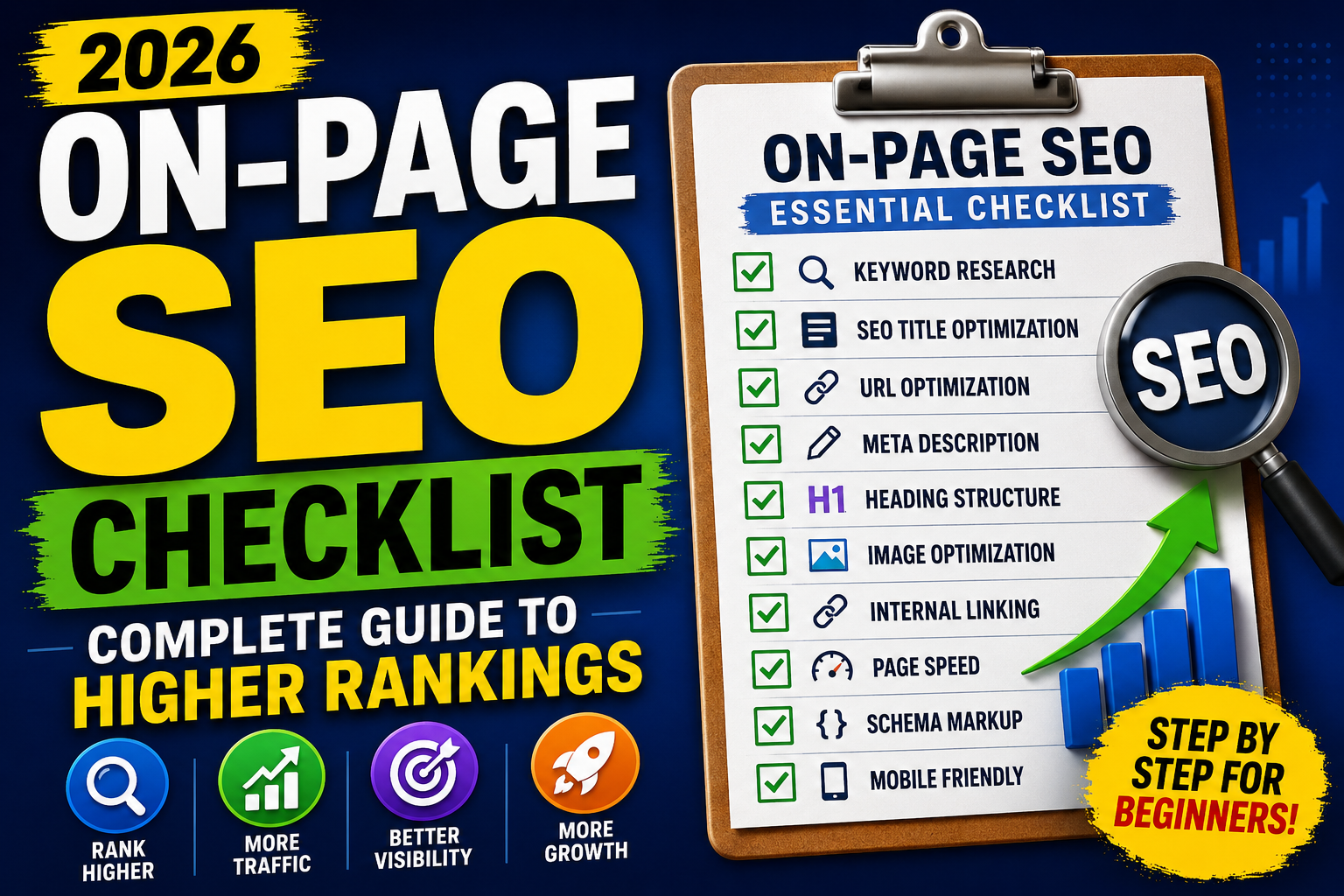
Complete On-Page SEO Checklist
✅ 1. Keyword Research
Before writing any content:
Find a primary keyword
Identify related keywords
Include long-tail keywords
Understand user search intent
Recommended Tools:
Google Keyword Planner
Google Trends
Ahrefs
Semrush
Ubersuggest
✅ 2. SEO-Friendly Title
Your title is one of the strongest ranking signals.
Checklist:
✔ Include the focus keyword
✔ Keep it under 60 characters
✔ Make it compelling
Example:
On-Page SEO Checklist (2026): Complete Guide to Higher Rankings
✅ 3. Optimize the URL
Keep URLs:
✔ Short
✔ Clean
✔ Keyword-rich
Good:
yourwebsite.com/on-page-seo-checklist
Avoid:
yourwebsite.com/post?id=12345
✅ 4. Write a Strong Meta Description
A good meta description improves CTR.
Best practices:
140–160 characters
Include the primary keyword
Explain the benefit
Encourage clicks
Example:
"Follow this complete On-Page SEO checklist to improve Google rankings, increase traffic, and optimize every webpage in 2026."
✅ 5. Use One H1 Tag
Your page should have only one H1 heading.
Usually, this is your blog title.
✅ 6. Structure Content with H2 & H3 Headings
Proper headings improve readability.
Example:
H1
→ On-Page SEO Checklist
H2
→ Keyword Research
H2
→ Title Optimization
H3
→ Best Practices
✅ 7. Optimize Keyword Placement
Include your focus keyword naturally in:
✔ Title
✔ URL
✔ First 100 words
✔ Headings
✔ Meta description
✔ Image ALT text
✔ Conclusion
Avoid keyword stuffing.
✅ 8. Write High-Quality Content
Google rewards content that is:
✔ Original
✔ Helpful
✔ Well-structured
✔ Comprehensive
✔ Up-to-date
Aim for 1,500–2,500+ words for in-depth guides where appropriate.
✅ 9. Optimize Images
Every image should have:
✔ Descriptive filename
✔ ALT text
✔ Compression
✔ Modern format (WebP if possible)
Example:
on-page-seo-checklist.webp
ALT Text:
"On-Page SEO Checklist infographic for beginners."
✅ 10. Internal Linking
Link to related articles on your website.
Example:
If you're writing about On-Page SEO, link to:
What is SEO?
Technical SEO Guide
Keyword Research Guide
Google Search Console Guide
Benefits:
✔ Better indexing
✔ Higher engagement
✔ Improved topical authority
✅ 11. Add External Links
Link to trusted and relevant sources where appropriate.
This improves credibility and user trust.
✅ 12. Improve Readability
Use:
Short paragraphs
Bullet points
Numbered lists
Clear headings
Simple language
A readable page keeps visitors engaged longer.
✅ 13. Mobile Optimization
Most users visit websites on mobile devices.
Ensure:
✔ Responsive design
✔ Readable fonts
✔ Easy navigation
✔ Clickable buttons
✅ 14. Improve Page Speed
A fast website improves rankings and user experience.
Tips:
Compress images
Minify CSS & JavaScript
Enable browser caching
Use a CDN
Choose reliable hosting
✅ 15. Add Schema Markup
Schema helps search engines better understand your content.
Useful schema types:
Article
FAQ
Breadcrumb
Organization
If you're using Rank Math SEO, much of this can be added automatically.
✅ 16. Include a Clear Call-to-Action (CTA)
Guide readers toward the next step.
Examples:
Read another guide
Subscribe to your newsletter
Leave a comment
Share the article
✅ 17. Update Content Regularly
SEO isn't a one-time task.
Refresh articles by:
Updating statistics
Adding new sections
Improving screenshots
Including the latest trends
Google prefers fresh, relevant content.
Common On-Page SEO Mistakes
Avoid these mistakes:
❌ Keyword stuffing
❌ Duplicate content
❌ Missing meta descriptions
❌ Broken internal links
❌ Slow-loading images
❌ No image ALT text
❌ Weak headings
❌ Poor readability
❌ Thin content
Best On-Page SEO Tools
Google Search Console
Google Analytics 4
Rank Math SEO
Yoast SEO
Screaming Frog
Ahrefs
Semrush
Surfer SEO
Quick On-Page SEO Checklist
Before publishing, confirm:
✅ Focus keyword selected
✅ SEO title optimized
✅ Clean URL
✅ Meta description added
✅ One H1 tag
✅ Proper H2 & H3 headings
✅ Keyword used naturally
✅ High-quality content
✅ Images optimized
✅ ALT text added
✅ Internal links included
✅ External links added
✅ Mobile-friendly layout
✅ Fast page speed
✅ Schema markup enabled
✅ FAQ section included
Final Thoughts
On-Page SEO is the foundation of every successful website.
By optimizing your titles, headings, URLs, content, images, internal links, and overall user experience, you significantly improve your chances of ranking higher on Google.
Remember, SEO isn't about tricking search engines—it's about creating the best possible experience for your visitors.
Use this checklist every time you publish a new page, and over time you'll build stronger topical authority, better rankings, and consistent organic traffic.
Frequently Asked Questions (FAQs)
1. What is On-Page SEO?
On-Page SEO is the practice of optimizing elements on your website—such as titles, headings, content, images, and internal links—to improve search engine rankings and user experience.
2. Why is On-Page SEO important?
It helps search engines understand your content, improves rankings, increases organic traffic, and enhances the user experience.
3. How many times should I use my focus keyword?
Use it naturally in the title, URL, first paragraph, headings, meta description, image ALT text, and conclusion. Avoid keyword stuffing.
4. Is On-Page SEO enough to rank on Google?
No. On-Page SEO is essential, but Off-Page SEO, Technical SEO, quality content, and backlinks also play important roles.
5. Which plugin is best for On-Page SEO in WordPress?
Rank Math SEO and Yoast SEO are two of the most popular plugins for optimizing on-page elements.
6. How often should I update my SEO content?
Review and update important articles every 6–12 months or whenever there are major industry changes to keep your content accurate and competitive.