Meta Ads Beginner Guide (2026): Complete Facebook & Instagram Ads Tutorial
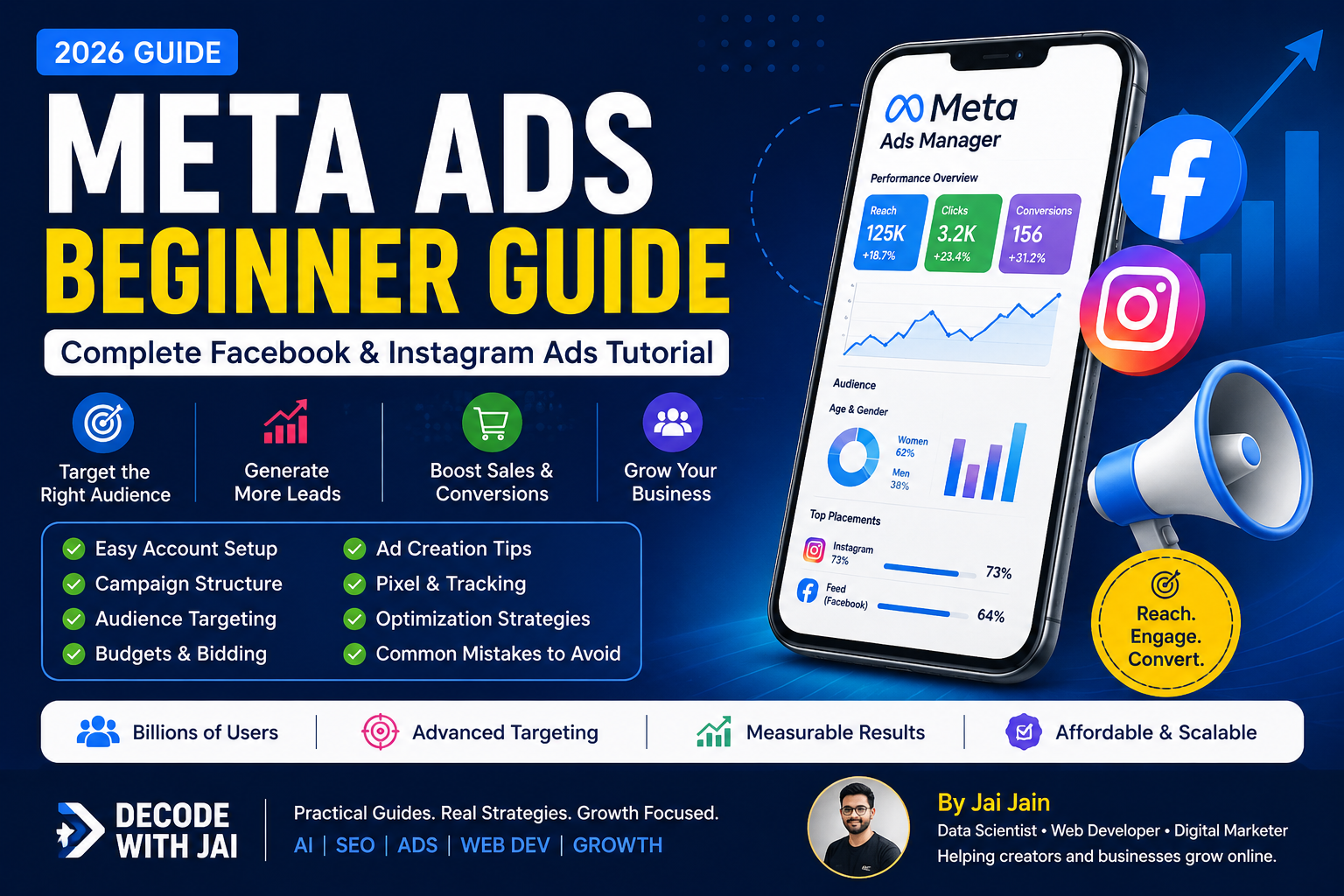
With billions of active users across Facebook, Instagram, Messenger, and the Meta Audience Network, Meta Ads allows businesses to reach highly targeted audiences and generate leads, sales, website traffic, app installs, and brand awareness.
In this beginner-friendly guide, you'll learn everything you need to know about Meta Ads in 2026, including account setup, campaign objectives, audience targeting, budgets, ad creatives, optimization strategies, and common mistakes to avoid.
Table of Contents
What Are Meta Ads?
Why Use Meta Ads?
Meta Ads Ecosystem
Meta Ads Account Setup
Campaign Structure Explained
Meta Ads Objectives
Audience Targeting
Budgeting & Bidding
Ad Creative Best Practices
Conversion Tracking
Optimization Tips
Common Meta Ads Mistakes
Final Thoughts
What Are Meta Ads?
Meta Ads are paid advertisements that run across:
Facebook
Instagram
Messenger
Audience Network
Businesses use Meta Ads to:
✅ Generate Leads
✅ Increase Website Traffic
✅ Boost Sales
✅ Build Brand Awareness
✅ Promote Apps
✅ Grow Social Media Presence
Why Use Meta Ads?
Meta remains one of the largest digital advertising platforms in the world.
Benefits include:
✔ Advanced Audience Targeting
✔ Affordable Starting Budget
✔ Massive Reach
✔ Detailed Analytics
✔ Retargeting Capabilities
✔ AI-Powered Optimization
Whether you're a local business or global brand, Meta Ads can help you scale effectively.
Meta Ads Ecosystem
Before running ads, understand the ecosystem.
Facebook Page
Your business page where ads are connected.
Instagram Account
Can be linked to your Facebook Page.
Meta Business Suite
Used for business management.
Meta Ads Manager
The main dashboard for creating and managing campaigns.
Meta Pixel
Tracks website actions and conversions.
Setting Up Your Meta Ads Account
Step 1: Create a Meta Business Account
Go to:
business.facebook.com
Create a business profile.
Step 2: Add Your Facebook Page
Connect your business page.
Step 3: Connect Instagram
Link your Instagram business account.
Step 4: Create Ad Account
Set:
Time Zone
Currency
Payment Method
Step 5: Install Meta Pixel
Install the Meta Pixel on your website.
This helps track:
Page Views
Add To Cart
Leads
Purchases
Form Submissions
Understanding Meta Ads Structure
Meta Ads use a three-level structure.
Campaign
Defines your objective.
Example:
Sales Campaign
Ad Set
Controls:
Audience
Placements
Budget
Schedule
Ad
Contains:
Images
Videos
Headlines
Primary Text
CTA Buttons
Structure:
Campaign → Ad Set → Ad
Meta Ads Objectives Explained
Awareness
Best for:
New Brands
Visibility
Reach
Goal:
Show ads to as many people as possible.
Traffic
Best for:
Website Visits
Blog Readers
Landing Pages
Goal:
Drive clicks.
Engagement
Best for:
Likes
Comments
Shares
Followers
Goal:
Increase interactions.
Leads
Best for:
Service Businesses
Agencies
Consultants
Goal:
Collect leads directly inside Facebook.
App Promotion
Best for:
Mobile Apps
Goal:
Increase installs.
Sales
Best for:
E-commerce
Product Businesses
Goal:
Generate purchases.
Audience Targeting Guide
Meta's biggest strength is targeting.
Core Audiences
Target users based on:
Age
Gender
Location
Interests
Behaviors
Example:
Digital Marketing
SEO
Entrepreneurship
Small Business Owners
Custom Audiences
Target people who already interacted with your business.
Examples:
Website Visitors
Video Viewers
Instagram Engagers
Facebook Engagers
Lookalike Audiences
Meta finds users similar to your existing customers.
This is often one of the most profitable audience types.
Budgeting & Bidding
Daily Budget
Example:
₹300 per day
Ads run continuously.
Lifetime Budget
Example:
₹10,000 total budget
Meta distributes spending over time.
Beginner Recommendation
Start with:
₹300–₹500 per day
Test for at least 5–7 days before making major changes.
Ad Creative Best Practices
Great targeting can fail with poor creatives.
Focus on:
Strong Hook
Capture attention in the first 3 seconds.
Clear Offer
Tell users exactly what they get.
Strong CTA
Examples:
Learn More
Sign Up
Get Started
Shop Now
Contact Us
Use High-Quality Visuals
Best performing formats:
Short Videos
Reels
Carousel Ads
Image Ads
Conversion Tracking
Tracking is critical.
Use Meta Pixel to measure:
Purchases
Leads
Add To Cart
Contact Form Submissions
Without tracking, optimization becomes difficult.
Optimization Tips for Beginners
Test Multiple Creatives
Never rely on a single ad.
Test:
Images
Videos
Headlines
CTA Variations
Avoid Frequent Changes
Every major change resets learning.
Allow campaigns to stabilize.
Use Retargeting
Retarget:
Website Visitors
Cart Abandoners
Video Viewers
These audiences often convert better.
Focus on Metrics That Matter
Monitor:
CTR
CPC
CPM
ROAS
Cost Per Lead
Conversion Rate
Common Meta Ads Mistakes
❌ No Pixel Installed
❌ Targeting Too Broad
❌ Targeting Too Narrow
❌ Weak Ad Creative
❌ Poor Landing Page
❌ No Retargeting
❌ Editing Ads Too Frequently
❌ Ignoring Analytics
Meta Ads Checklist
Before Launching:
✅ Business Account Created
✅ Facebook Page Connected
✅ Instagram Connected
✅ Pixel Installed
✅ Conversion Events Set
✅ Audience Defined
✅ Budget Selected
✅ High-Quality Creatives Ready
✅ Landing Page Tested
✅ Tracking Verified
Meta Ads Trends in 2026
Meta advertising continues evolving through AI and automation.
Major trends include:
Advantage+ Campaigns
AI Creative Optimization
Automated Placements
Short-Form Video Ads
Reels Advertising
AI Audience Expansion
Advertisers who combine strong creatives with proper tracking and optimization will continue seeing the best results.
Final Thoughts
Meta Ads remains one of the most effective digital advertising platforms for businesses of all sizes.
If you're just starting, focus on:
Understanding campaign objectives
Installing Meta Pixel
Creating strong ad creatives
Testing audiences
Tracking results consistently
Advertising success doesn't come from spending more money—it comes from understanding your audience and continuously optimizing your campaigns.
Start small, test consistently, and scale what works.
Author: Jai Jain
Website: Decode With Jai
Last Updated: June 2026