How to Use ChatGPT Effectively in 2026: A Complete Beginner-to-Advanced Guide
Introduction
ChatGPT has become one of the most powerful AI tools available today. From writing content and coding software to learning new skills and improving productivity, millions of people use ChatGPT every day.
However, many users only scratch the surface of what ChatGPT can do.
The difference between getting average results and exceptional results often comes down to how you use it.
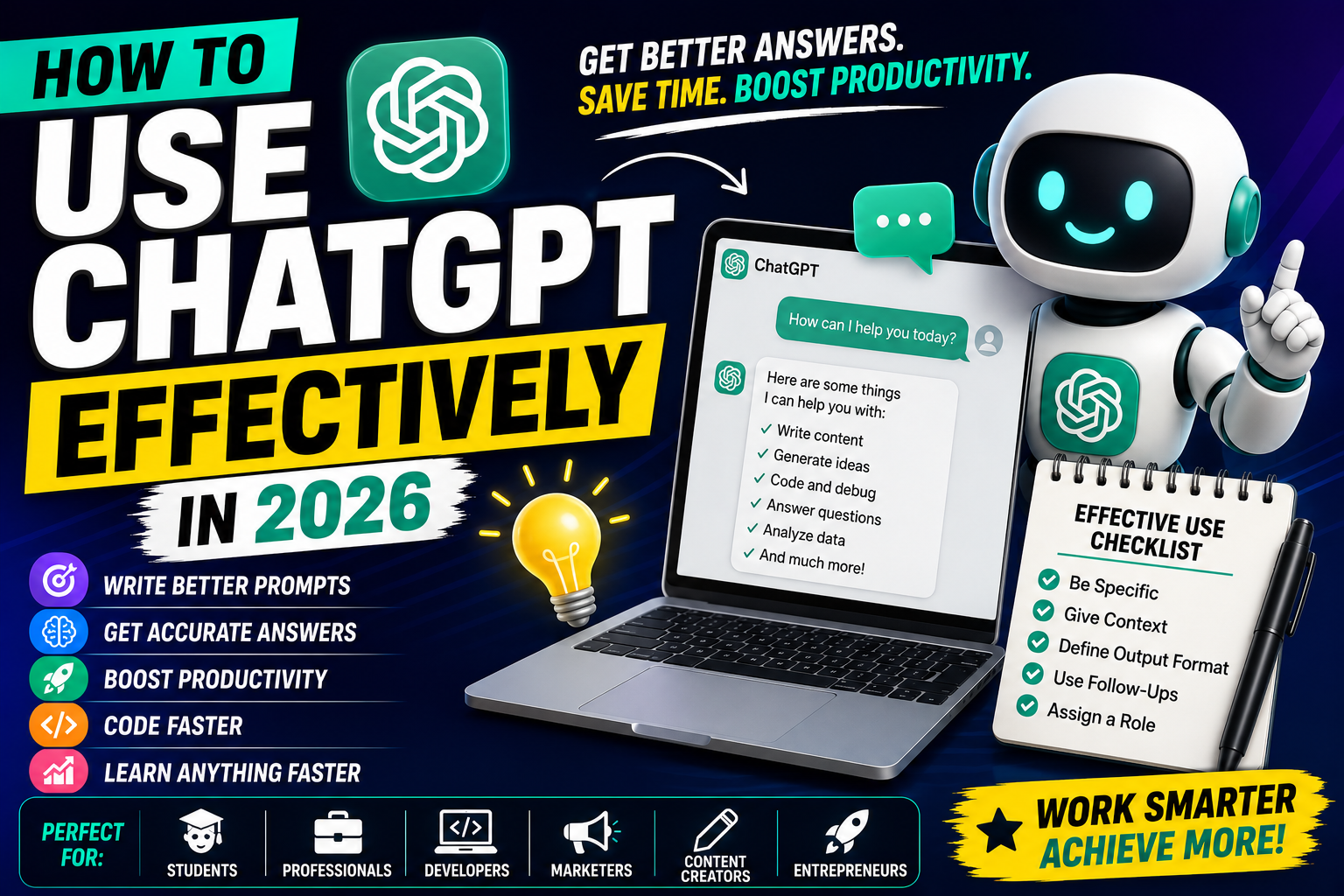
In this guide, you'll learn how to use ChatGPT effectively in 2026, including prompt-writing techniques, productivity tips, common mistakes, and advanced strategies to get better results.
What Is ChatGPT?
ChatGPT is an AI-powered conversational assistant developed by OpenAI.
It can help users:
✅ Answer questions
✅ Write content
✅ Generate code
✅ Summarize information
✅ Brainstorm ideas
✅ Analyze data
✅ Learn new skills
✅ Improve productivity
Think of ChatGPT as an AI assistant that can help with work, learning, business, and everyday tasks.
Why Most People Don't Get the Best Results
Many users type simple prompts like:
"Write a blog."
or
"Create a website."
The AI responds, but the output may be generic.
The secret is giving ChatGPT:
Clear instructions
Context
Goals
Desired format
Better prompts produce better results.
1. Be Specific With Your Prompts
Weak Prompt
Write a blog about SEO.
Better Prompt
Write a 2000-word beginner-friendly blog about SEO in 2026. Include an introduction, key ranking factors, on-page SEO tips, technical SEO best practices, FAQs, and a conclusion.
Notice the difference?
The second prompt gives clear expectations.
2. Give ChatGPT a Role
One of the best techniques is assigning a role.
Example
Act as an experienced SEO consultant with 10 years of experience.
Explain how a beginner can rank a new website in Google in 2026.
This helps ChatGPT generate more focused responses.
3. Provide Context
Context improves accuracy.
Example
I run a technology blog called Decode With Jai that publishes content about AI, SEO, digital marketing, and web development.
Suggest 20 SEO-friendly blog topics.
The more context you provide, the better the output.
4. Define the Output Format
Instead of asking:
Create social media content.
Try:
Create:
LinkedIn post
X post
Pinterest description
Hashtags
for this blog topic.
This saves time and improves consistency.
5. Use Follow-Up Prompts
Many users stop after one response.
Professionals continue the conversation.
Example:
Step 1:
Write a blog about ChatGPT.
Step 2:
Expand the introduction.
Step 3:
Add FAQs.
Step 4:
Optimize for SEO.
Step 5:
Create social media captions.
This workflow produces much better content.
6. Use ChatGPT for Learning
ChatGPT is an excellent learning assistant.
You can ask:
Programming
Explain JavaScript closures like I'm a beginner.
Data Science
Teach me machine learning step-by-step.
SEO
Create a 30-day SEO learning roadmap.
Marketing
Explain Meta Ads with examples.
Learning becomes faster and more interactive.
7. Use ChatGPT for Content Creation
Content creators use ChatGPT for:
Blog Writing
Article outlines
Full blogs
SEO optimization
Social Media
LinkedIn posts
X threads
Pinterest descriptions
Video Scripts
YouTube videos
Reels
Shorts
Email Marketing
Newsletters
Promotional emails
Follow-up campaigns
8. Use ChatGPT for Coding
Developers use ChatGPT to:
Generate code
Debug errors
Learn frameworks
Build websites
Write APIs
Optimize performance
Example Prompt
Act as a senior web developer.
Create a responsive HTML, CSS, and JavaScript landing page for a digital marketing agency.
The results can be surprisingly effective.
9. Use ChatGPT for Productivity
ChatGPT can save hours every week.
Examples:
Task Planning
Create a weekly productivity plan.
Meeting Summaries
Summarize these meeting notes.
Research
Compare the top AI tools for marketers.
Brainstorming
Generate 50 startup ideas in the AI industry.
10. Learn Prompt Engineering
Prompt engineering is the skill of writing effective instructions for AI.
A simple framework:
ROLE
Who should ChatGPT act as?
TASK
What should it do?
CONTEXT
What background information is relevant?
FORMAT
How should the answer be structured?
Example:
Act as an SEO expert.
Create a 2000-word article about AI tools for marketers.
Target beginners.
Include headings, FAQs, and SEO recommendations.
Common Mistakes to Avoid
Being Too Vague
❌ Write content.
✅ Write a 1500-word SEO blog about AI productivity tools.
Not Providing Context
The AI performs better when it understands your situation.
Expecting Perfection
Always review and refine outputs.
ChatGPT is powerful but not perfect.
Ignoring Follow-Ups
Great results often come from multiple prompts.
Best ChatGPT Use Cases in 2026
For Students
Homework assistance
Study notes
Summaries
Learning roadmaps
For Professionals
Email writing
Productivity
Research
Presentations
For Marketers
SEO
Content creation
Social media
For Developers
Coding
Debugging
Documentation
For Business Owners
Marketing plans
Business ideas
Customer communication
Advanced Tips
Ask for Multiple Versions
Example:
Give me 5 different headline options.
Request Improvements
Example:
Make this more professional.
Ask for Critiques
Example:
Review my blog and suggest improvements.
Use Structured Prompts
The more organized your instructions, the better the output.
Future of ChatGPT
ChatGPT continues to evolve rapidly.
Future developments may include:
Better reasoning
More automation
Improved memory
Smarter agents
Enhanced personalization
AI assistants will become increasingly important for work, learning, and business.
Final Thoughts
ChatGPT is one of the most powerful productivity tools available today, but its effectiveness depends on how you use it.
By providing clear instructions, adding context, defining formats, and using follow-up prompts, you can dramatically improve the quality of AI-generated outputs.
Whether you're a student, developer, marketer, entrepreneur, or content creator, learning to use ChatGPT effectively can save time, boost productivity, and unlock new opportunities.
The people who learn how to collaborate effectively with AI will have a significant advantage in the years ahead.
How do you use ChatGPT in your daily workflow? Share your experience in the comments below!