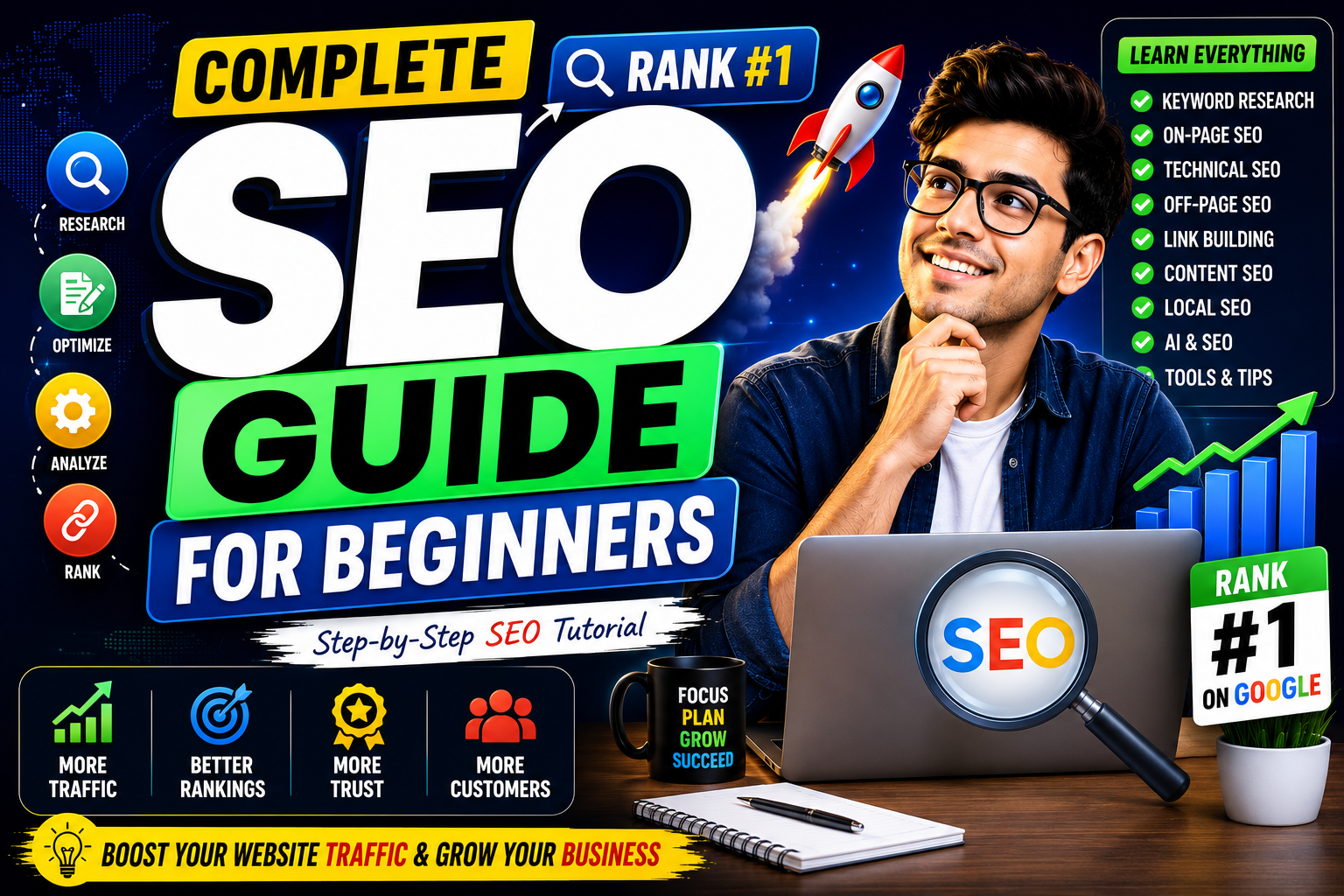
Complete SEO Guide for Beginners (2026): Learn Search Engine Optimization Step by Step
Introduction
Search Engine Optimization (SEO) is one of the most valuable digital marketing skills you can learn in 2026. Whether you own a blog, business website, eCommerce store, or personal portfolio, SEO helps your website appear higher in search engine results, bringing more visitors without paying for ads.
Millions of websites compete for attention every day, but only those with a strong SEO strategy consistently attract organic traffic. The good news is that you don't need to be an expert to get started.
This beginner-friendly guide explains everything you need to know about SEO—from understanding how search engines work to optimizing your content, improving website speed, building backlinks, and tracking performance.
What is SEO?
SEO (Search Engine Optimization) is the process of improving your website so that it ranks higher on search engines like Google, Bing, and AI-powered search platforms.
The primary goal of SEO is to increase organic (free) traffic by making your website more useful, relevant, and technically optimized.
Benefits of SEO include:
More website visitors
Higher brand visibility
Increased trust and credibility
Better lead generation
Long-term traffic without paying for ads
How Search Engines Work
Search engines follow three main steps:
1. Crawling
Search engine bots discover web pages by following links.
2. Indexing
Pages are stored in Google's index after being analyzed.
3. Ranking
Google ranks pages based on hundreds of ranking factors to determine which results are most relevant.
Types of SEO
1. On-Page SEO
Optimizing elements directly on your website.
Examples:
Titles
Headings
Keywords
Meta descriptions
Images
Internal links
Content quality
2. Off-Page SEO
Improving your site's authority through external signals.
Examples:
Backlinks
Brand mentions
Social sharing
Guest posting
3. Technical SEO
Improving the technical performance of your website.
Includes:
Website speed
Mobile responsiveness
SSL certificate
XML sitemap
Robots.txt
Structured data
Core Web Vitals
Keyword Research
Keyword research helps identify what people are searching for.
Types of Keywords
Short-tail
Example:
SEO
High search volume but very competitive.
Long-tail
Example:
Complete SEO Guide for Beginners
Lower competition and higher conversion potential.
Question Keywords
Examples:
What is SEO?
How does SEO work?
How to rank on Google?
These are excellent for FAQ sections.
Best Free SEO Tools
Google Search Console
Google Analytics 4
Google Keyword Planner
Google Trends
Bing Webmaster Tools
Rank Math SEO
Screaming Frog (Free Version)
On-Page SEO Checklist
SEO Title
Keep it:
Under 60 characters
Include the primary keyword
Make it compelling
Example:
Complete SEO Guide for Beginners (2026)
Meta Description
Keep it between 140–160 characters.
Include:
Primary keyword
Clear benefit
Call to action
URL Structure
Good URL:
yourwebsite.com/complete-seo-guide
Avoid:
yourwebsite.com/post?id=123
Heading Structure
Use headings properly:
H1 (Main Title)
H2 (Main Sections)
H3 (Subsections)
This improves readability and SEO.
Image Optimization
Always:
Compress images
Use descriptive filenames
Add ALT text
Use modern formats (WebP where possible)
Internal Linking
Link to relevant articles within your website.
Example:
A guide about keyword research should link to your SEO tools article.
Benefits:
Better indexing
More page views
Improved topical authority
External Links
Link to trustworthy sources when appropriate.
This helps establish credibility.
Content SEO
Google rewards content that is:
✅ Helpful
✅ Original
✅ Well-structured
✅ Up-to-date
✅ Comprehensive
Avoid creating content solely for search engines.
Write for people first.
Technical SEO Basics
Checklist:
✅ HTTPS enabled
✅ Mobile-friendly design
✅ Fast loading speed
✅ XML Sitemap
✅ Robots.txt
✅ Structured Data
✅ Clean navigation
✅ No broken links
Core Web Vitals
Google measures:
Largest Contentful Paint (LCP)
Loading speed.
Target:
Under 2.5 seconds.
Interaction to Next Paint (INP)
Responsiveness.
Cumulative Layout Shift (CLS)
Visual stability.
Target:
Below 0.1.
Mobile SEO
Most users browse on smartphones.
Ensure:
Responsive design
Fast loading
Readable text
Clickable buttons
Optimized images
Local SEO
If you own a business:
Create a Google Business Profile
Collect customer reviews
Add location pages
Use local keywords
Maintain consistent business information
Link Building
High-quality backlinks remain one of Google's strongest ranking signals.
Methods include:
Guest posting
Resource pages
Digital PR
Portfolio backlinks
Quora
LinkedIn
Pinterest
Medium
Focus on quality over quantity.
AI and SEO
AI has become an essential part of modern SEO.
Use AI for:
Keyword research
Content ideas
Outlines
Meta descriptions
Competitor analysis
Content optimization
Remember:
AI should assist your workflow—not replace human expertise.
Common SEO Mistakes
❌ Keyword stuffing
❌ Duplicate content
❌ Slow website
❌ Poor mobile experience
❌ Ignoring Search Console
❌ Broken links
❌ Missing ALT text
❌ Weak internal linking
How to Measure SEO Success
Monitor:
Organic traffic
Keyword rankings
Click-Through Rate (CTR)
Bounce rate
Average engagement time
Backlinks
Indexed pages
Conversions
Use:
Google Search Console
Google Analytics 4
SEO Tips for Beginners
Publish consistently
Focus on user intent
Build topical authority
Improve internal linking
Update old content
Optimize images
Track performance regularly
Be patient—SEO takes time
Final Thoughts
SEO is a long-term investment, not a quick fix.
By understanding keyword research, on-page optimization, technical SEO, link building, and user experience, you'll create a strong foundation for sustainable organic growth.
Whether you're running a personal blog, business website, or online store, implementing these SEO best practices can help you attract more visitors, build authority, and achieve higher search rankings.
The key to SEO success is consistency, quality content, and continuous learning.
Frequently Asked Questions (FAQs)
1. What is SEO in simple words?
SEO (Search Engine Optimization) is the process of improving a website so it appears higher in search engine results and attracts more organic traffic.
2. How long does SEO take to show results?
SEO is a long-term strategy. Most websites begin seeing noticeable improvements within 3–6 months, depending on competition, content quality, and website authority.
3. Is SEO free?
Yes. Organic SEO doesn't require paying for clicks, but you may invest in tools, content creation, or professional SEO services.
4. What is the difference between SEO and Google Ads?
SEO focuses on earning free organic traffic, while Google Ads generates paid traffic through advertising campaigns.
5. Which SEO tool is best for beginners?
Google Search Console, Google Analytics 4, Google Keyword Planner, and Rank Math SEO are excellent free tools for beginners.
6. Can AI help with SEO?
Yes. AI can assist with keyword research, content planning, optimization, technical audits, and competitor analysis. However, human editing and expertise remain essential for creating high-quality content.