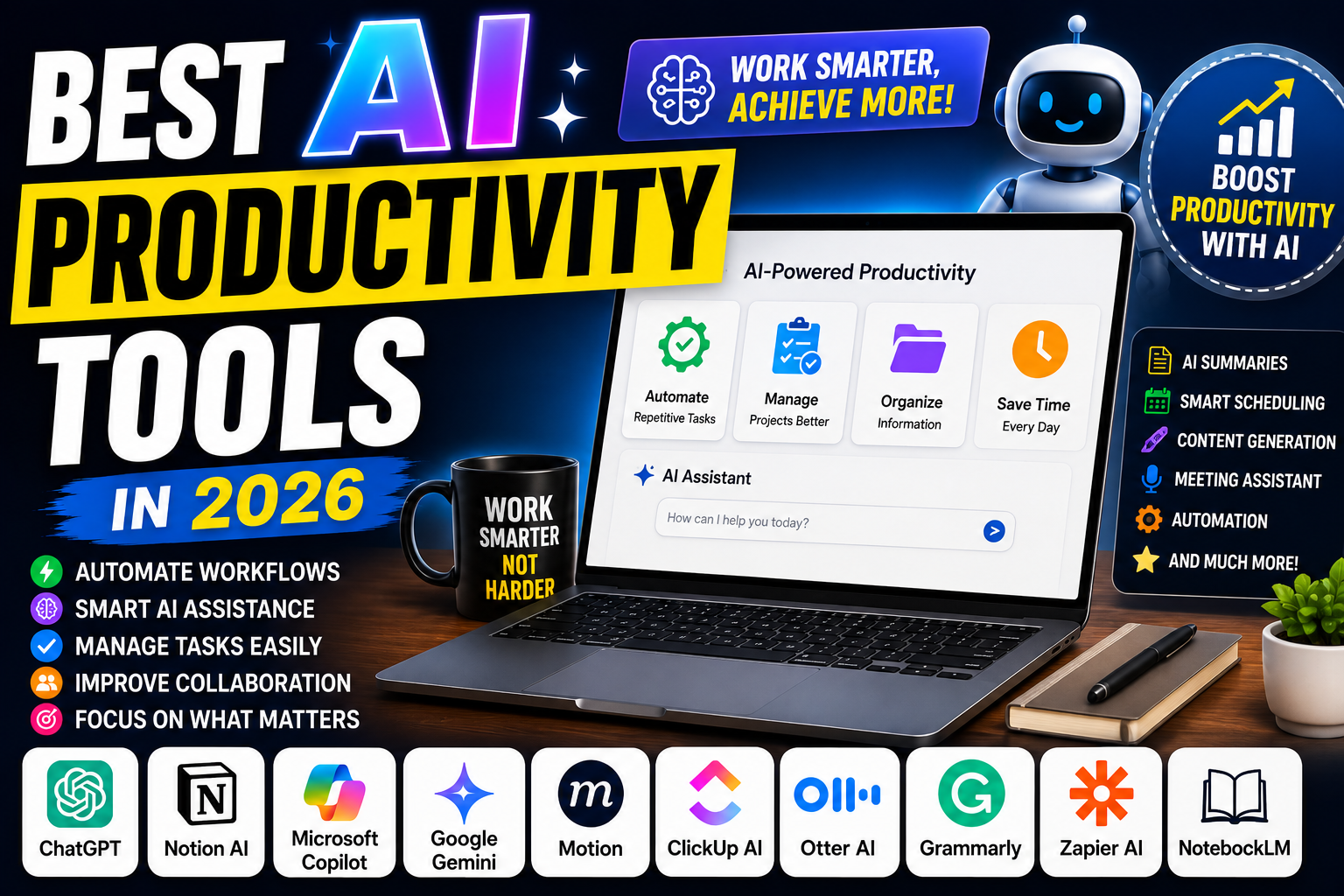
Best AI Productivity Tools in 2026: Work Smarter and Get More Done
Introduction
Productivity is no longer just about working harder—it's about working smarter.
Artificial Intelligence is transforming how people manage tasks, organize projects, take notes, automate workflows, create content, schedule meetings, and improve overall efficiency.
Whether you're a student, entrepreneur, freelancer, remote worker, marketer, developer, or business professional, AI productivity tools can help you save time and accomplish more.
In this guide, we'll explore the best AI productivity tools in 2026 and compare their features, benefits, and ideal use cases.
What Are AI Productivity Tools?
AI productivity tools use artificial intelligence to automate repetitive tasks, organize information, generate content, and improve decision-making.
These tools can:
✅ Automate workflows
✅ Summarize information
✅ Manage projects
✅ Schedule meetings
✅ Generate content
✅ Organize notes
✅ Improve collaboration
AI-powered productivity platforms help users focus on high-value work instead of routine tasks.
Why AI Productivity Tools Matter
Modern professionals face:
Information overload
Endless meetings
Task management challenges
Repetitive workflows
AI helps reduce manual effort while improving efficiency and productivity.
1. Notion AI
Best For: All-in-One Productivity
Notion AI combines note-taking, project management, databases, documentation, and AI assistance in one platform.
Key Features
AI writing
Task management
Knowledge management
Project tracking
Document summaries
Pros
✅ Comprehensive workspace
✅ Excellent collaboration
✅ Powerful AI integration
Cons
❌ Learning curve for beginners
2. ChatGPT
Best For: Daily Productivity Assistance
ChatGPT has become one of the most versatile productivity tools available.
Users can:
Draft emails
Generate content
Summarize documents
Brainstorm ideas
Analyze information
Key Features
Content generation
Research assistance
Workflow support
Coding help
Problem solving
Pros
✅ Extremely versatile
✅ Supports countless use cases
✅ Fast results
Cons
❌ Requires effective prompting
3. Microsoft Copilot
Best For: Microsoft 365 Users
Microsoft Copilot integrates AI directly into Word, Excel, Outlook, Teams, and PowerPoint.
Key Features
AI document creation
Email drafting
Data analysis
Presentation generation
Meeting summaries
Pros
✅ Deep Microsoft integration
✅ Enterprise-ready
✅ Excellent productivity enhancements
Cons
❌ Best for Microsoft users
4. Google Gemini
Best For: Google Workspace Users
Gemini integrates with Gmail, Docs, Sheets, Meet, and other Google services.
Key Features
Email assistance
Content generation
Meeting summaries
Workspace integration
Pros
✅ Strong Google ecosystem support
✅ Easy collaboration
✅ Productivity-focused features
Cons
❌ Best within Google Workspace
5. Motion
Best For: Smart Scheduling
Motion uses AI to automatically schedule tasks and manage calendars.
Key Features
AI scheduling
Task prioritization
Calendar management
Project planning
Pros
✅ Saves planning time
✅ Improves focus
✅ Smart scheduling
Cons
❌ Premium pricing
6. ClickUp AI
Best For: Project Management
ClickUp combines project management with AI-powered productivity tools.
Key Features
Task management
AI writing
Team collaboration
Workflow automation
Pros
✅ Great for teams
✅ Highly customizable
✅ Strong automation
Cons
❌ Can feel complex
7. Otter AI
Best For: Meeting Productivity
Otter AI helps professionals automatically record, transcribe, and summarize meetings.
Key Features
Real-time transcription
Meeting summaries
Action item extraction
Collaboration tools
Pros
✅ Saves hours of note-taking
✅ Accurate transcription
✅ Excellent for remote work
Cons
❌ Focused mainly on meetings
8. Grammarly AI
Best For: Writing Productivity
Grammarly AI helps users write clearer, more professional content.
Key Features
Grammar correction
Tone suggestions
AI rewriting
Writing assistance
Pros
✅ Improves communication
✅ Easy integration
✅ Beginner-friendly
Cons
❌ Limited beyond writing
9. Zapier AI
Best For: Workflow Automation
Zapier allows users to automate repetitive tasks across thousands of applications.
Key Features
Workflow automation
AI-powered actions
App integrations
Business automation
Pros
✅ Huge integration library
✅ Saves significant time
✅ No coding required
Cons
❌ Advanced workflows may require setup
10. Google NotebookLM
Best For: Research and Learning
NotebookLM uses AI to help users understand and organize information from various sources.
Key Features
Research summaries
Source-based answers
Knowledge extraction
Study assistance
Pros
✅ Excellent for learning
✅ AI-powered research
✅ Fast knowledge retrieval
Cons
❌ Still evolving
Comparison Table
| Tool | Best For | Ease of Use | Productivity Impact |
|---|---|---|---|
| Notion AI | All-in-One Workspace | ⭐⭐⭐⭐ | ⭐⭐⭐⭐⭐ |
| ChatGPT | General Productivity | ⭐⭐⭐⭐⭐ | ⭐⭐⭐⭐⭐ |
| Microsoft Copilot | Office Work | ⭐⭐⭐⭐ | ⭐⭐⭐⭐⭐ |
| Gemini | Google Users | ⭐⭐⭐⭐⭐ | ⭐⭐⭐⭐ |
| Motion | Scheduling | ⭐⭐⭐⭐ | ⭐⭐⭐⭐⭐ |
| ClickUp AI | Project Management | ⭐⭐⭐⭐ | ⭐⭐⭐⭐⭐ |
| Otter AI | Meetings | ⭐⭐⭐⭐⭐ | ⭐⭐⭐⭐ |
| Grammarly AI | Writing | ⭐⭐⭐⭐⭐ | ⭐⭐⭐⭐ |
| Zapier AI | Automation | ⭐⭐⭐⭐ | ⭐⭐⭐⭐⭐ |
| NotebookLM | Research | ⭐⭐⭐⭐ | ⭐⭐⭐⭐⭐ |
Which AI Productivity Tool Should You Choose?
Choose Notion AI if:
You want an all-in-one productivity system.
Choose ChatGPT if:
You need a flexible AI assistant for daily work.
Choose Microsoft Copilot if:
You work inside Microsoft 365.
Choose Gemini if:
You use Google Workspace extensively.
Choose Motion if:
Time management is your biggest challenge.
Choose ClickUp AI if:
You manage projects and teams.
Choose Zapier AI if:
You want to automate repetitive tasks.
Benefits of AI Productivity Tools
Save Time
Automate repetitive and manual tasks.
Improve Organization
Keep projects, notes, and tasks structured.
Better Collaboration
Work more effectively with teams.
Increase Focus
Spend more time on important work.
Boost Output
Achieve more without increasing workload.
Future of AI Productivity
AI productivity tools are evolving rapidly.
Future developments may include:
Fully autonomous work assistants
AI project managers
Predictive scheduling
Personalized productivity coaching
Advanced workflow automation
AI will continue to become an essential part of everyday work.
Final Thoughts
AI productivity tools are helping individuals and businesses work smarter, save time, and achieve more.
Whether you're managing projects, writing content, automating workflows, taking notes, scheduling tasks, or conducting research, there's an AI tool designed to improve your workflow.
For most users in 2026, ChatGPT, Notion AI, Microsoft Copilot, Gemini, and Zapier AI offer some of the strongest productivity benefits available.
The future of productivity is AI-powered.
Which AI productivity tool has improved your workflow the most? Let us know in the comments below!