Best AI Coding Assistants in 2026: The Ultimate Guide for Developers
Introduction
Artificial Intelligence is transforming software development faster than ever. From writing code and fixing bugs to generating documentation and optimizing performance, AI coding assistants have become essential tools for modern developers.
Whether you're a beginner learning programming, a freelance developer building client projects, or part of a large software team, AI-powered coding assistants can significantly improve productivity and reduce development time.
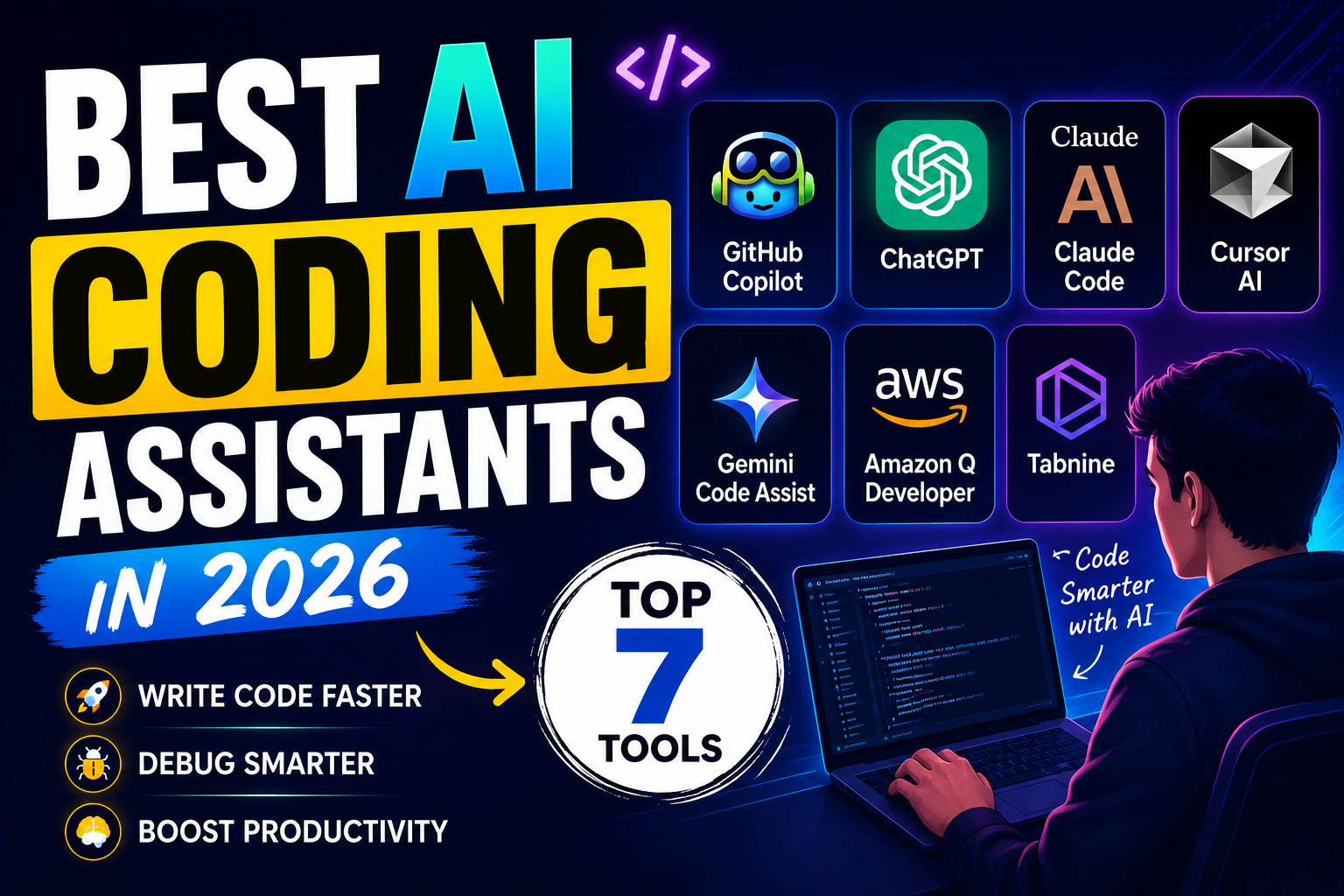
In this guide, we'll explore the best AI coding assistants in 2026, their features, pricing, pros and cons, and which tool is best for your workflow.
What Are AI Coding Assistants?
AI coding assistants are tools powered by large language models (LLMs) that help developers write, understand, debug, and optimize code.
These tools can:
Generate code snippets
Complete code automatically
Explain complex code
Detect bugs and errors
Suggest optimizations
Generate documentation
Convert code between languages
Assist with testing
As AI models become more advanced, coding assistants are evolving into virtual programming partners.
1. GitHub Copilot
Best For: Everyday Development Productivity
GitHub Copilot remains one of the most popular AI coding assistants for developers.
Built by GitHub and OpenAI, Copilot integrates directly into popular code editors such as VS Code, JetBrains IDEs, and Visual Studio.
Key Features
Real-time code completion
AI-powered code generation
Multi-language support
Documentation generation
Test case suggestions
Chat-based coding assistance
Pros
✅ Fast and reliable suggestions
✅ Excellent IDE integration
✅ Supports dozens of programming languages
✅ Great for professional developers
Cons
❌ Premium subscription required
❌ May occasionally generate inefficient code
2. Claude Code
Best For: Large Codebases and Deep Reasoning
Claude has become a favorite among developers who work with large applications and complex codebases.
Its ability to analyze thousands of lines of code simultaneously makes it an excellent tool for architecture planning, debugging, and refactoring.
Key Features
Long-context understanding
Code explanation
Refactoring assistance
Architecture recommendations
Documentation generation
Pros
✅ Excellent reasoning capabilities
✅ Strong code understanding
✅ Great for backend and enterprise projects
Cons
❌ Less IDE-native than some competitors
3. ChatGPT
Best For: Learning and Problem Solving
ChatGPT is one of the most versatile coding assistants available today.
Developers use it for:
Debugging
Learning new frameworks
Generating code
Reviewing code quality
Creating documentation
Writing SQL queries
Key Features
Natural language coding support
Multi-language programming assistance
Code reviews
API integration guidance
Project planning
Pros
✅ Beginner-friendly
✅ Excellent explanations
✅ Supports virtually every programming language
✅ Strong ecosystem
Cons
❌ Requires manual copying into IDEs unless integrated
4. Cursor AI
Best For: AI-First Development
Cursor has quickly become one of the most talked-about coding tools among developers.
Unlike traditional code editors, Cursor is designed specifically around AI-assisted development.
Key Features
AI-powered code editing
Context-aware suggestions
Natural language code generation
Full project understanding
Integrated AI chat
Pros
✅ Built for AI workflows
✅ Excellent developer experience
✅ Rapid code generation
Cons
❌ Learning curve for new users
5. Google Gemini Code Assist
Best For: Google Ecosystem Users
Google's Gemini Code Assist offers powerful AI coding capabilities integrated with Google Cloud and enterprise development workflows.
Key Features
AI code completion
Cloud development assistance
Code explanations
Security recommendations
Enterprise integrations
Pros
✅ Strong Google Cloud integration
✅ Enterprise-friendly
✅ High-quality code suggestions
Cons
❌ Best suited for Google ecosystem users
6. Amazon Q Developer
Best For: AWS Developers
Amazon Q Developer is designed specifically for cloud-native development and AWS-based projects.
Key Features
AWS service recommendations
Infrastructure assistance
Code generation
Security analysis
Cloud deployment support
Pros
✅ Ideal for AWS users
✅ Strong cloud-focused capabilities
✅ Enterprise security support
Cons
❌ Less useful outside AWS environments
7. Tabnine
Best For: Privacy-Focused Teams
Tabnine focuses on delivering AI code assistance while maintaining strong privacy controls.
Key Features
AI code completion
Private model deployment
Team customization
Enterprise security
Pros
✅ Strong privacy features
✅ Enterprise-friendly
✅ Fast suggestions
Cons
❌ Fewer advanced conversational features
Comparison Table
| Tool | Best For | Beginner Friendly | IDE Integration |
|---|---|---|---|
| GitHub Copilot | General Development | ⭐⭐⭐⭐ | ⭐⭐⭐⭐⭐ |
| Claude Code | Large Projects | ⭐⭐⭐⭐ | ⭐⭐⭐ |
| ChatGPT | Learning & Debugging | ⭐⭐⭐⭐⭐ | ⭐⭐⭐ |
| Cursor AI | AI-First Coding | ⭐⭐⭐⭐ | ⭐⭐⭐⭐⭐ |
| Gemini Code Assist | Google Cloud | ⭐⭐⭐⭐ | ⭐⭐⭐⭐ |
| Amazon Q | AWS Development | ⭐⭐⭐ | ⭐⭐⭐⭐ |
| Tabnine | Privacy & Security | ⭐⭐⭐⭐ | ⭐⭐⭐⭐ |
Which AI Coding Assistant Should You Choose?
Choose GitHub Copilot if:
You want seamless coding assistance inside your IDE.
You need reliable code completions.
Choose ChatGPT if:
You are learning programming.
You need explanations and debugging help.
Choose Claude Code if:
You work with large codebases.
You need advanced reasoning capabilities.
Choose Cursor AI if:
You want a modern AI-first coding experience.
Choose Gemini Code Assist if:
Your workflow revolves around Google Cloud.
Choose Amazon Q if:
You primarily develop on AWS.
Future of AI Coding Assistants
AI coding assistants are rapidly evolving from autocomplete tools into full development partners.
In the coming years, we can expect:
Fully autonomous code generation
Advanced debugging agents
Automated testing systems
AI project management assistants
End-to-end software development workflows
Developers who learn to collaborate effectively with AI will gain a significant advantage in productivity and innovation.
Final Thoughts
AI coding assistants have become indispensable tools for developers in 2026. Whether you're building websites, mobile apps, APIs, machine learning systems, or enterprise software, these tools can dramatically reduce development time and improve code quality.
For most developers, a combination of GitHub Copilot, ChatGPT, and Cursor AI offers the best balance of productivity, learning, and innovation.
As AI technology continues to advance, coding assistants will become an even more essential part of every developer's workflow.
Which AI coding assistant do you use most? Let us know in the comments below!